
What this calculator does
This tool converts a rectangular image's pixel dimensions into a physical printed size based on the resolution you intend to print at, measured in DPI (dots per inch) or PPI (pixels per inch). It tells you exactly how large your photo or graphic will appear on paper before you send it to the printer, helping you avoid blurry, low-resolution prints.
How to use it
Enter the image's width and height in pixels — you can find these in any image editor or your operating system's file details. Then enter the target print resolution. Use 300 DPI for high-quality photo prints, 150 DPI for posters viewed from a distance, and 72 DPI for screen-only graphics. The calculator returns the print size in both inches and centimeters, plus the total print area.
The formula explained
The relationship is simple division: the number of pixels along one edge divided by the dots-per-inch gives the length of that edge in inches.
\(W_{in} = \frac{\text{Width (px)}}{\text{DPI}}\) and \(H_{in} = \frac{\text{Height (px)}}{\text{DPI}}\). To convert to centimeters, multiply inches by 2.54.
$$\begin{gathered} W_{in} = \frac{\text{Width (px)}}{\text{DPI}} \qquad H_{in} = \frac{\text{Height (px)}}{\text{DPI}} \\[1.5em] \text{where}\quad \left\{ \begin{aligned} W_{cm} &= W_{in} \times 2.54 \\ H_{cm} &= H_{in} \times 2.54 \\ A_{in} &= W_{in} \times H_{in} \end{aligned} \right. \end{gathered}$$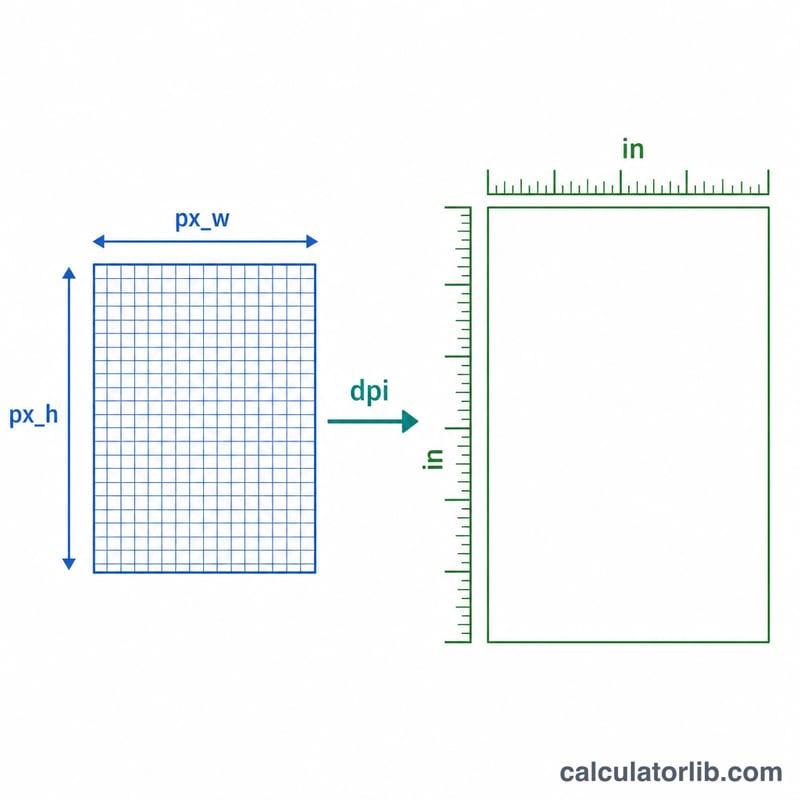
Worked example
Suppose you have a 1800 × 1200 pixel image and want to print it at 300 DPI. Width = \(1800 \div 300 = 6\) inches. Height = \(1200 \div 300 = 4\) inches. In centimeters that is \(15.24 \times 10.16\) cm, giving a classic 6×4 inch photo at full quality.
$$W_{in} = \frac{1800}{300} = 6 \qquad H_{in} = \frac{1200}{300} = 4$$FAQ
What is the difference between DPI and PPI? PPI describes pixels in a digital image; DPI describes ink dots a printer lays down. For this size calculation they are used interchangeably.
What DPI should I use? 300 DPI is the standard for sharp photo prints. Large-format posters can use 100–150 DPI since they are viewed from farther away.
Can I work backwards from a desired print size? Yes — multiply your desired inches by your DPI to find the minimum pixels needed (e.g. an 8×10 inch print at 300 DPI needs 2400 × 3000 pixels).