
What Is a Rectangle Calculator?
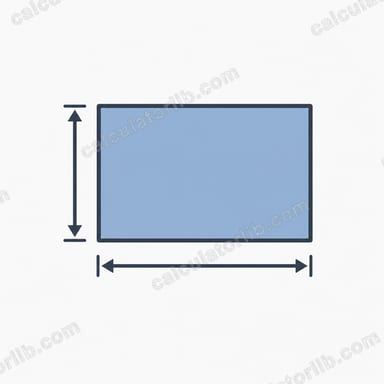
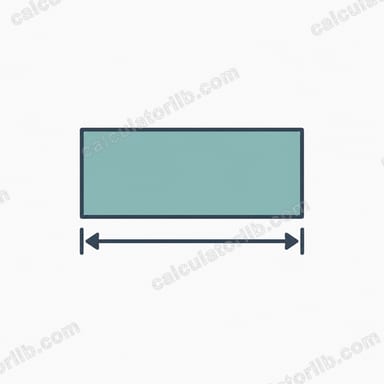
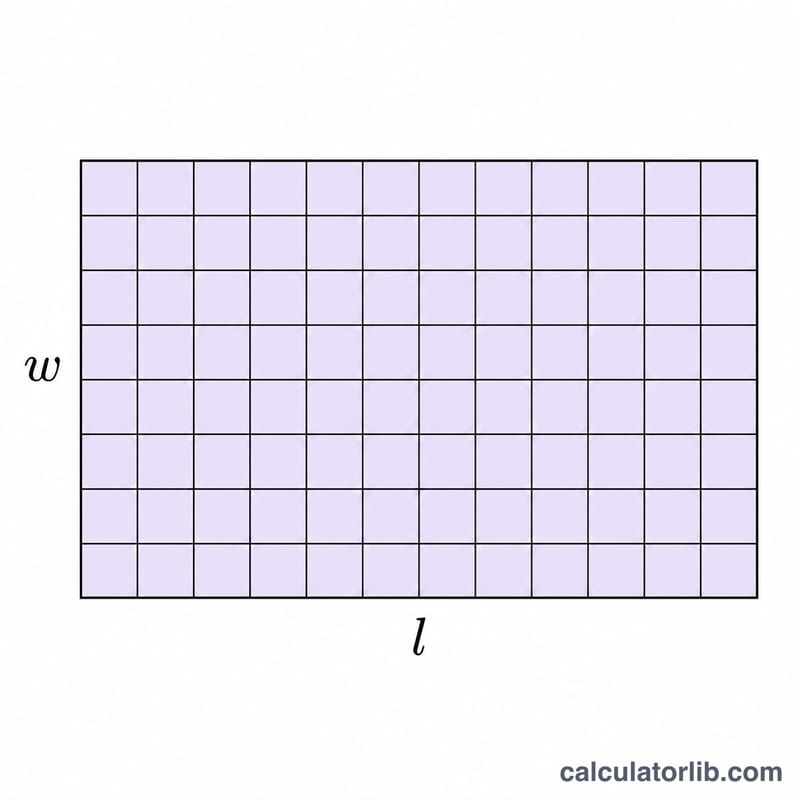
A rectangle calculator instantly computes the three most useful measurements of a rectangle — its area, perimeter, and diagonal — from just two inputs: the length and the width. A rectangle is a four-sided shape with four right angles where opposite sides are equal, making these calculations simple and universal. Because the tool uses pure geometry, the results apply to any unit you choose (cm, m, inches, feet) as long as both sides use the same unit.
How to Use It
Enter the length and width of your rectangle in the same unit, then read off the results. The area appears in square units, while the perimeter and diagonal are in linear units. This is handy for flooring, fencing, framing, screen sizes, and any DIY or construction task.
The Formulas Explained
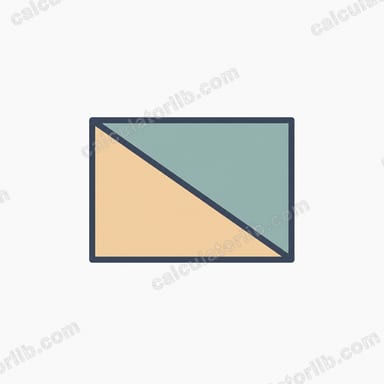
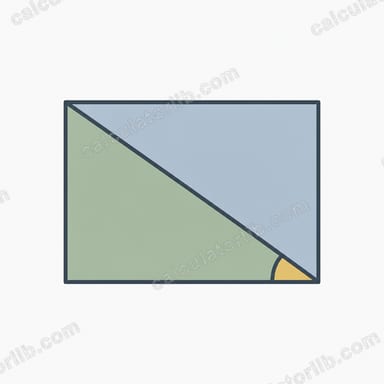
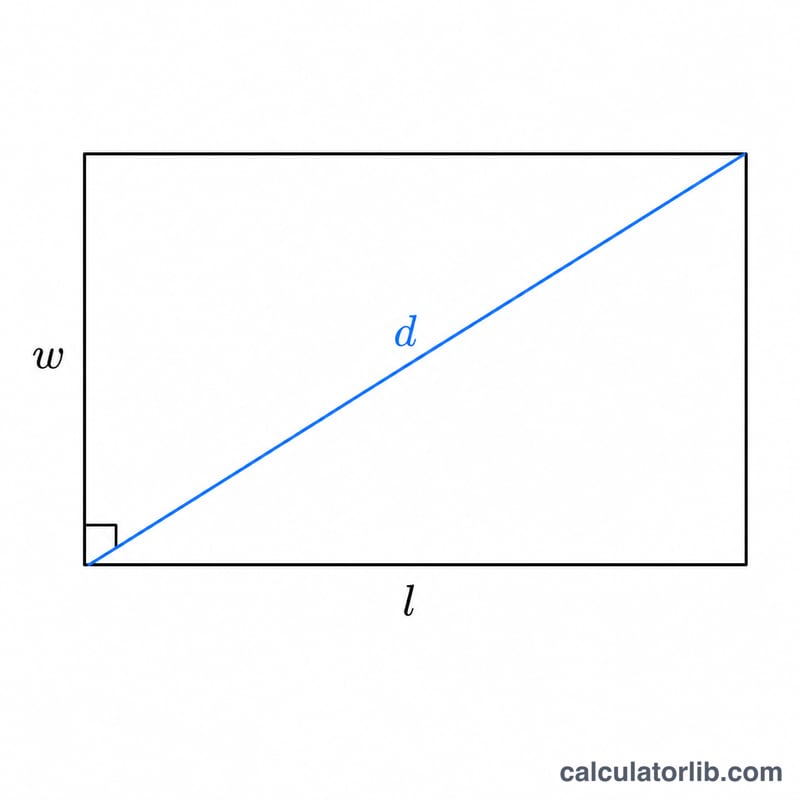
The area is length times width: $$A = l \times w$$ The perimeter is the total distance around the shape, twice the sum of the two side lengths: $$P = 2(l + w)$$ The diagonal connects two opposite corners and is found with the Pythagorean theorem, since the length, width, and diagonal form a right triangle: $$d = \sqrt{l^2 + w^2}$$
Worked Example
Suppose a rectangle is 10 units long and 5 units wide. Area = \(10 \times 5 = 50\) square units. Perimeter = \(2 \times (10 + 5) = 30\) units. Diagonal = $$d = \sqrt{10^2 + 5^2} = \sqrt{100 + 25} = \sqrt{125} \approx 11.18 \text{ units}$$
FAQ
What units does it use? Any unit, as long as length and width match. Area comes out in those units squared.
Does it work for a square? Yes — a square is a rectangle with equal sides, so enter the same value for both.
How is the diagonal calculated? Using the Pythagorean theorem, treating the diagonal as the hypotenuse of a right triangle formed by the length and width.