

What This Calculator Does
The Video Length from File Size Calculator estimates how long a video file will play based on its total file size and its average total bitrate (video stream plus audio stream combined). It is handy when you want to predict the runtime of an export, check whether a file matches an expected length, or reverse-engineer the duration of media when only the size and bitrate are known.
How to Use It
Enter the file size and pick its unit (KB, MB, or GB). Then enter the total bitrate and choose Mbps or kbps. The calculator converts everything to consistent units, divides total bits by bits per second, and reports the result in seconds as well as a clean hours/minutes/seconds breakdown.
The Formula Explained
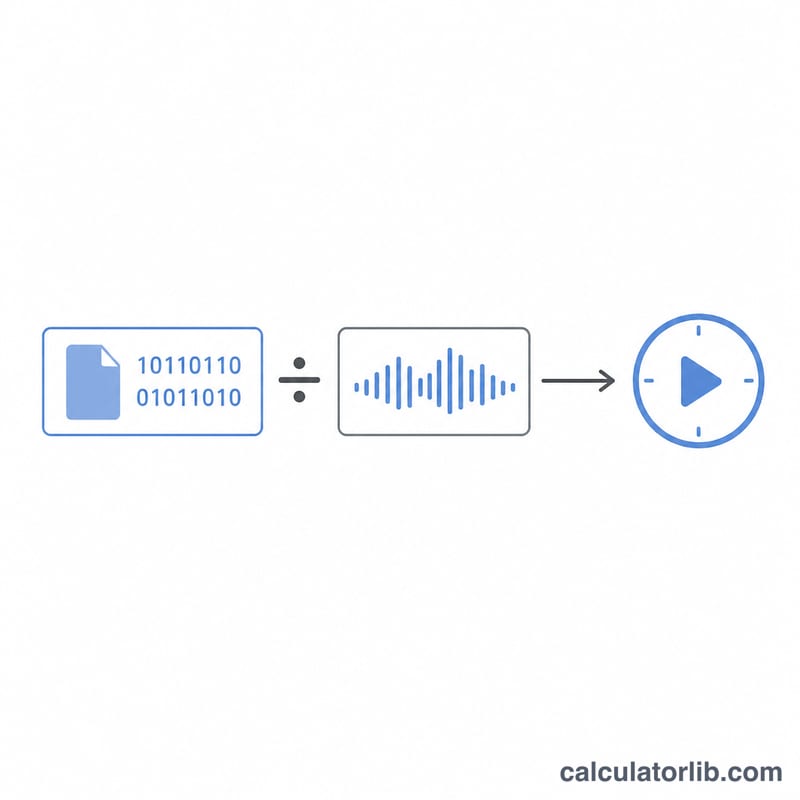
A file's size is measured in bytes, but bitrate is measured in bits per second. Since one byte equals 8 bits, we first multiply the file size in bytes by 8 to get the total number of bits. Dividing that total by the bitrate (in bits per second) yields the playback duration in seconds:
$$\text{durationSeconds} = \frac{\text{fileSizeBytes} \times 8}{\text{totalBitrateBitsPerSec}}$$
This uses decimal units (1 MB = 1,000,000 bytes, 1 Mbps = 1,000,000 bits/s), which match how bitrate and storage are usually advertised for video.
Worked Example
Suppose you have a 700 MB file encoded at a total bitrate of 5 Mbps. The file size in bits is \(700 \times 1{,}000{,}000 \times 8 = 5{,}600{,}000{,}000\) bits. The bitrate is \(5{,}000{,}000\) bits/s. Duration:
$$\text{Duration} = \frac{5{,}600{,}000{,}000}{5{,}000{,}000} = 1{,}120 \text{ seconds}$$which is 18 minutes and 40 seconds.
FAQ
Should I include audio in the bitrate? Yes. Use the combined (muxed) bitrate of video plus audio for the most accurate result. If you only know the video bitrate, add the audio bitrate (commonly 128–320 kbps).
Why is my actual file slightly different? Container overhead, variable bitrate (VBR) encoding, and metadata mean real files vary a little from this average-bitrate estimate.
Decimal or binary units? This tool uses decimal MB/GB (powers of 1000), the convention used by most bitrate and streaming specifications.