
What this calculator does
When you encode a video to fit a specific file size — for an upload limit, an email attachment, or a disc — you need to know the right bitrate. This tool reverses the usual relationship: instead of guessing a bitrate and checking the resulting size, you tell it the target size and clip length, and it returns the exact average bitrate in kilobits per second (kbps) that produces that file.
How to use it
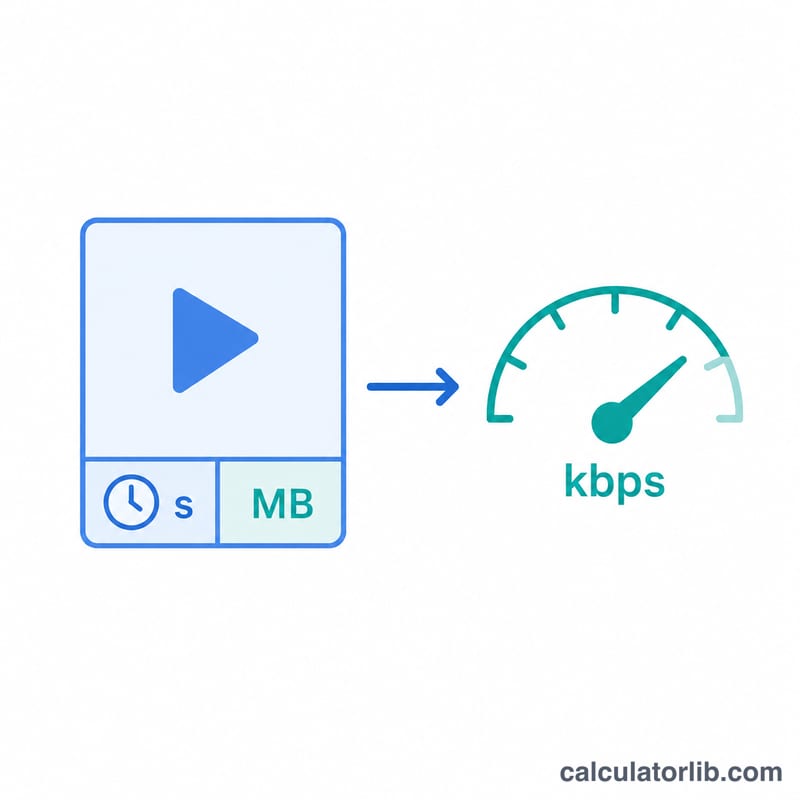
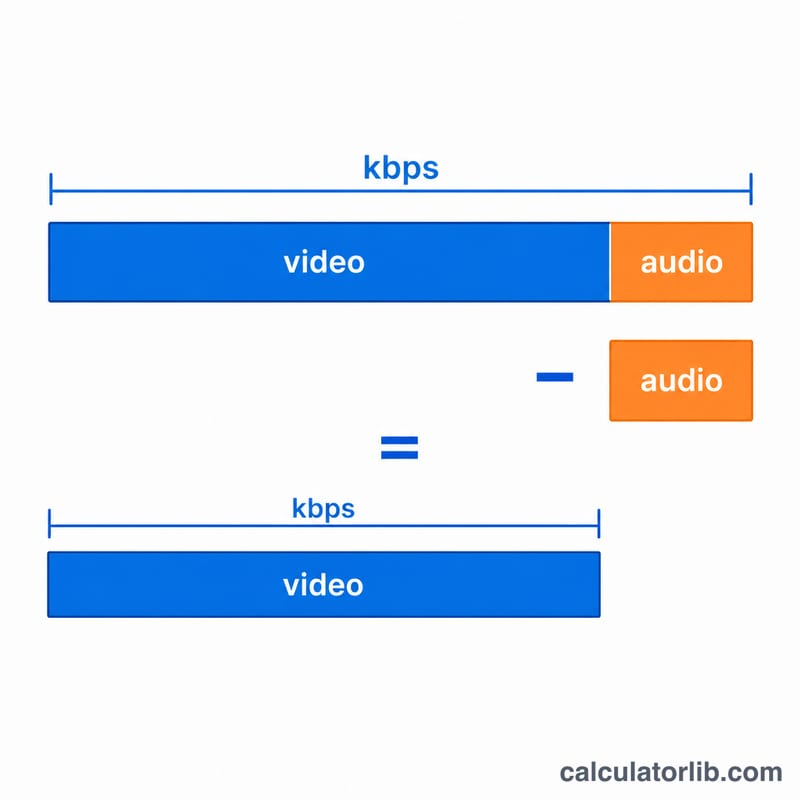
Enter the target file size in megabytes (MB), then enter the clip duration in minutes and seconds. Optionally enter your audio bitrate so the calculator subtracts it and shows how much bitrate is left for the video track. The total bitrate is what you'd set as the overall target in most encoders; the video bitrate is what you'd set for the video stream when audio is a separate fixed track.
The formula explained
The core relationship is $$\text{Video Bitrate (kbps)} = \frac{\text{File Size (MB)} \times 8192}{D} - \text{Audio (kbps)} \\[1.5em] \text{where}\quad D = 60 \times \text{Minutes} + \text{Seconds}$$ The factor \(8192\) converts megabytes to kilobits: 1 byte = 8 bits, and 1 MB = 1024 KB, so \(1\text{ MB} = 1024 \times 8 = 8192\) kilobits. Dividing total kilobits by the number of seconds gives kilobits per second. Subtracting the audio bitrate leaves the video bitrate.
Worked example
You want a 100 MB file for a 5-minute (300 second) clip with 128 kbps audio. Total bitrate = $$100 \times 8192 \div 300 = 819200 \div 300 \approx 2730.67 \text{ kbps}.$$ Subtracting 128 kbps audio leaves about \(2602.67\) kbps for video. Set your encoder to roughly 2600 kbps video and you'll land near 100 MB.
FAQ
Does this use 1 MB = 1000 KB or 1024 KB? It uses 1 MB = 1024 KB (binary), so the 8192 factor. This matches how operating systems report file sizes.
Will my file be exactly this size? It's an average-bitrate target. Container overhead and variable-bitrate encoding cause small differences, so leave a little headroom.
What if audio is larger than the total? If the audio bitrate exceeds the total budget, the video bitrate is shown as 0 — you need a larger file size or shorter clip.