

What This Calculator Does
The Video Streaming Bandwidth Calculator estimates how much data your internet connection consumes while watching streaming video. Streaming services deliver video at a steady bitrate measured in megabits per second (Mbps). Multiply that rate by how long you watch and you get the total data transferred — useful for managing capped data plans, mobile hotspots, or simply understanding your monthly usage.
How To Use It
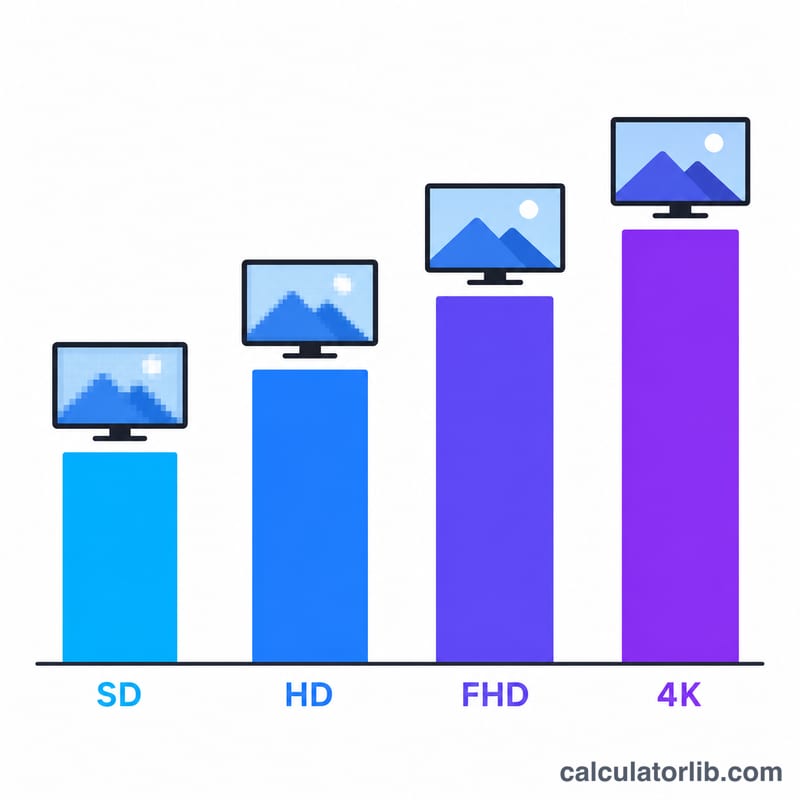
Enter the stream's average bitrate in Mbps and how many hours you plan to watch. Not sure of the bitrate? Use the quality preset menu to load a typical value for SD 480p, HD 720p, Full HD 1080p, or 4K UHD. The result shows total data in gigabytes and megabytes, plus the data consumed per hour so you can scale to any session length.
The Formula Explained
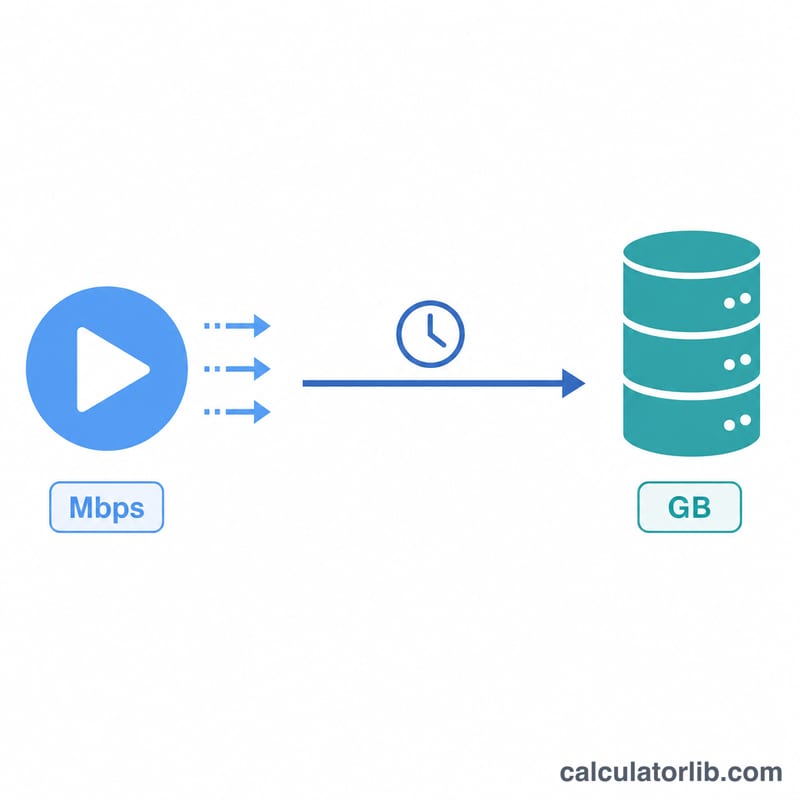
The core conversion is: $$\text{Data (GB)} = \frac{\text{Bitrate (Mbps)} \times \text{Hours} \times 3600}{8 \times 1000}$$ Multiplying by 3600 converts hours to seconds, dividing by 8 converts megabits to megabytes (8 bits = 1 byte), and dividing by 1000 converts megabytes to gigabytes. The result is decimal (base-1000) gigabytes, which matches how ISPs typically bill data.
Worked Example
Streaming Full HD 1080p at 8 Mbps for 2 hours: \(8 \times 2 \times 3600 = 57{,}600\) megabits. Divide by 8 to get 7,200 megabytes, then divide by 1000 to get 7.2 GB. At one hour the same stream uses 3.6 GB.
FAQ
Is this using base-1000 or base-1024? This calculator uses base-1000 (decimal) gigabytes, the convention used by most ISPs and data plans.
What bitrate does my service actually use? It varies with content and adaptive streaming, but 4K is roughly 15–25 Mbps, 1080p around 5–8 Mbps, and 720p around 3–5 Mbps. The presets give safe averages.
Does audio count? Bitrate figures typically include the audio stream, so the estimate already covers it.