
What this calculator does
The Kubernetes Pod / Container Cost Calculator estimates how much your workloads cost to run in the cloud based on the CPU and memory resources each pod requests and the number of replicas you run. Cloud providers ultimately bill for compute (vCPU) and memory, so by pricing those two resources per hour you can approximate the true cost of a deployment — independent of which managed Kubernetes service you use.
How to use it
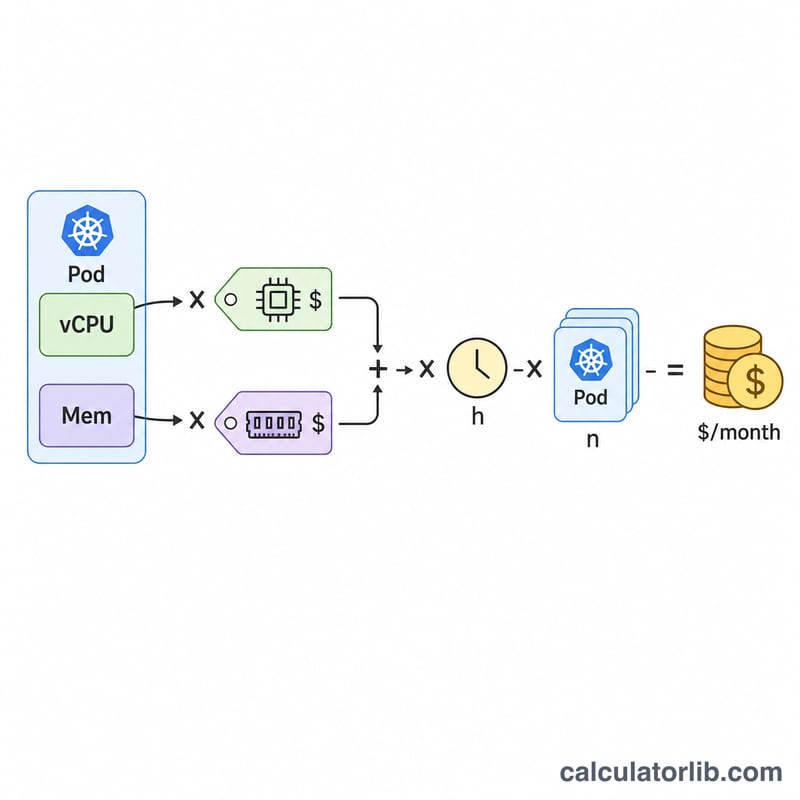
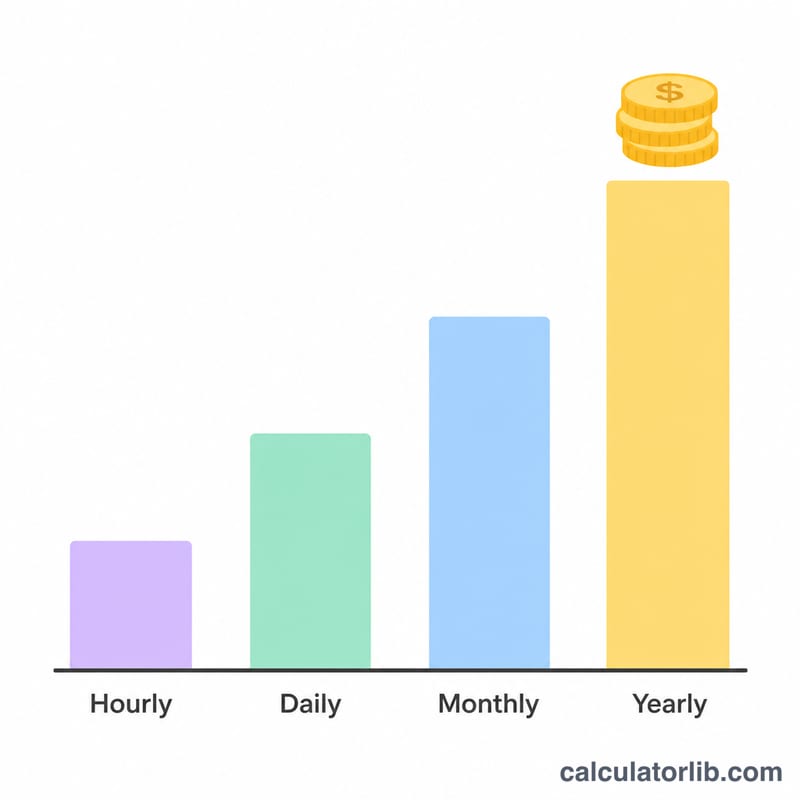
Enter the vCPU and memory (in GB) requested by a single pod, the hourly price you pay per vCPU and per GB of memory, and how many replicas the deployment runs. The calculator multiplies the combined hourly resource cost by 730 (the average number of hours in a month) and by the replica count to give a monthly estimate, plus hourly, daily, and yearly breakdowns.
The formula explained
The core equation is $$\text{monthly\_cost} = \left( \text{vCPU} \times \text{CPU price} + \text{Memory} \times \text{memory price} \right) \times 730 \times \text{replicas}$$. The 730 figure comes from \(365 \text{ days} \times 24 \text{ hours} \div 12 \text{ months} \approx 730\) hours. Using resource-based unit prices (rather than full node prices) reflects the pod-level cost model used by tools like OpenCost and Kubecost.
Worked example
A pod requests 0.5 vCPU and 1 GB memory. The vCPU price is $0.0405/hr and memory is $0.00445/GB-hr, with 3 replicas. Hourly per pod \(= 0.5 \times 0.0405 + 1 \times 0.00445 = \$0.024700\). Monthly per pod \(= 0.0247 \times 730 = \$18.031\). Across 3 replicas the monthly cost is $54.093.
FAQ
Where do I find vCPU and memory prices? Divide a node's hourly price by its allocatable vCPU and memory, or use your provider's per-resource pricing for autopilot/serverless modes.
Should I use requests or limits? Use the resource requests, since that is what the scheduler reserves and what most cost tools bill against.
Why 730 hours? It is the standard cloud-billing average month (\(365 \times 24 \div 12\)), so estimates align with provider invoices.