
What Is the Labor Cost Calculator?
The Labor Cost Calculator gives you a quick estimate of how much wages will cost for a task, shift, or project. By entering an hourly pay rate, the number of hours worked, and how many workers are involved, you instantly get the total labor cost plus a per-worker breakdown. It is a universal tool useful for contractors, restaurant managers, agencies, freelancers, and anyone preparing a job quote or payroll budget.
How to Use It
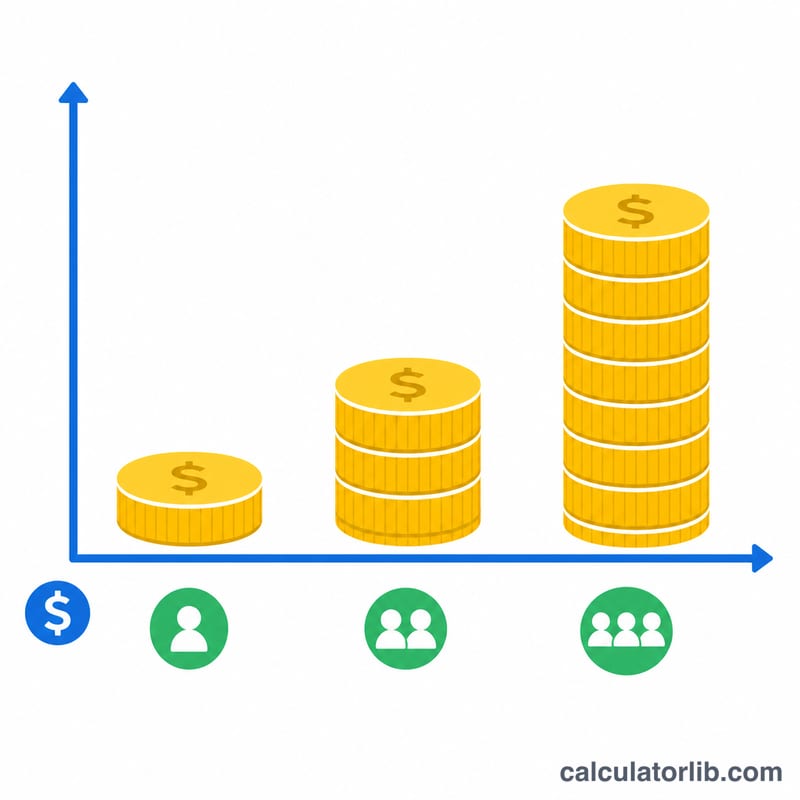
Enter the hourly rate each worker is paid, the number of hours worked, and the number of workers. The calculator multiplies all three to show your total labor cost, then shows the cost per individual worker and the combined labor hours. Use it to compare staffing scenarios — for example, fewer workers over more hours versus more workers over fewer hours.
The Formula Explained
The math is straightforward:
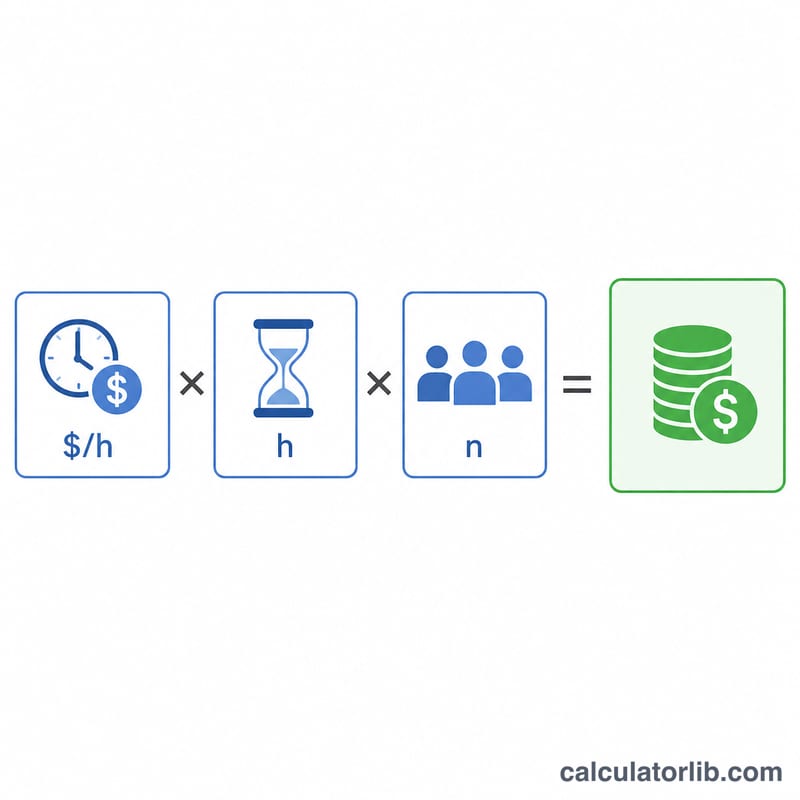
$$\text{Total Labor Cost} = \text{Hourly Rate} \times \text{Hours Worked} \times \text{Number of Workers}$$
The hourly rate is the base wage, multiplying by hours gives one worker's pay, and multiplying by the number of workers scales it to your whole crew. To include overhead, add a markup (e.g. for payroll taxes and benefits) to the hourly rate before entering it.
Worked Example
Suppose you hire 3 workers at $25 per hour for an 8-hour day. The cost per worker is \(\$25 \times 8 = \$200\). The total labor cost is \(\$200 \times 3 = \$600\) for the day.
FAQ
Does this include taxes or benefits? No. It calculates gross wages only. To capture the fully loaded cost, increase the hourly rate to include employer taxes, insurance, and benefits.
Can I use it for a multi-day project? Yes — just enter the total hours across all days for each worker.
What if workers have different rates? Calculate each rate group separately and add the totals together.