
What is the Frames to Timecode Calculator?
This tool converts a raw video frame count into a real-world duration (in seconds) and a standard HH:MM:SS:FF timecode. Editors, animators, colorists and motion-graphics artists constantly need to translate "how many frames" into "how long" — for example when reading a frame number from After Effects, Premiere, DaVinci Resolve or an EDL. Just enter the total number of frames and pick your project's frame rate.
How to use it
Type the total number of frames, then choose the frame rate your footage or timeline runs at: 23.976, 24, 25 (PAL), 29.97, 30, 50, 59.94 or 60 fps. The calculator returns the exact duration in seconds plus the timecode broken into hours, minutes, seconds and the leftover frames component.
The formula explained
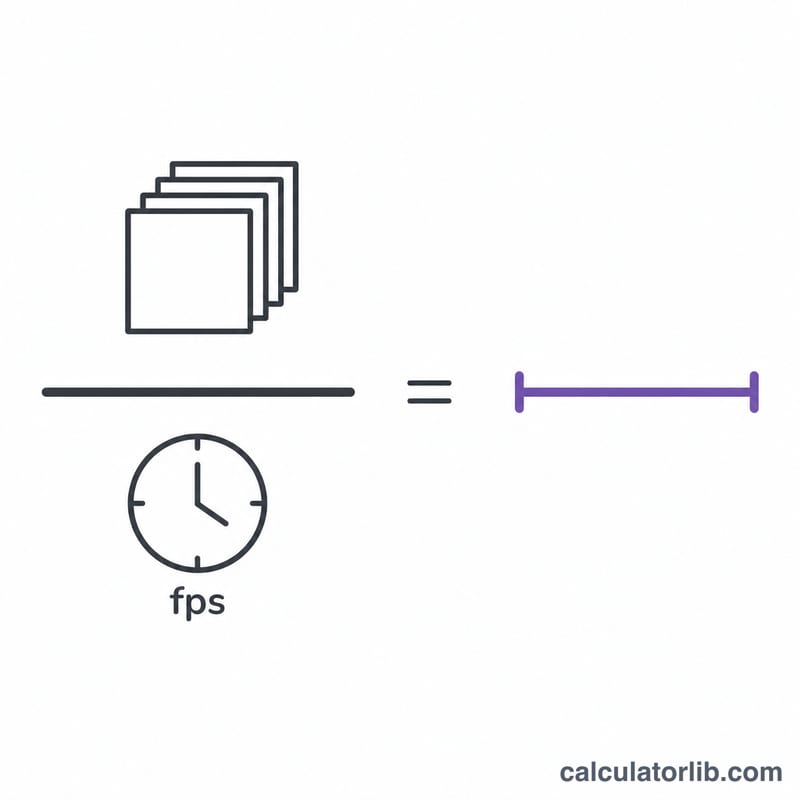
The duration is simply the frame count divided by the frame rate: \(t = N / \text{fps}\). The timecode is built by repeatedly dividing by the number of frames in each unit. The frames-per-second value is rounded to the nearest whole number for the FF component (so 29.97 fps uses 30 frames per displayed second, matching the non-drop-frame convention). This is a non-drop-frame model, so for 29.97/59.94 fps the displayed timecode runs slightly slower than wall-clock time — the "Total duration" row always shows the true real time.
$$\begin{gathered} \text{Timecode} = HH:MM:SS:FF \\[1.5em] \text{where}\quad \left\{ \begin{aligned} N &= \left\lfloor \text{Total Frames} \right\rfloor,\quad f = \operatorname{round}\!\left(\text{FPS}\right) \\ HH &= \left\lfloor \dfrac{N}{3600\,f} \right\rfloor \\ MM &= \left\lfloor \dfrac{N \bmod 3600\,f}{60\,f} \right\rfloor \\ SS &= \left\lfloor \dfrac{N \bmod 60\,f}{f} \right\rfloor \\ FF &= N \bmod f \end{aligned} \right. \end{gathered}$$ $$\text{Total Seconds} = \frac{\text{Total Frames}}{\text{FPS}}$$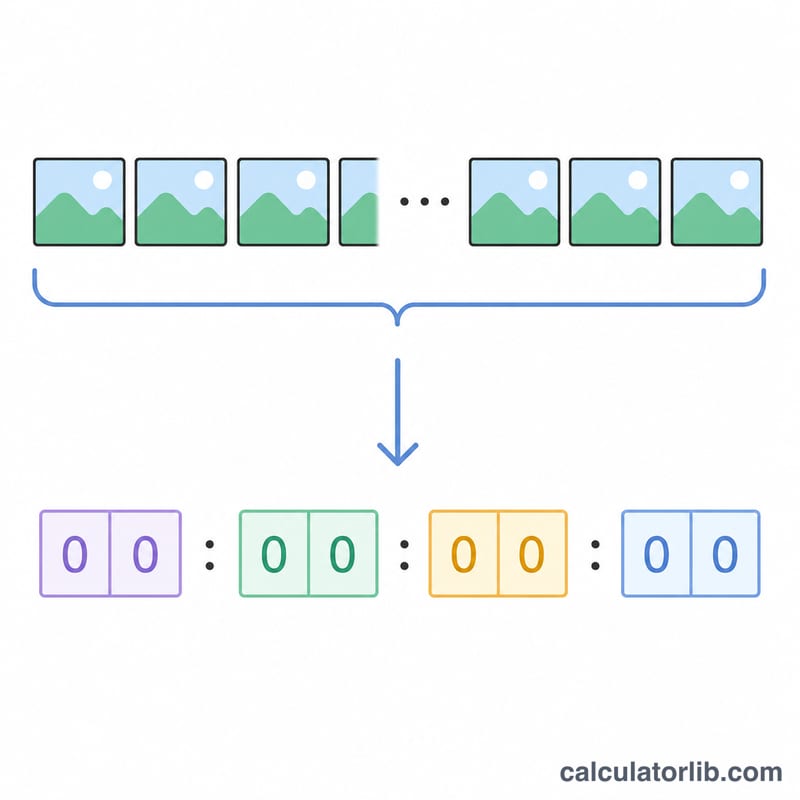
Worked example
Suppose you have 1800 frames at 30 fps. Duration = \(1800 / 30 = 60\) seconds. Timecode: 60 seconds = 1 minute exactly, so the result is 00:01:00:00.
FAQ
What does the FF part mean? FF is the frame component — how many frames past the last whole second, from 00 up to \((\text{fps} - 1)\).
Why is total seconds different from the timecode at 29.97 fps? Non-drop-frame timecode counts 30 frames per labeled second even though only 29.97 actually play, so the labeled time drifts ahead of real time. The seconds value is the true elapsed time.
Can I go the other way? This calculator converts frames to time; to get frames from a timecode, multiply each time unit by fps and add the frame component.