
What is the Screen Time Percentage Calculator?
This tool turns your daily screen time into easy-to-grasp percentages. It tells you what share of a full 24-hour day you spend looking at screens, and—perhaps more revealingly—what share of your waking hours that represents. It also converts your screen time into minutes per day and into the equivalent number of full 24-hour days you spend on screens over a year.
How to use it
Enter your average daily screen time in hours (for example 6.5), then enter how many hours you are awake each day (commonly 16). Press calculate to see four results: percent of the day, percent of waking hours, minutes per day, and full days per year.
The formula explained
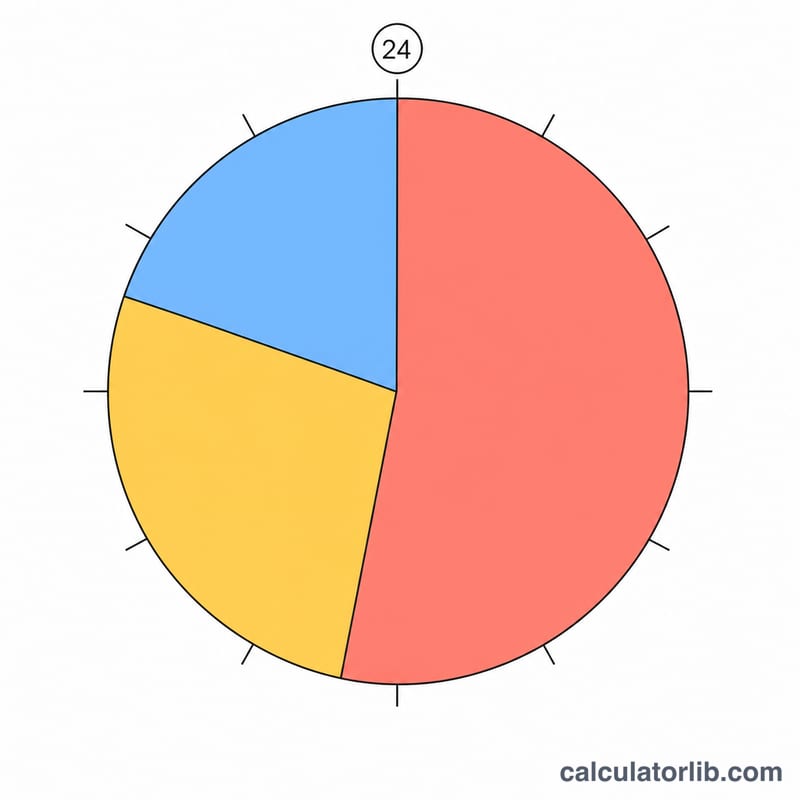
The percent of a full day is simply screen hours divided by 24, multiplied by 100. The percent of waking hours divides screen hours by your awake hours instead, which is usually a larger and more meaningful figure because you obviously cannot use a screen while asleep. Yearly days equals screen hours times 365 divided by 24.
$$\text{Screen Time \%} = \frac{\text{Screen Hours}}{\text{Awake Hours}} \times 100$$
$$\text{Day \%} = \frac{\text{Screen Hours}}{24} \times 100$$
$$\text{Days/Year} = \frac{\text{Screen Hours} \times 365}{24}$$
Worked example
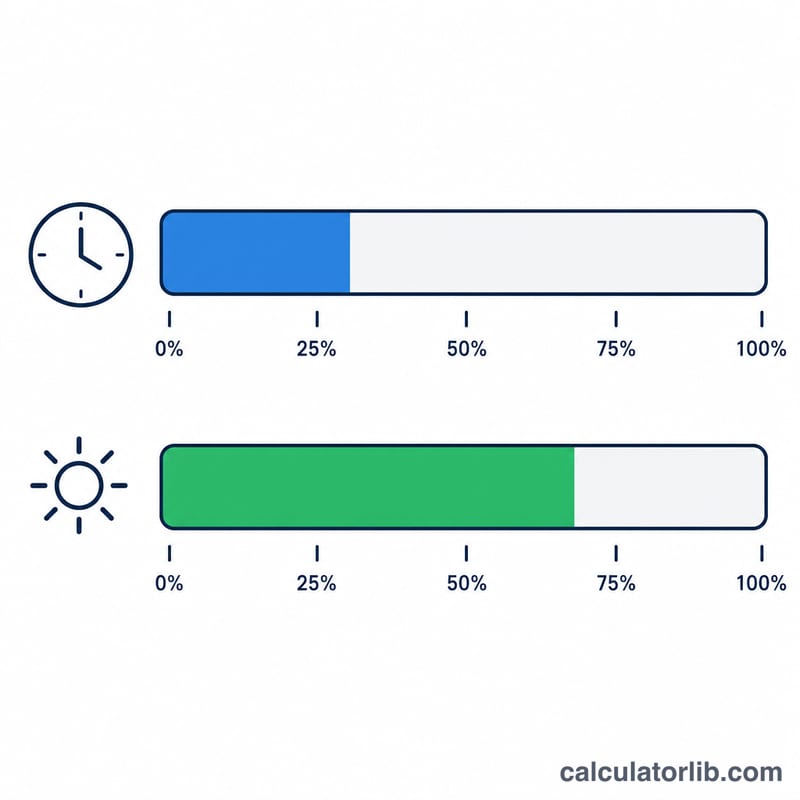
Suppose you spend 6 hours on screens and are awake 16 hours. Percent of day = \(6 / 24 \times 100 = 25\%\). Percent of waking hours = \(6 / 16 \times 100 = 37.5\%\). That is 360 minutes a day, and \(6 \times 365 / 24 \approx 91.25\) full days per year staring at screens.
FAQ
Should I use percent of day or percent of waking hours? Percent of waking hours is usually the more useful number, since it reflects how you actually allocate your conscious time.
What counts as screen time? Include phones, computers, tablets and TV—whatever is relevant to the comparison you want.
How many days per year is "a lot"? There is no fixed threshold, but 4+ hours daily already equals about 60+ full days a year, which surprises many people.