

What Is the Screen Time Reduction Savings Calculator?
This calculator shows the powerful long-term impact of trimming a little screen time each day. By comparing your current daily screen time to a healthier target, it reveals exactly how many hours you reclaim over a full year — time you could reinvest in sleep, exercise, hobbies, relationships, or rest. Small daily changes compound dramatically across 365 days.
How to Use It
Enter your current daily screen time in hours (a typical average is 5–7 hours for many adults). Then enter your target daily screen time — the amount you'd like to reduce to. The calculator instantly displays your reclaimed hours per year, plus handy breakdowns into hours per week, full 24-hour days, and 7-day weeks of waking time.
The Formula Explained
The core equation is simple but eye-opening:
$$\text{Hours Reclaimed / Year} = \left(\text{Current Hours/Day} - \text{Target Hours/Day}\right) \times 365$$
The daily difference is multiplied by 365 days. Dividing the yearly total by 24 converts it into equivalent full days, while dividing by 168 (hours in a week) converts it into full weeks.
Worked Example
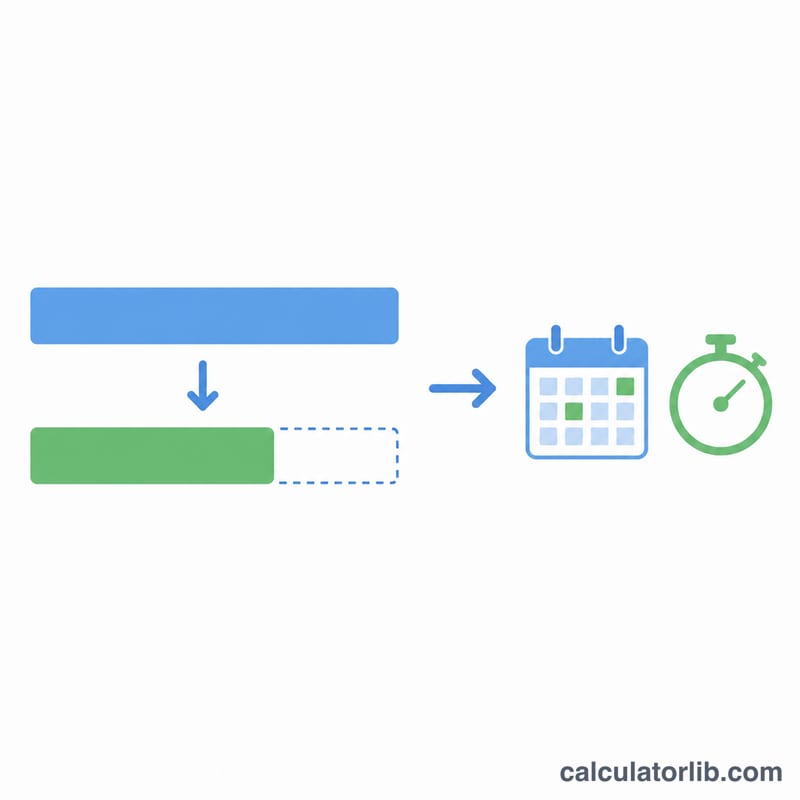
Suppose you currently spend 5 hours a day on screens and want to cut down to 2 hours. The daily saving is 3 hours. Over a year: $$3 \times 365 = 1{,}095 \text{ hours}$$ That equals \(1{,}095 \div 24 \approx 45.6\) full days — nearly a month and a half of reclaimed time every single year, just from a 3-hour daily reduction.
FAQ
Is this only about phones? No — it applies to any discretionary screen time: phone, tablet, computer, TV, or gaming. Use whichever total reflects the time you want to cut.
What if my target is higher than current? Then there's no time saved, so the result is shown as zero. The calculator measures reductions, not increases.
How do I make the change stick? Set realistic targets, use app timers or grayscale mode, and replace screen habits with a specific alternative activity so the reclaimed time has somewhere to go.