
What is the Base64 Encoded Size Calculator?
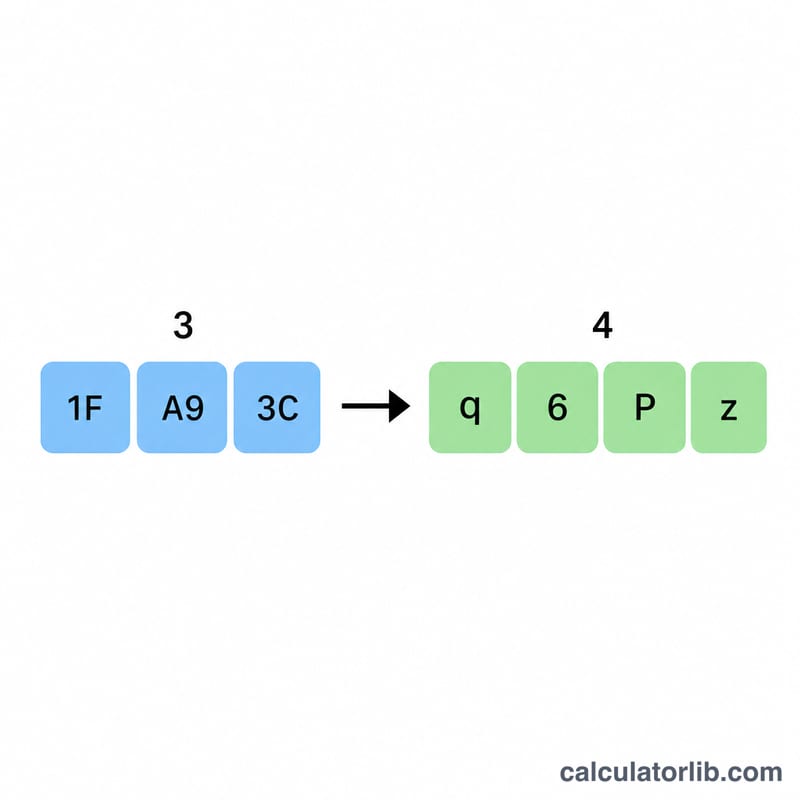
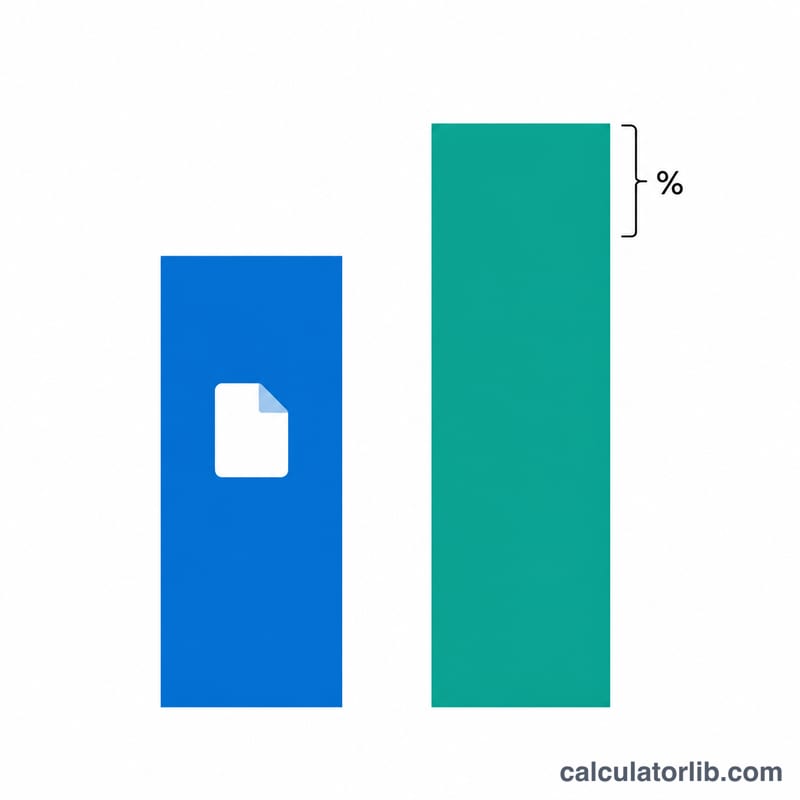
Base64 is an encoding scheme that represents binary data using 64 printable ASCII characters. It is widely used to embed images in HTML/CSS (data URIs), to attach files in email (MIME), and to carry binary payloads in JSON or tokens. Because Base64 turns every 3 bytes of input into 4 output characters, the encoded result is always larger than the original — roughly 33% bigger. This calculator tells you exactly how big your data will become after encoding.
How to use it
Enter the size of your original file or data, pick the unit (bytes, KB, MB, or GB), and choose whether the output uses standard padding (the trailing = characters). The calculator returns the encoded size in bytes plus the percentage overhead added by encoding.
The formula explained
Standard Base64 processes the input in 3-byte groups. Each group becomes exactly 4 characters, and the final partial group is padded to 4 characters with =. So the padded size is:
$$\text{Encoded Bytes} = 4 \times \left\lceil \frac{\text{Size} \times \text{Unit}}{3} \right\rceil$$
If padding is disabled, only the characters actually needed are produced: \(\left\lceil \frac{4 \times \text{Size} \times \text{Unit}}{3} \right\rceil\), which avoids 1–2 padding characters per encoding.
Worked example
Suppose you have a 1,000-byte file. Divide by 3 to get \(333.33\), round up (ceil) to \(334\), then multiply by 4: \(334 \times 4 = 1{,}336\) bytes. The overhead is $$\frac{1336 - 1000}{1000} = 33.6\%$$ Without padding the result would be \(\left\lceil \frac{4000}{3} \right\rceil = \left\lceil 1333.33 \right\rceil = 1{,}334\) bytes.
Key Terms Explained
- Base64
-
A binary-to-text encoding scheme that represents arbitrary binary data using a set of 64 printable ASCII characters (A–Z, a–z, 0–9, plus
+and/). It lets binary content travel safely through text-only channels such as email bodies, JSON, XML, and URLs. - 3-byte group / 4-character block
- Base64 works in fixed groups. Every 3 bytes (24 bits) of input are split into four 6-bit chunks, each mapped to one Base64 character. So 3 input bytes always become 4 output characters — the root cause of the encoding's size growth.
-
Padding (
=) -
When the input length is not an exact multiple of 3, the final group is incomplete. The encoder appends one or two
=characters so the output length stays a multiple of 4. One leftover byte produces two=; two leftover bytes produce one=. - Overhead
- The extra size Base64 adds compared with the original data. Because 3 bytes become 4 characters, the encoded data is about \(4/3 \approx 1.333\) times larger, an increase of roughly 33% (slightly more once padding and any line breaks are counted).
- Data URI
-
A URL scheme (e.g.
data:image/png;base64,iVBORw0KGgo…) that embeds a file's Base64-encoded contents directly inside a document, removing the need for a separate network request for small assets. - MIME line wrapping
- In email (MIME) encoding, Base64 output is split into lines of at most 76 characters, each ended with a CRLF. These line breaks add a small amount of extra size beyond the basic 33% expansion.
- ASCII character
- A single character from the 7-bit ASCII set, encoded in one byte. Every character in Base64 output is an ASCII character, so the encoded length in characters equals its length in bytes.
FAQ
Why is Base64 always bigger? Each 6 bits of data is mapped to one 8-bit ASCII character, so you lose 25% efficiency, producing about 33% more bytes.
Does this include line breaks? No. Some MIME encoders insert a newline every 76 characters, which adds a tiny extra amount. This tool calculates the raw encoded size only.
What about data URIs? A data URI also adds a prefix like data:image/png;base64,. Add that string length to the encoded size for the full URI length.