

What Is RAM Latency?
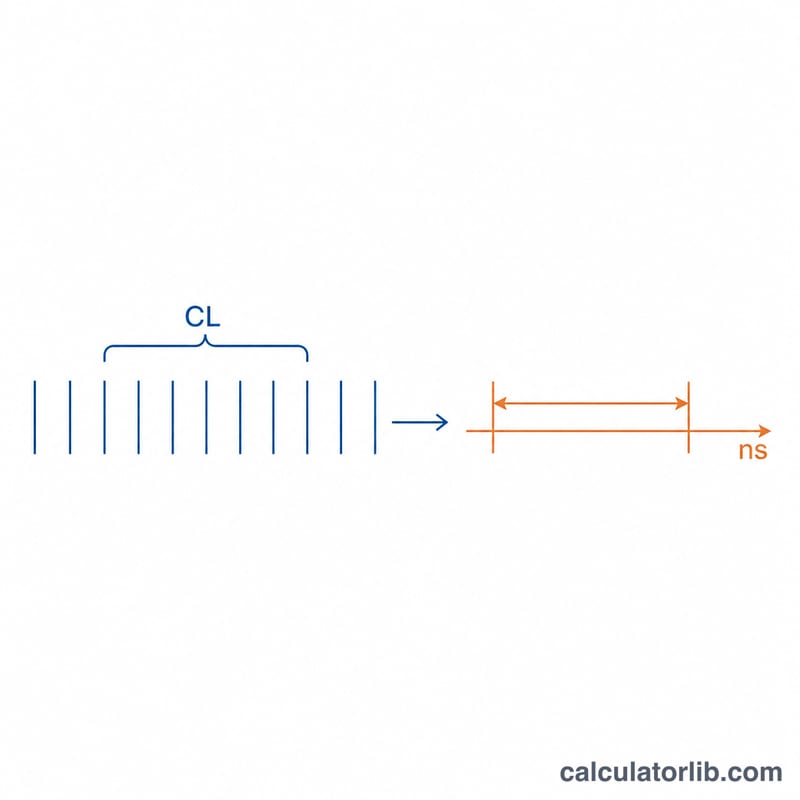
RAM latency is the real-world delay between the memory controller requesting data and the RAM delivering it. While manufacturers advertise CAS Latency (CL) in clock cycles, cycles alone don't tell the whole story — a higher clock speed makes each cycle shorter. This calculator converts CL and the module's data rate (MT/s) into true latency in nanoseconds, the metric that actually reflects responsiveness.
How to Use It
Enter the CAS Latency printed on your memory kit (e.g. CL16, CL36) and the rated speed in MT/s (e.g. 3200, 6000). The calculator returns the true latency in nanoseconds. Lower nanoseconds = faster real-world access. This lets you fairly compare modules with different speeds and timings.
The Formula Explained
The formula is $$\text{Latency (ns)} = \frac{\text{CAS Latency (CL)} \times 2000}{\text{Memory Speed (MT/s)}}$$. Modern memory is "double data rate" (DDR), so the advertised MT/s is twice the actual clock frequency in MHz. The constant \(2000 = 2 \times 1000\), converting the half-rate clock into a per-cycle time in nanoseconds and multiplying by the number of cycles (CL).
Worked Example
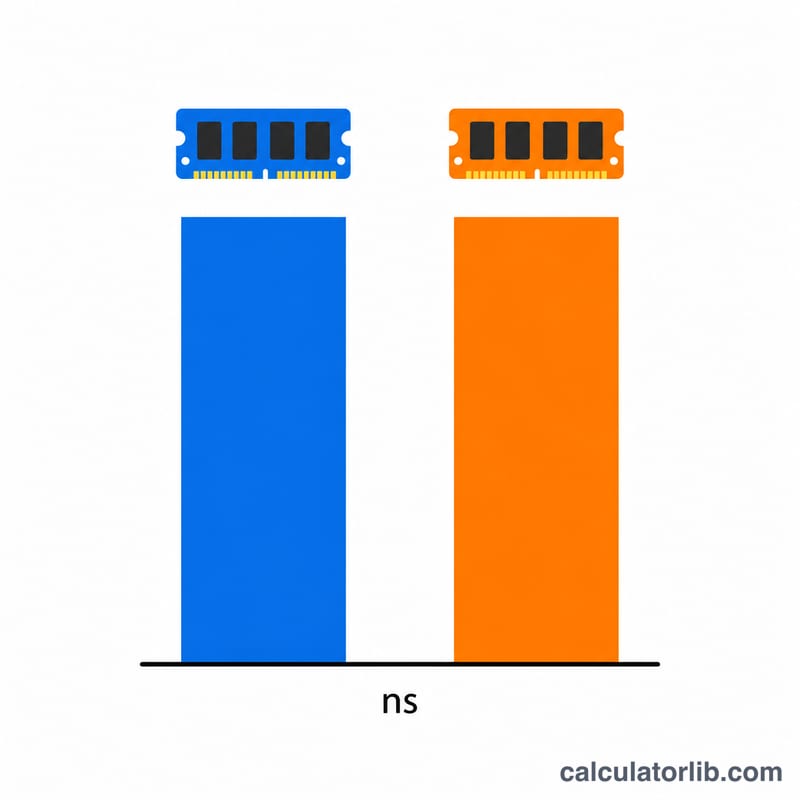
For a DDR4-3200 CL16 kit: $$\frac{16 \times 2000}{3200} = \frac{32000}{3200} = 10\ \text{ns}$$ A DDR5-6000 CL36 kit: $$\frac{36 \times 2000}{6000} = \frac{72000}{6000} = 12\ \text{ns}$$ Despite higher CL and clock, DDR5 here has slightly higher latency — but far more bandwidth.
FAQ
Is lower latency always better? For latency-sensitive tasks, yes — but bandwidth, capacity and price matter too.
Why use 2000 not 1000? DDR transfers data twice per clock cycle, so the effective clock is half the MT/s figure; the factor of 2 corrects for this.
Does this work for DDR3, DDR4 and DDR5? Yes — the formula applies to all DDR generations since they all use the same dual-data-rate principle.