
What is the Bandwidth-Delay Product?
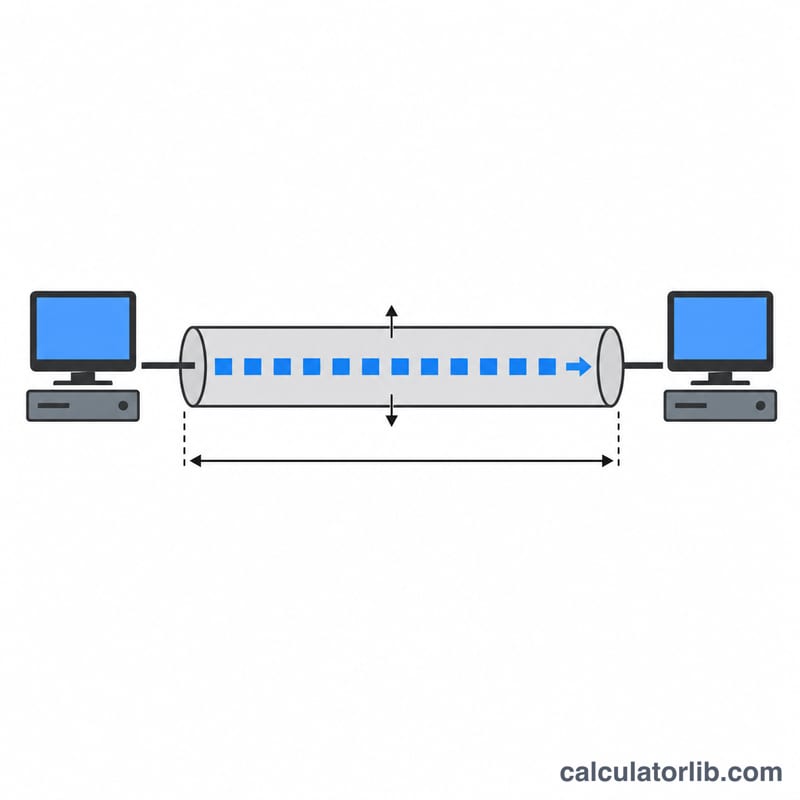
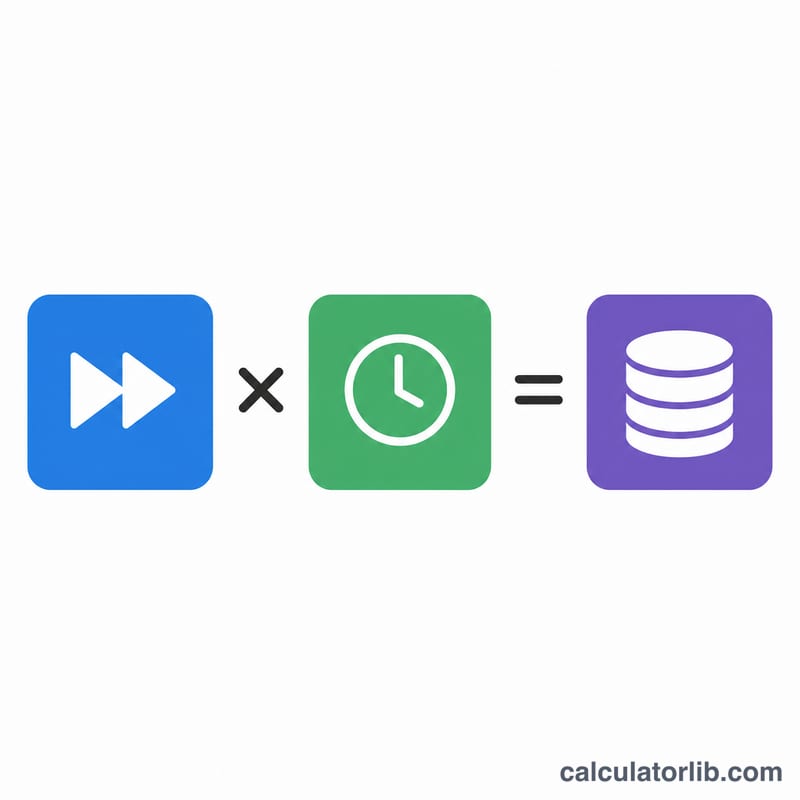
The bandwidth-delay product (BDP) is the maximum amount of data that can be "in flight" on a network link at any one moment. It equals the link's bandwidth multiplied by its round-trip time (RTT). BDP is a key concept in TCP tuning: to fully utilize a high-speed, high-latency link (a "long fat network"), the TCP receive window must be at least as large as the BDP, otherwise throughput is capped well below the available bandwidth.
How to use this calculator
Enter the link bandwidth and choose its unit (bit/s, Kbit/s, Mbit/s or Gbit/s). Then enter the round-trip time in milliseconds — the typical value reported by a ping. The calculator returns the BDP in bits, bytes and kilobytes. Use the byte value to set socket buffer or TCP window sizes.
The formula explained
BDP (bits) = bandwidth (bits/s) × RTT (seconds). Bandwidth is first converted to bits per second, and RTT from milliseconds to seconds (divide by 1000). Dividing the bit result by 8 gives bytes, and dividing bytes by 1024 gives kibibytes (KB).
$$\text{BDP (bytes)} = \frac{\text{Bandwidth} \times \text{Unit} \times \dfrac{\text{RTT (ms)}}{1000}}{8}$$
Worked example
Consider a 100 Mbit/s link with a 40 ms RTT. Bandwidth = 100,000,000 bit/s, RTT = 0.040 s. \(\text{BDP} = 100{,}000{,}000 \times 0.040 = 4{,}000{,}000 \text{ bits} = 500{,}000 \text{ bytes} \approx 488.28 \text{ KB}\). To saturate this link, your TCP window should be at least ~500 KB.
Interpreting Your BDP Result
The BDP is the amount of unacknowledged data a sender must be able to keep on the wire to fully use a link. TCP can only have one window's worth of data outstanding before it must wait for acknowledgements, so the receive window must satisfy:
$$\text{TCP window} \ge \text{BDP}$$If the window is smaller than the BDP, the sender transmits a window of data and then idles for the rest of the round trip waiting for ACKs. The achievable throughput is then capped regardless of how much bandwidth the link offers:
$$\text{Throughput} \approx \frac{\text{Window (bytes)} \times 8}{\text{RTT (s)}}$$For instance, the classic 64 KB window on a 150 ms transcontinental path yields only \(\frac{65{,}536 \times 8}{0.150} \approx 3.5\) Mbit/s — far below a 100 Mbit/s link's capacity.
- Default window (no scaling): The original 16-bit TCP window field maxes out at 65,535 bytes (64 KB). On low-latency LANs this is usually plenty.
- Window scaling (RFC 1323 / RFC 7323): Any path whose BDP exceeds 64 KB requires the TCP window-scale option, which multiplies the advertised window by a power of two up to roughly 1 GB. This must be enabled (and not stripped by middleboxes) on both endpoints.
- Undersized window: Throughput is throttled to window ÷ RTT; doubling latency halves the achievable speed for a fixed window. This is why "long fat networks" (high BDP) feel slow even on fast links.
- Oversized window: Setting a window far larger than the BDP wastes memory and can increase buffering/latency, but does not improve steady-state throughput.
As a practical rule, set the maximum TCP buffer to at least the BDP (often 2× the BDP is used to absorb ACK timing and retransmissions). Modern operating systems auto-tune the window upward toward the BDP, so the main thing to verify is that window scaling is permitted end to end.
Typical RTT and Bandwidth Reference Values
Use these typical ranges as inputs when you don't have a measured RTT. Actual RTT depends on physical distance, routing, queuing and the medium; satellite links are dominated by the propagation delay to geostationary orbit and back.
| Network path | Typical RTT | Notes |
|---|---|---|
| Same LAN / data center | < 1 ms | Switched Ethernet, local subnet |
| Same metro / ISP | 1–10 ms | Local peering, regional servers |
| Same country | 10–40 ms | Cross-region terrestrial fiber |
| Transcontinental / intercontinental | 80–150 ms | e.g. US–Europe, US–Asia |
| Geostationary satellite | 500–700 ms | ~36,000 km up and back per hop |
Common access bandwidths by connection type (downstream, nominal):
| Connection type | Typical bandwidth |
|---|---|
| ADSL | 5–24 Mbit/s |
| VDSL / fixed wireless | 25–100 Mbit/s |
| Cable (DOCSIS) | 100–1000 Mbit/s |
| Fiber to the home (FTTH) | 100 Mbit/s – 10 Gbit/s |
| 4G LTE | 10–100 Mbit/s |
| 5G | 100 Mbit/s – 1 Gbit/s+ |
| Gigabit Ethernet (LAN) | 1 Gbit/s |
| 10 Gigabit Ethernet | 10 Gbit/s |
To convert a quoted plan speed between units before computing BDP, a Gbps-to-Mbps or Kbps-to-Mbps conversion can help; remember the BDP formula expects raw bits per second.
FAQ
Why does latency matter for throughput? Because a sender can only have one window of unacknowledged data outstanding. If the window is smaller than the BDP, the sender stalls waiting for ACKs, leaving bandwidth unused.
Should I use bytes or bits? Bandwidth is usually quoted in bits, but buffer and window sizes are configured in bytes, so the byte result is most useful for tuning.
What RTT should I use? Use the round-trip time between the two endpoints, typically measured with ping or estimated from geographic distance.