
What Is the IP Camera Bandwidth Calculator?
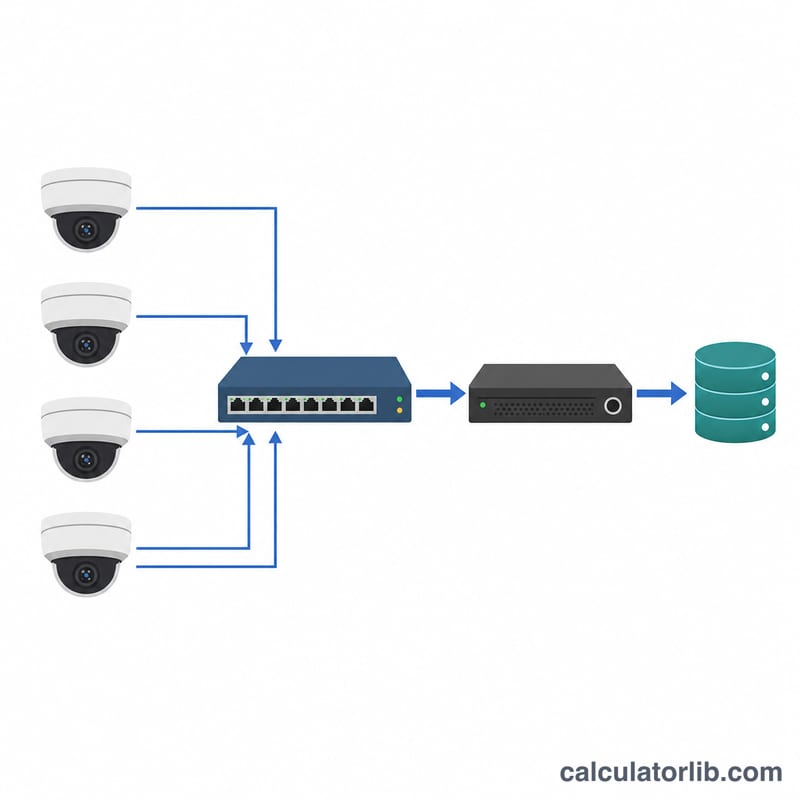
This tool estimates how much network bandwidth and storage an IP (CCTV) camera system requires. Planning bandwidth correctly prevents dropped frames, lag, and saturated switches, while accurate storage estimates help you size NVR hard drives or cloud plans. It works for any IP camera regardless of brand and applies universally — no country-specific rules involved.
How to Use It
Enter the bitrate per camera in megabits per second (Mbps), the number of cameras, and the recording hours per day (use 24 for continuous recording). The calculator returns total bandwidth plus daily and monthly storage. You can find a camera's bitrate in its specs or its on-screen display; typical values range from 2 Mbps (1080p, motion only) to 8+ Mbps (4K continuous).
The Formula Explained
Total bandwidth is simply: bitrate per camera × number of cameras. Storage builds on this. Bandwidth in Mbps is megabits per second; multiply by 3600 seconds and the daily recording hours to get megabits per day, then divide by 8 to convert bits to bytes (megabytes), and by 1000 to reach gigabytes. Monthly storage assumes a 30-day month.
$$\text{Bandwidth} = \text{Bitrate (Mbps)} \times \text{Cameras}$$$$\text{Storage}_{\text{day}}\,(\text{GB}) = \frac{\text{Bandwidth} \times 3600 \times \text{Hours/Day}}{8 \times 1000}$$$$\text{Storage}_{\text{month}} = \text{Storage}_{\text{day}} \times 30$$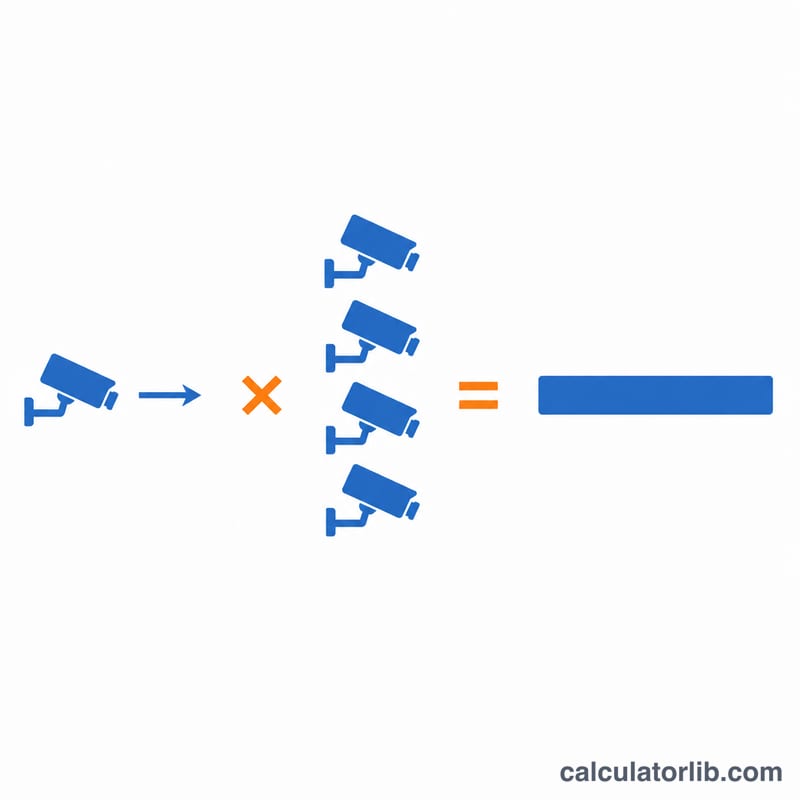
Worked Example
Suppose you have 8 cameras each streaming at 4 Mbps, recording 24 hours a day. Total bandwidth = \(4 \times 8 = \mathbf{32}\) Mbps. Daily storage = \(32 \times 3600 \times 24 \div 8 \div 1000 = \mathbf{345.6}\) GB/day. Over 30 days that is about 10,368 GB ≈ 10.37 TB — so you'd want a 12 TB+ NVR for a month of footage.
FAQ
Is bandwidth the same as my internet speed? No — this is the bandwidth on your local network/switch. Remote viewing over the internet only needs upload capacity for the streams you actually watch.
What bitrate should I use? As a rough guide: 2–4 Mbps for 1080p, 4–8 Mbps for 4MP/5MP, and 8–16 Mbps for 4K, depending on frame rate and scene motion.
Why divide by 8? Bitrate is measured in bits, but storage is measured in bytes. There are 8 bits in a byte, so you divide to convert megabits to megabytes.