
What Is a Salary Increase Percentage?
A salary increase percentage expresses how much your pay grew relative to your previous salary. Instead of just looking at the raw dollar amount of a raise, the percentage tells you the proportional change — which is the standard way employers, recruiters, and HR teams describe pay rises. This calculator works with any currency since percentages are unit-independent.
How to Use This Calculator
Enter your old (current) salary and your new (proposed or accepted) salary. The calculator returns the percentage increase along with the raw raise amount. You can use annual, monthly, or hourly figures — just make sure both numbers use the same time basis.
The Formula Explained
The increase percentage is calculated as:
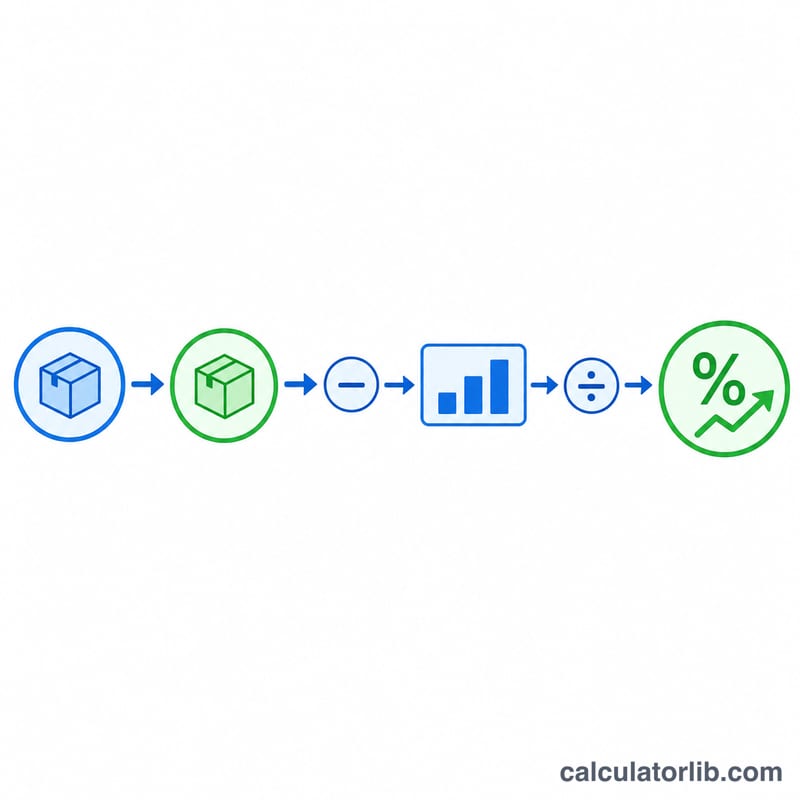
$$\text{Increase \%} = \frac{\text{New Salary} - \text{Old Salary}}{\text{Old Salary}} \times 100$$
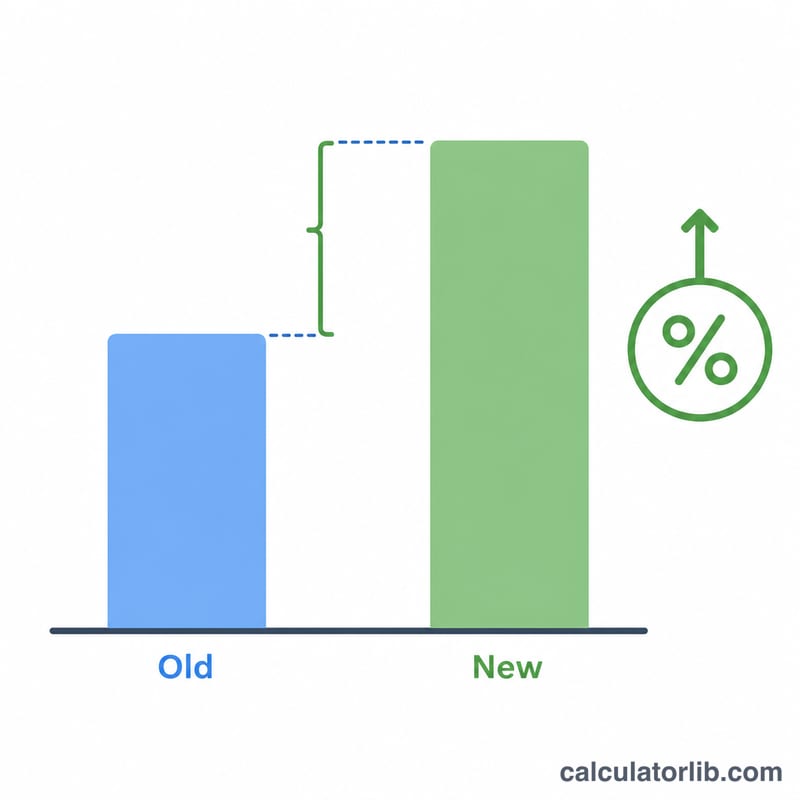
First, subtract the old salary from the new salary to get the raise amount. Then divide that by the old salary to express the change as a fraction, and multiply by 100 to convert it into a percentage. A negative result means a pay decrease.
Worked Example
Suppose your old salary was $50,000 and your new salary is $55,000. The raise amount is \(\$55{,}000 - \$50{,}000 = \$5{,}000\). Dividing by the old salary gives \(\$5{,}000 \div \$50{,}000 = 0.1\), and multiplying by 100 yields a 10% increase.
FAQ
Does the currency matter? No. As long as both salaries are in the same currency, the percentage result is identical regardless of which currency you use.
What if my new salary is lower? The calculator will return a negative percentage, which represents a pay cut rather than an increase.
Can I use this for hourly wages? Yes. Enter your old and new hourly rates instead of annual salaries and the percentage change will be the same.