
What Is a Salary Raise Calculator?
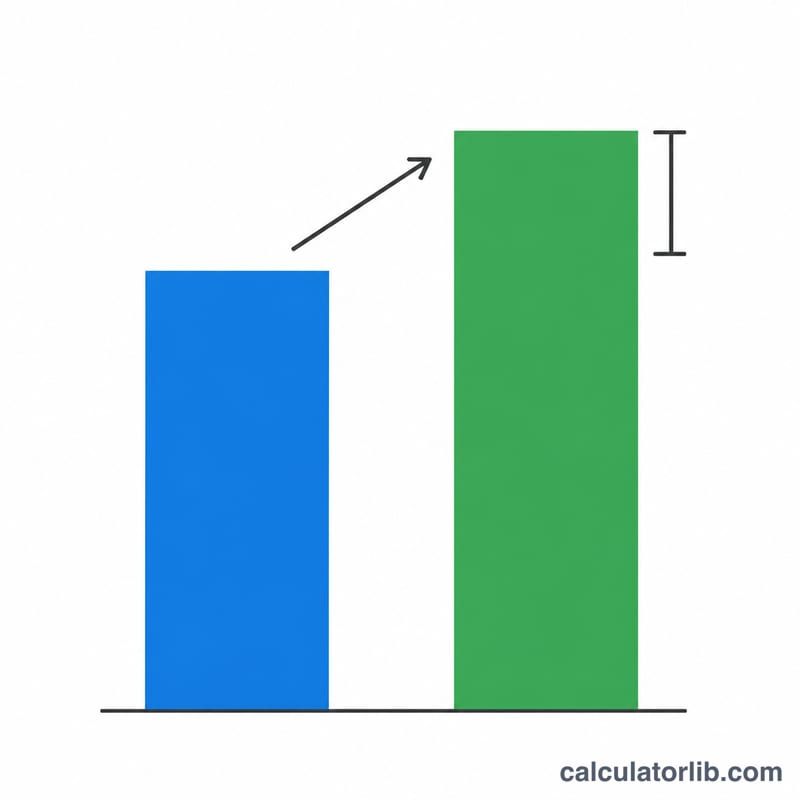
A salary raise calculator tells you exactly how much more you'll earn after a percentage pay increase. Enter your current salary and the raise percentage, and it instantly returns your new salary plus the dollar amount of the raise. It works with any currency — the math is the same whether you think in dollars, pounds, or euros.
How to Use It
Type in your current salary (annual, monthly, or hourly — just be consistent), then enter the raise percentage you've been offered or are negotiating for. The calculator multiplies your salary by one plus the percent, then subtracts the original to isolate the increase.
The Formula Explained
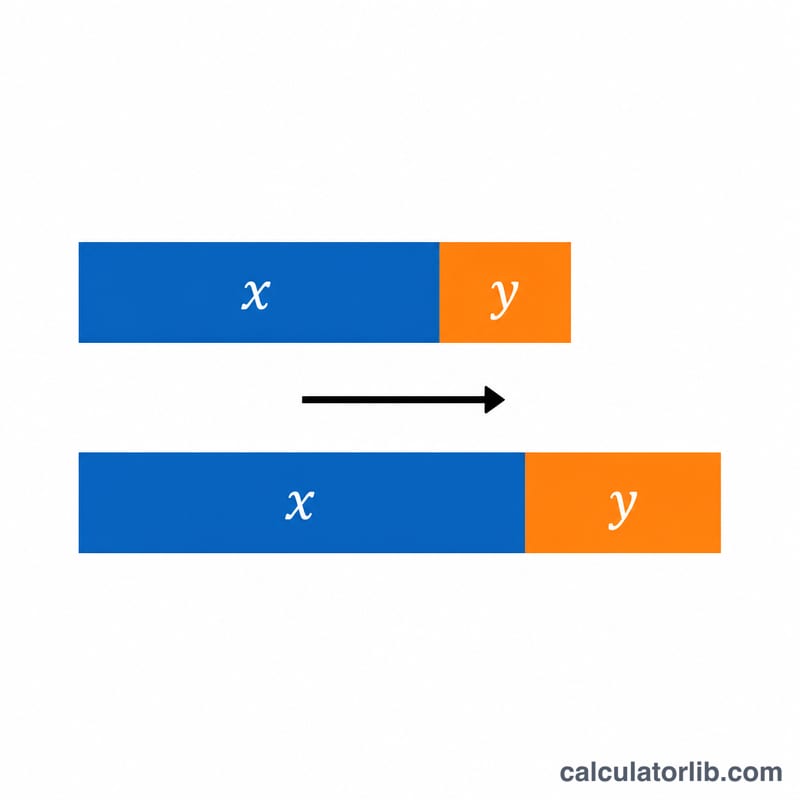
The core equation is simple: $$\text{New Salary} = \text{Old Salary} \times \left(1 + \frac{\text{Raise\%}}{100}\right)$$ Dividing the percent by 100 converts it to a decimal, adding 1 keeps the original amount, and multiplying scales it up. The Raise Amount is then the difference between the new and old figures.
Worked Example
Suppose you earn $50,000 and receive a 5% raise. The new salary is $$50{,}000 \times \left(1 + \frac{5}{100}\right) = 50{,}000 \times 1.05 = \$52{,}500$$ The raise amount is \(52{,}500 - 50{,}000 = \$2{,}500\) per year.
FAQ
Does this account for taxes? No — the result is your gross (pre-tax) salary increase. Your take-home raise will be smaller after taxes and deductions.
Can I use it for an hourly wage? Yes. Enter your hourly rate as the current salary and the result is your new hourly rate.
What if I get a negative percent? A negative raise percent represents a pay cut, and the calculator will correctly show a lower new salary and a negative raise amount.