
What Is a Raise Percentage?
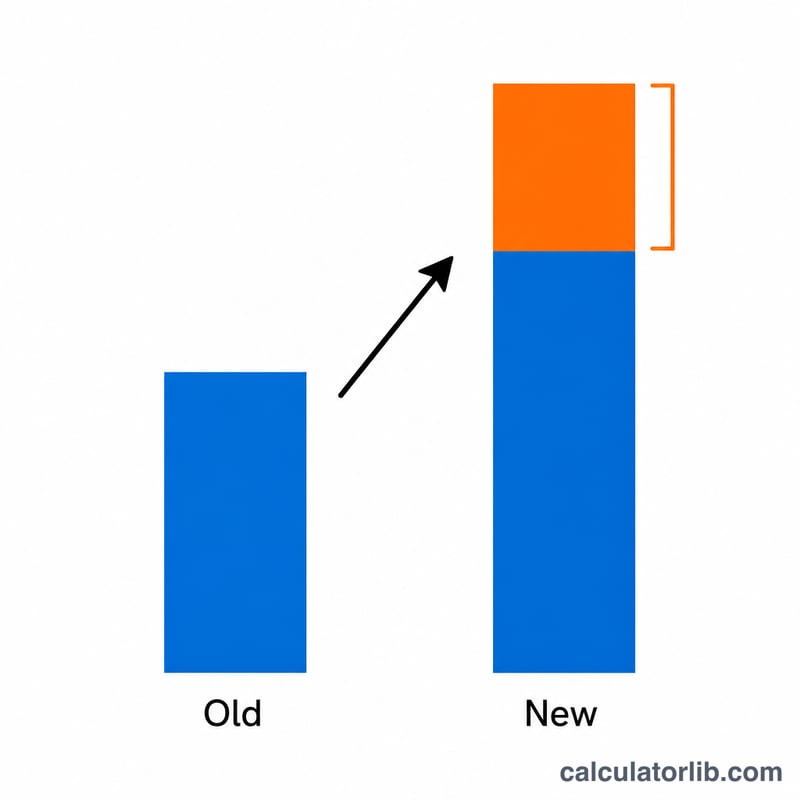
A raise percentage tells you how much your pay increased relative to what you earned before. Instead of just knowing you got a $5,000 raise, the percentage puts that number in context — a $5,000 raise on a $50,000 salary is a 10% increase, while the same dollar amount on a $100,000 salary is only 5%. This calculator converts your old and new salary figures into a clear percentage so you can compare offers, evaluate annual reviews, or benchmark against inflation.
How to Use It
Enter your old salary (what you earned before) and your new salary (your updated pay). The calculator instantly shows your raise percentage, the dollar amount of the increase, and both salary figures for reference. The tool works with any currency and any pay period — just be sure both numbers use the same units (both annual, both hourly, etc.).
The Formula Explained
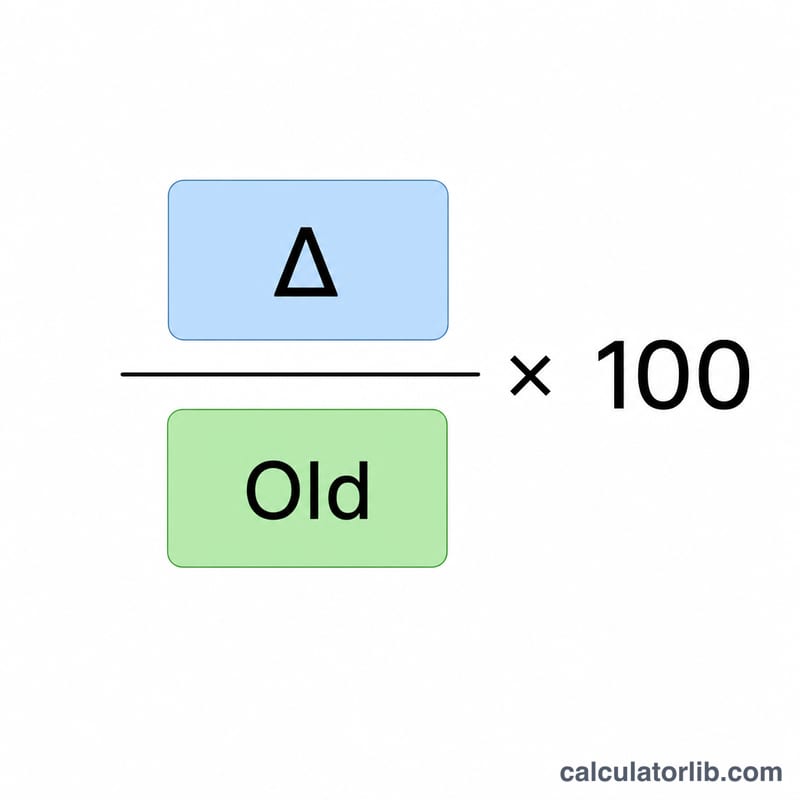
The raise percentage is calculated as:
$$\text{Raise \%} = \frac{\text{New Salary} - \text{Old Salary}}{\text{Old Salary}} \times 100$$
First, subtract the old salary from the new salary to find the dollar increase. Then divide that increase by the old salary to express it as a fraction, and multiply by 100 to get a percentage. If the new salary is lower than the old one, the result is negative, indicating a pay cut.
Worked Example
Suppose you earned $50,000 and your new salary is $55,000. The raise amount is $$\$55{,}000 - \$50{,}000 = \$5{,}000.$$ Dividing by the old salary gives $$\$5{,}000 \div \$50{,}000 = 0.10,$$ and multiplying by 100 gives a 10% raise.
FAQ
Does this account for taxes? No — it compares gross (pre-tax) salary figures. Your take-home increase may differ depending on your tax bracket.
Can I use this for hourly wages? Yes. Enter your old and new hourly rates instead of annual salaries; the percentage works the same way.
What if my pay went down? Enter the lower new salary and the result will be a negative percentage, showing the size of the decrease.