

What the YouTube Revenue Calculator Does
This free YouTube Revenue Calculator estimates how much ad income a channel could generate based on its traffic. Instead of guessing, you plug in three numbers from your YouTube Analytics and instantly see your estimated monthly ad revenue, projected yearly earnings, and the number of clicks your views might produce. It's a quick planning tool for creators trying to set realistic income goals or compare different growth scenarios. Figures are shown in whatever currency your CPM is denominated in (CPM is commonly quoted in US dollars).
The Inputs You Provide
- Monthly Views – the total number of video views your channel gets in a month.
- CPM (Cost Per Mille) – the amount advertisers pay per 1,000 views. "Mille" is Latin for thousand.
- Click-Through Rate (%) – the percentage of viewers who click on an ad or link, used to estimate total clicks.
The Formula Explained
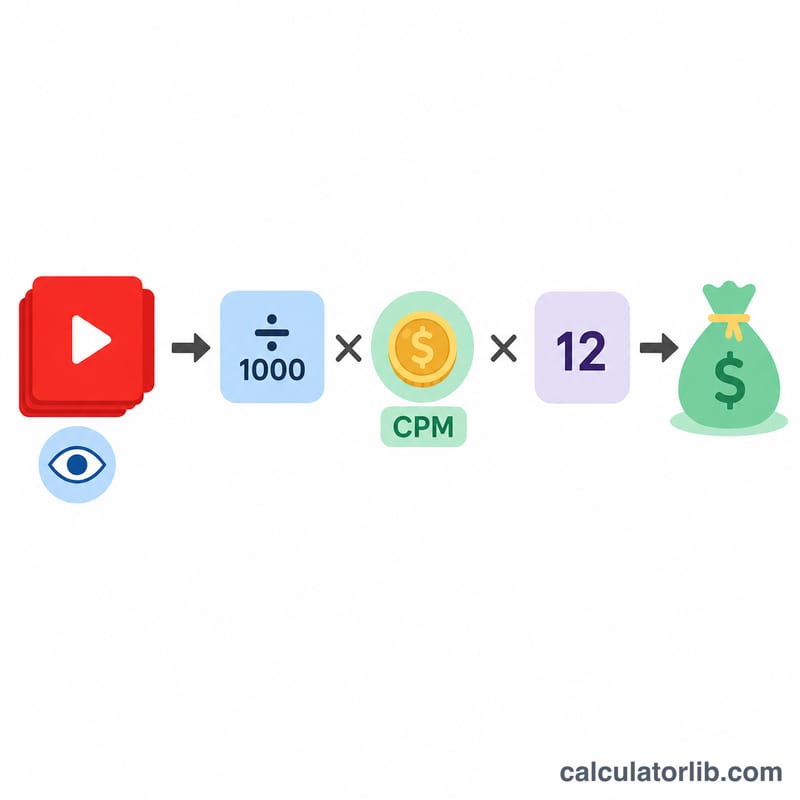
The core ad revenue calculation is simple:
$$\text{Revenue} = \frac{\text{Views}}{1000} \times \text{CPM}$$The calculator divides your views by 1,000 (because CPM is priced per thousand views) and multiplies by your CPM. It then derives two extra figures:
- Estimated clicks = \(\text{Views} \times \frac{\text{Click-Through Rate}}{100}\)
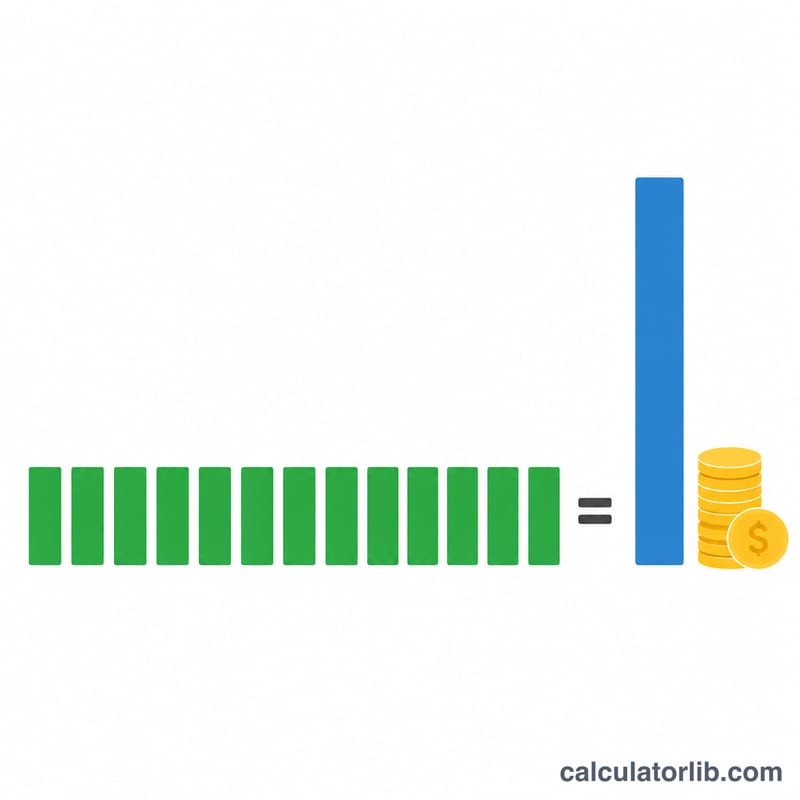
- Yearly revenue = \(\text{monthly ad revenue} \times 12\)
Worked Example
Suppose you enter 500,000 monthly views, a CPM of $4.00, and a click-through rate of 2%.
- Ad revenue = $$\frac{500{,}000}{1000} \times 4.00 = 500 \times 4.00 = \textbf{\$2{,}000 per month}$$
- Estimated clicks = $$500{,}000 \times \frac{2}{100} = \textbf{10{,}000 clicks}$$
- Yearly revenue = $$\$2{,}000 \times 12 = \textbf{\$24{,}000 per year}$$
Frequently Asked Questions
What CPM should I use? CPM varies widely by niche, audience location, and season. Finance, tech, and business content often see higher CPMs, while entertainment can be lower. Check your own YouTube Studio data, or test a range like $1–$10 to see how it affects your estimate.
Is this my actual YouTube payout? No. This is an estimate of gross ad revenue. YouTube keeps roughly 45% of ad income, so your real take-home (RPM) is typically lower. Use the result as a rough guide, not a guaranteed payout.
Why does the calculator show estimated clicks? The click-through rate input lets you gauge engagement volume — useful if you also run affiliate links or sponsorships where clicks matter as much as raw revenue.