
What It Is
The Hourly Pay Raise Calculator shows your new hourly wage after a percentage raise, plus the dollar increase per hour and how it affects your annual pay. It is useful when negotiating a salary bump, evaluating a job offer, or planning a budget around a scheduled increase. The tool is currency-agnostic — just enter amounts in your own currency (shown here with a dollar sign).
How to Use It
Enter your current hourly pay, the raise as a percentage (for example, 5 for a 5% raise), your typical hours per week, and the number of weeks you work per year (52 is full year). The calculator returns your new hourly rate, the hourly increase, and both your old and new annualized pay.
The Formula
The new hourly pay multiplies the current rate by one plus the raise fraction:
$$\text{New Pay} = \text{Current} \times \left(1 + \frac{r}{100}\right)$$where \(r\) = raise percent. Annual pay is then:
$$\text{Annual} = \text{Pay} \times \text{Hours} \times \text{Weeks}$$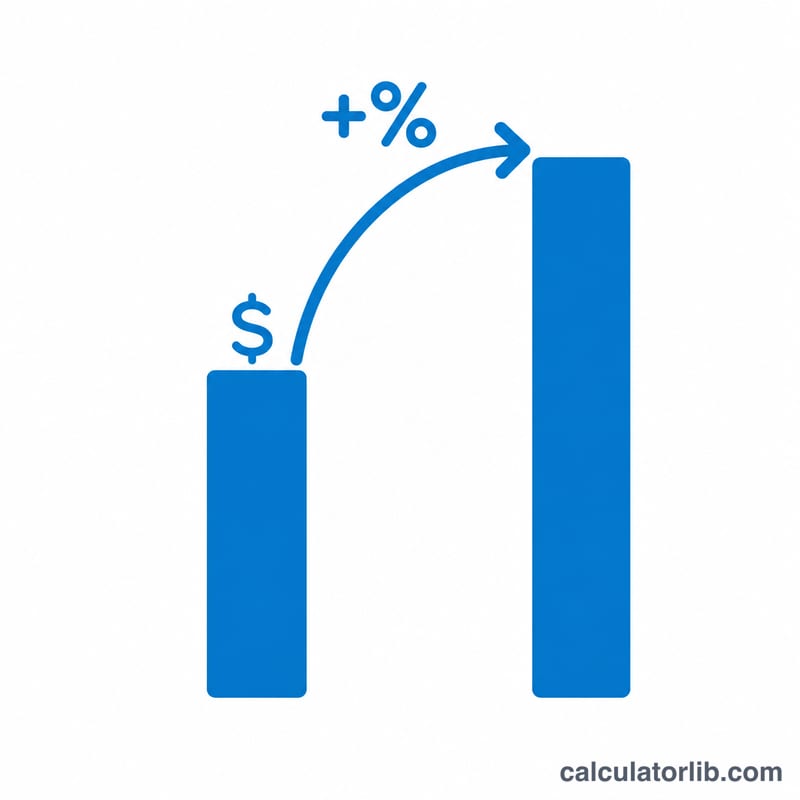
Worked Example
Suppose you earn \(\$20\) per hour and receive a 5% raise, working 40 hours a week for 52 weeks:
$$\text{New Pay} = 20 \times \left(1 + \frac{5}{100}\right) = \$21.00$$The hourly increase is \(\$1.00\). Annual pay rises from \(20 \times 40 \times 52 = \$41{,}600\) to \(21 \times 40 \times 52 = \$43{,}680\), an annual increase of \(\$2{,}080\).
FAQ
Does this include overtime or taxes? No. It estimates gross pay based on a flat hourly rate. Overtime, bonuses, and tax withholding are not modeled.
How do I enter a pay cut? Enter a negative raise percentage, e.g. -3 for a 3% reduction.
What weeks per year should I use? Use 52 for a full year. If you take unpaid time off, lower it accordingly (e.g. 50).