
What Is a Pay Raise Calculator?
A pay raise calculator converts a percentage raise into a concrete new pay figure and shows exactly how many dollars you'll gain. Whether you're negotiating a salary, reviewing an annual cost-of-living adjustment, or comparing job offers, this tool removes the guesswork by applying simple percentage math.
How to Use It
Enter your current pay (it can be an annual salary, monthly figure, or hourly rate — the result keeps the same unit). Then enter the raise as a percentage, such as 5 for a 5% increase. The calculator instantly returns your new pay and the size of the raise in the same currency you entered.
The Formula Explained
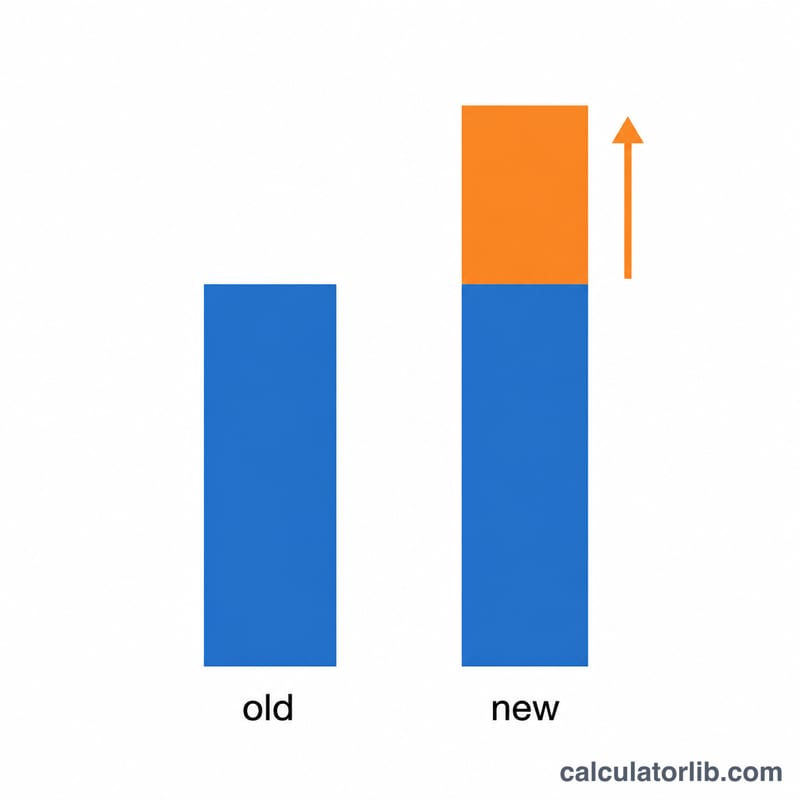
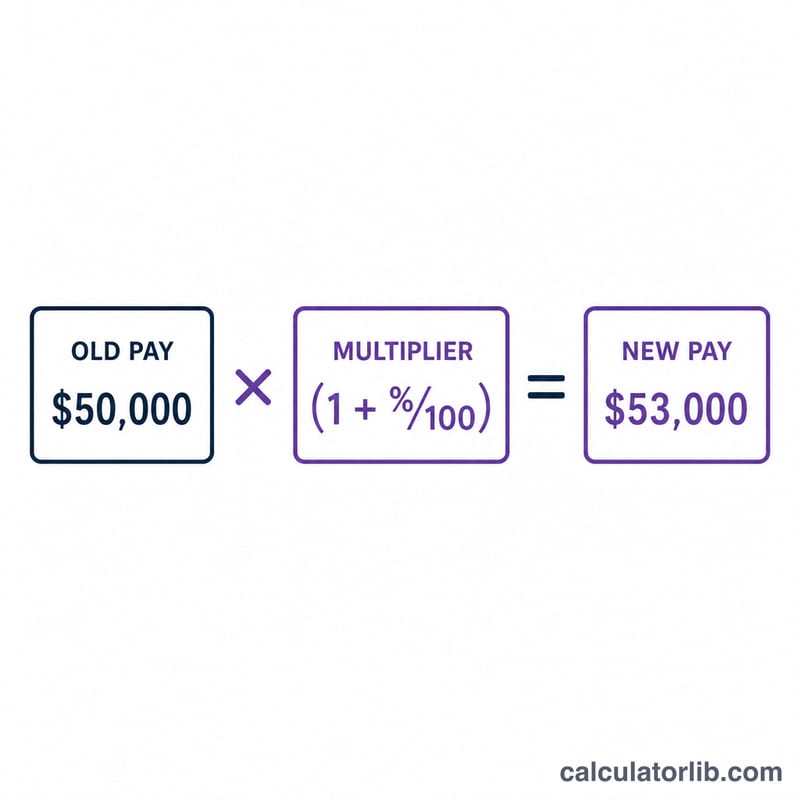
The math is straightforward: $$\text{New Pay} = \text{Old Pay} \times \left(1 + \frac{\text{Raise \%}}{100}\right)$$. Dividing the percentage by 100 turns it into a decimal (5% becomes \(0.05\)), and adding 1 keeps your original pay while layering the increase on top. The raise amount is simply \(\text{New Pay} - \text{Old Pay}\).
Worked Example
Suppose you earn $50,000 and receive a 5% raise. $$\text{New Pay} = 50{,}000 \times \left(1 + \frac{5}{100}\right) = 50{,}000 \times 1.05 = 52{,}500$$ Your increase is \(52{,}500 - 50{,}000 = 2{,}500\). That's a $2,500 boost to your annual pay.
FAQ
Can I use this for an hourly wage? Yes. The calculator is unit-agnostic — enter $20 (hourly) and a 4% raise to get $20.80 per hour.
What about a pay cut? Enter a negative percentage (e.g. -3) to see a reduced pay figure and a negative increase.
Does this account for taxes? No. It shows gross pay before taxes and deductions. Your take-home increase will be smaller after withholdings.