

What Is a Pay Cut Calculator?
A pay cut calculator shows how much you will earn after a percentage reduction is applied to your salary, and how much income you stand to lose. Whether your employer proposes a temporary salary reduction, a furlough adjustment, or you are weighing a role with lower pay, this tool turns a confusing percentage into clear dollar figures.
How to Use It
Enter your current salary (this works for any pay period — annual, monthly, or weekly, as long as you stay consistent) and the pay cut percentage being applied. The calculator instantly returns your new salary and the amount you lose. The currency unit is whatever you enter; the math is the same worldwide.
The Formula Explained
The calculation is straightforward: your new salary equals your old salary multiplied by one minus the cut as a decimal. A 10% cut means you keep 90%, so we multiply by 0.90. The amount lost is simply the difference between your old and new salary.
$$\text{new\_salary} = \text{old\_salary} \times \left(1 - \frac{\text{cut\%}}{100}\right)$$$$\text{loss} = \text{old\_salary} - \text{new\_salary}$$
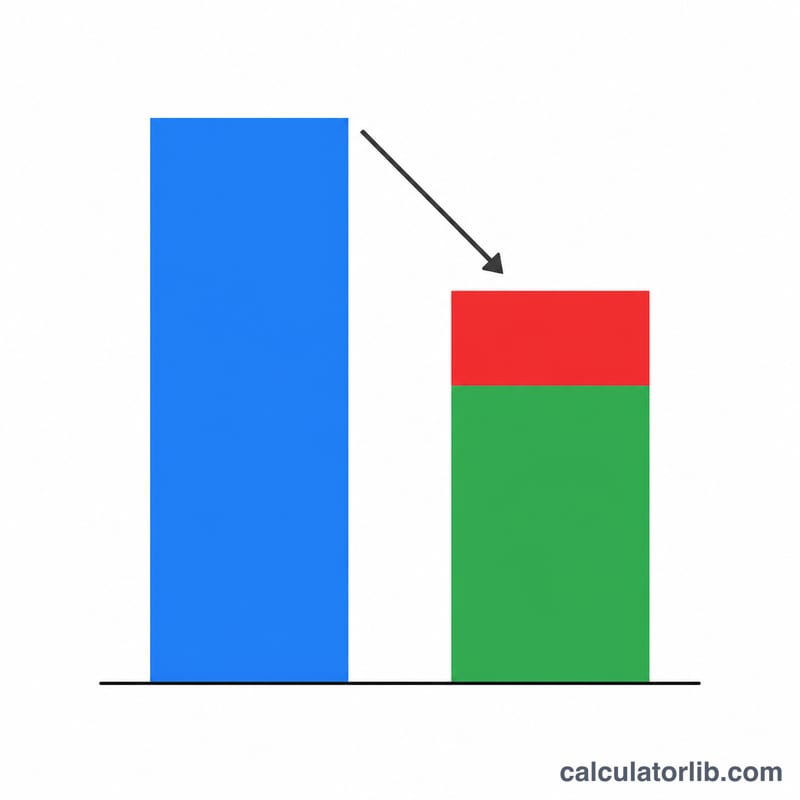
Worked Example
Suppose you earn $60,000 per year and face a 15% pay cut. Multiply 60,000 by \((1 - 0.15) = 0.85\), giving a new salary of $51,000. The amount lost is \(60{,}000 - 51{,}000 = 9{,}000\) $9,000 per year.
$$60{,}000 \times (1 - 0.15) = 60{,}000 \times 0.85 = 51{,}000$$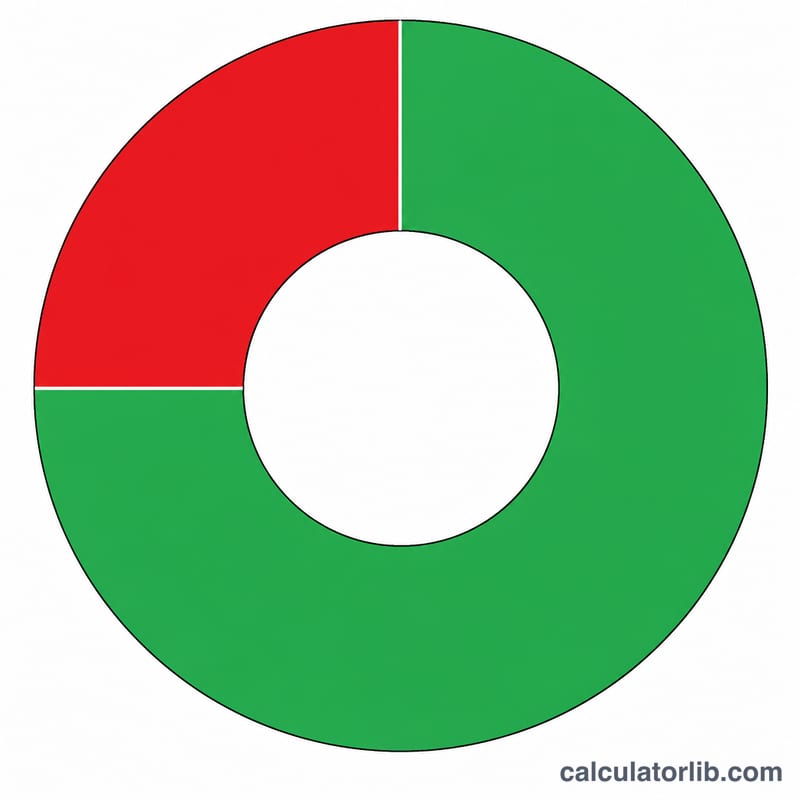
FAQ
Does this account for taxes? No — this calculator works with gross pay. A lower salary may also place you in a different tax bracket, slightly changing take-home pay.
Can I use it for hourly wages? Yes. Enter your hourly rate as the current salary and the result is your reduced hourly rate.
What if the cut is restored later? Treat a restoration as a percentage raise on the reduced amount; note that a 15% cut followed by a 15% raise does not return you to the original figure.