

What Is the New Salary From Hike Calculator?
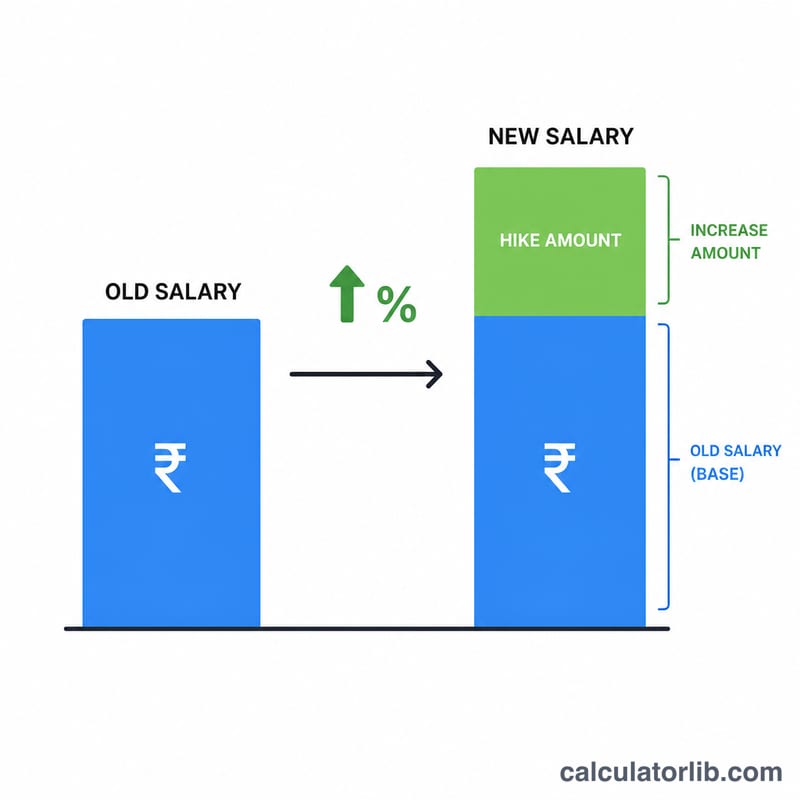
This calculator tells you exactly how much you will earn after a salary increase. Just enter your current salary and the hike (raise) percentage your employer has offered, and it instantly shows your revised salary along with the rupee/dollar increase. It is useful during appraisals, job offer negotiations, and annual increment season.
How to Use It
Type your current salary in the first box. Enter the percentage hike in the second box — for example, enter 15 for a 15% raise. The result panel shows your new salary, the original salary, and the absolute increase amount so you can see the full picture at a glance.
The Formula Explained
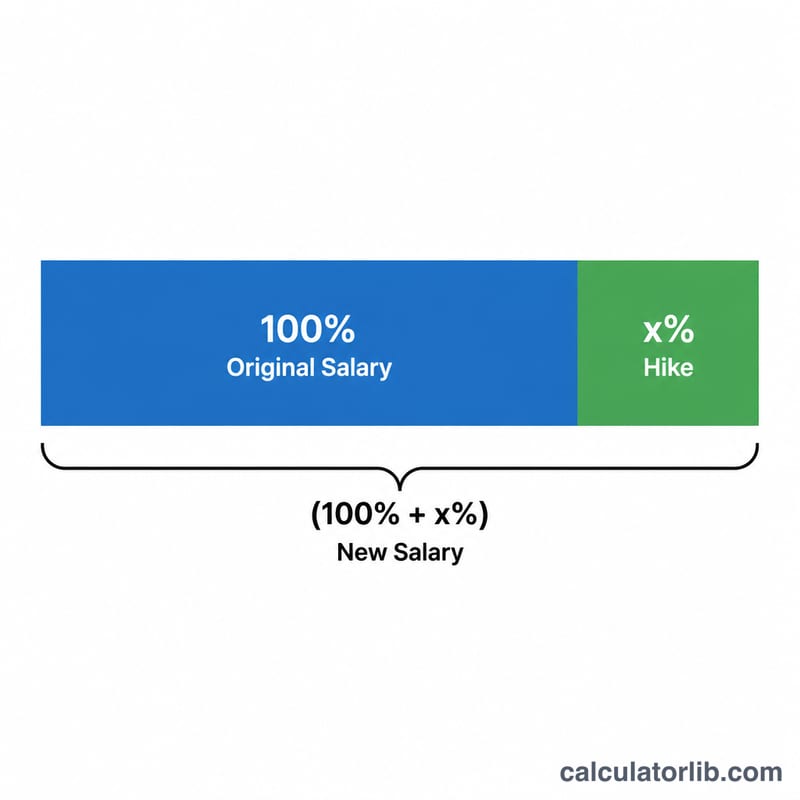
The math is straightforward percentage growth: $$\text{New Salary} = \text{Old Salary} \times \left(1 + \frac{\text{Hike}}{100}\right)$$. Dividing the hike by 100 converts the percentage into a decimal, adding 1 keeps the original amount, and multiplying applies the growth. The increase alone is simply \(\text{Old Salary} \times \frac{\text{Hike}}{100}\).
Worked Example
Suppose your current salary is 50,000 and you receive a 20% hike. $$\text{New Salary} = 50{,}000 \times \left(1 + \frac{20}{100}\right) = 50{,}000 \times 1.20 = 60{,}000$$ The increase amount is \(60{,}000 - 50{,}000 = 10{,}000\). So your pay rises by 10,000 to reach 60,000.
FAQ
Does the currency matter? No. The calculator works for any currency — rupees, dollars, euros — because it is pure percentage math.
Is this gross or net salary? It applies to whatever figure you enter. If you input gross salary you get gross; for take-home, deductions and taxes are not considered here.
Can I use it for a CTC hike? Yes, enter your current CTC and the hike percentage to see your new CTC.