

What Is the Yearly Raise Calculator?
The Yearly Raise Calculator projects how your salary grows over time when you receive a consistent annual pay increase. By entering your current salary, an expected raise percentage, and the number of years you want to look ahead, the tool shows your future salary at the end of the period — plus the total dollar increase you can expect. It works with any currency and any country, since raises are simply percentage increases applied year after year.
How to Use It
- Current salary: Enter your present annual pay before tax.
- Annual raise percentage: Type the average raise you expect each year (for example, 3% or 5%).
- Number of years: Choose how far into the future you want to project.
The calculator then applies the raise to each year's salary in turn, so each increase builds on the one before it — exactly how real-world raises compound.
The Formula Explained
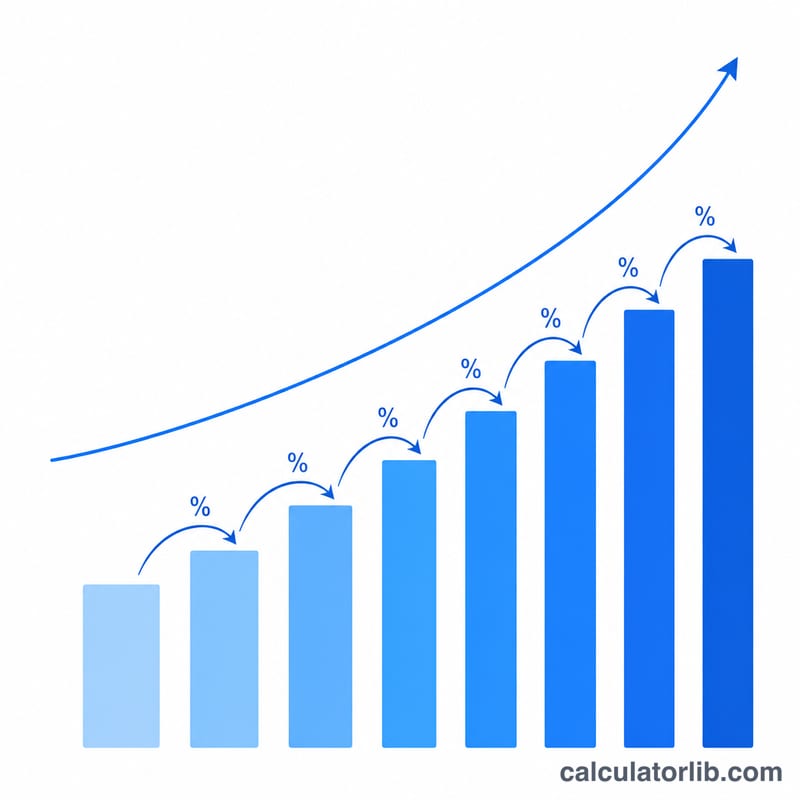
Because each raise is applied to your already-raised salary, the growth compounds. The formula is:
$$S_{\text{final}} = \text{Current Salary} \times \left(1 + \frac{\text{Raise \%}}{100}\right)^{\text{Years}}$$
Here the raise rate is the percentage written as a decimal (5% = 0.05). Raising the figure to the power of the number of years captures the compounding effect, meaning your salary grows faster than simple multiplication would suggest.
Worked Example
Suppose you earn $50,000 and expect a 4% raise every year for 5 years:
- \(\text{Future Salary} = 50{,}000 \times (1.04)^{5}\)
- \(= 50{,}000 \times 1.2167\)
- = $60,833
That's a total increase of $10,833 over five years — noticeably more than the $10,000 you'd get from a flat 4% of the starting salary each year, thanks to compounding.
Frequently Asked Questions
Does this account for inflation? No. It shows your nominal salary. To estimate "real" growth, subtract your country's inflation rate from your raise percentage before entering it.
What if my raise differs each year? Use your best average estimate. The compounding model gives a close approximation for steady career growth.
Is this pre-tax or after-tax? The result is based on whatever salary figure you enter, so it's typically pre-tax (gross) pay.