
What this calculator does
The LED Strip Power Supply Calculator helps you choose a correctly sized power supply (PSU/driver) for any LED strip installation. Undersizing a power supply causes overheating, voltage drop, flickering and premature failure, while a properly rated PSU runs cool and lasts longer. This tool works for 5V, 12V and 24V strips and is universal — it applies anywhere in the world.
How to use it
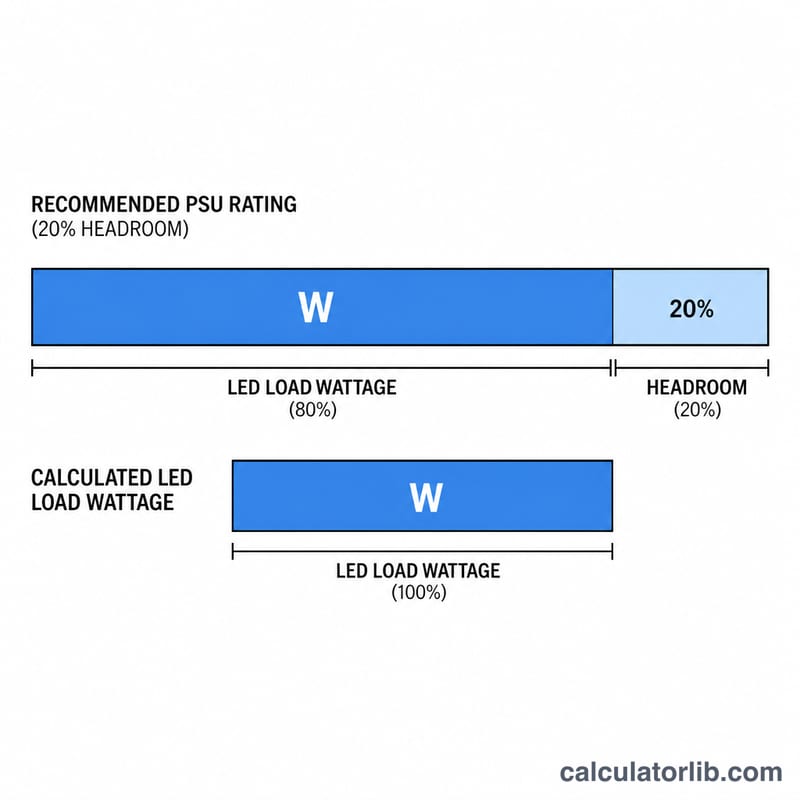
Enter your strip's power consumption in watts per meter (printed on the reel or datasheet — common values are 4.8, 9.6, 14.4 and 24 W/m), the total length you are installing in meters, and the strip voltage. Then set a safety headroom percentage. We recommend at least 20% so the supply never runs at 100% load. The calculator returns the minimum power supply wattage, the actual LED load, and the current draw in amps.
The formula explained
First the actual load is found by multiplying watts per meter by length: \( \text{Load} = \text{W/m} \times \text{meters} \). Then a headroom factor is applied: \( \text{PSU Watts} = \text{Load} \times \left(1 + \frac{\text{Headroom}}{100}\right) \). Finally the current is \( \text{Amps} = \frac{\text{PSU Watts}}{\text{Voltage}} \). Always round up to the next available PSU size.
$$ P_{\text{PSU}} = \text{W/m} \times \text{Length} \times \left(1 + \frac{\text{Headroom \%}}{100}\right) $$$$ I = \frac{P_{\text{PSU}}}{\text{Voltage}} $$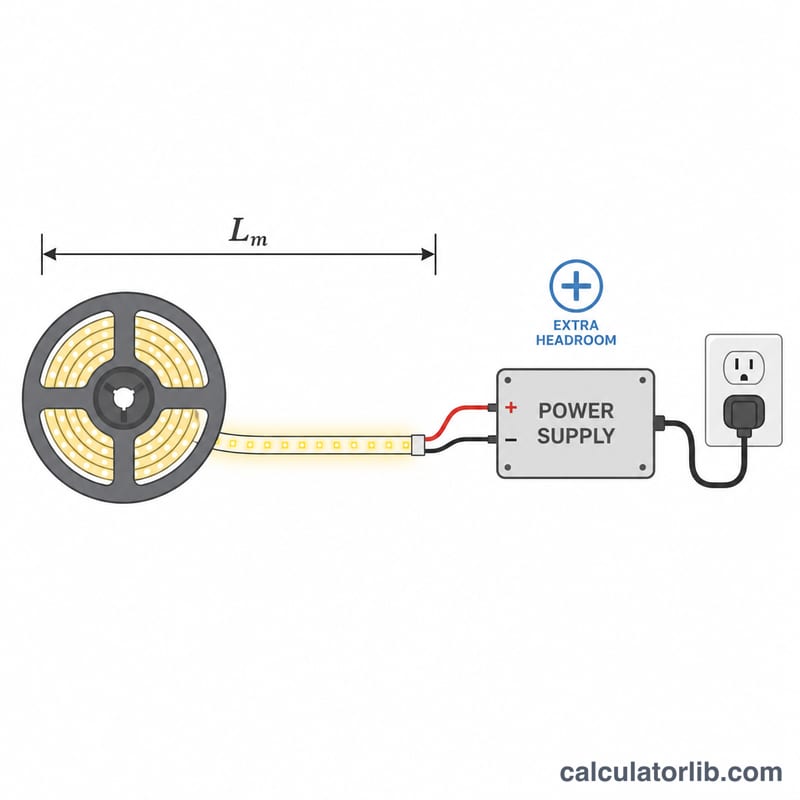
Worked example
A 14.4 W/m strip, 5 meters long, on 12V with 20% headroom: $$ \text{Load} = 14.4 \times 5 = 72\ \text{W} $$ $$ \text{PSU} = 72 \times 1.20 = 86.4\ \text{W} $$ so choose a 100 W supply. $$ \text{Current} = \frac{86.4}{12} = 7.2\ \text{A} $$
FAQ
Why add headroom? Running a supply continuously at full rated capacity shortens its life and risks overheating. A 20% buffer keeps it in a safe operating range.
What if my strip lists amps instead of watts? Multiply amps per meter by the voltage to get watts per meter.
Does longer cable matter? Yes — long runs cause voltage drop. Inject power at both ends or use a higher voltage strip for long installations.