
What This Calculator Does
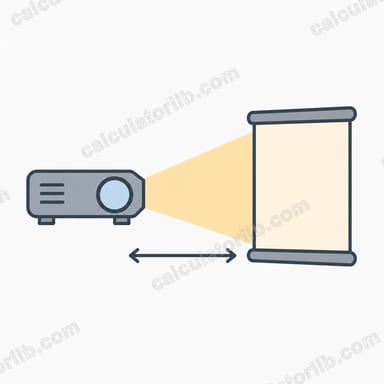
This tool estimates how bright a projected image will appear on your screen, expressed in foot-lamberts (fL) and nits (cd/m²). Brightness is what makes the difference between a vivid, punchy picture and a washed-out, dim one. By combining your projector's light output (lumens), the screen's gain, and the screen's physical size, you can predict on-screen luminance before buying gear.
How to Use It
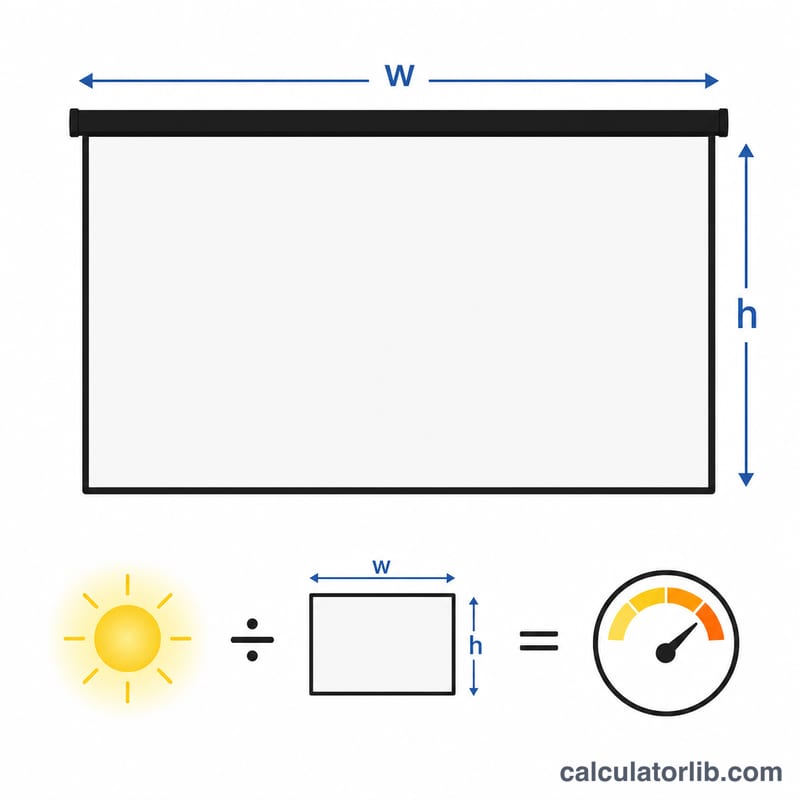
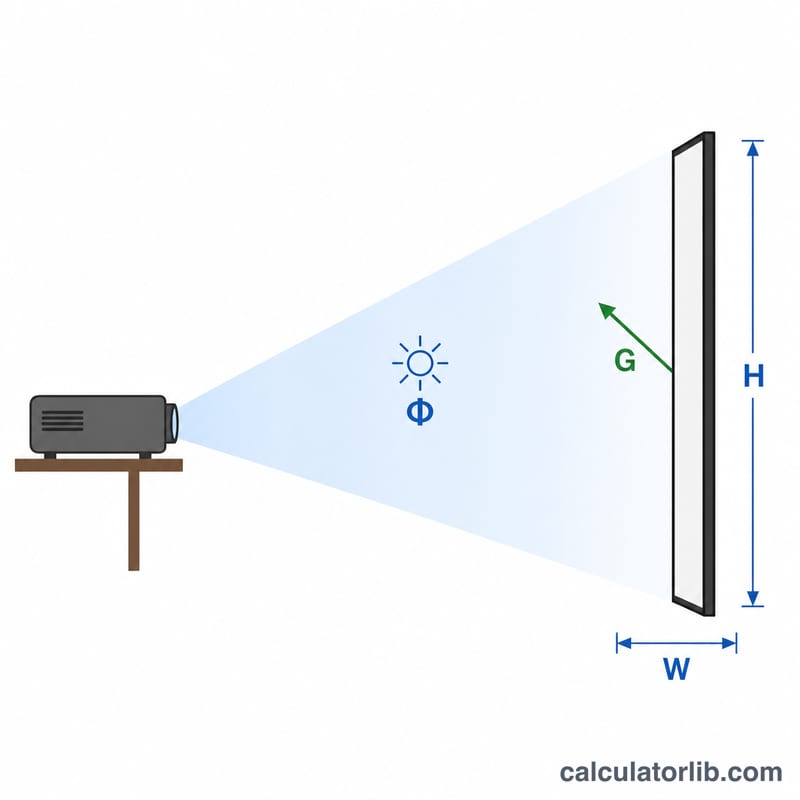
Enter your projector's rated brightness in lumens, your screen's gain (1.0 is a typical matte white screen), and the screen width and height in feet. The calculator multiplies lumens by gain, divides by the screen area, and reports the result in foot-lamberts plus an equivalent nits value.
The Formula Explained
Foot-lamberts equal lumens times screen gain divided by screen area in square feet: $$\text{fL} = \frac{\text{Lumens} \times \text{Gain}}{\text{Width} \times \text{Height}}$$ Because 1 foot-lambert ≈ 3.426 nits, the result is also converted to nits. SMPTE recommends roughly 12–22 fL for a dark home theater, while 16 fL is a common target.
Worked Example
A 2,000-lumen projector on a 1.0-gain screen that is 8 ft wide and 4.5 ft tall covers 36 ft². Brightness = $$\frac{2{,}000 \times 1.0}{36} = 55.56 \text{ fL}$$ or about 190.3 nits — bright enough for a room with some ambient light.
FAQ
What is a good fL target? 12–22 fL for a dedicated dark theater; higher for rooms with ambient light.
What does screen gain mean? Gain measures how much light a screen reflects compared to a reference surface; a 1.3-gain screen reflects 30% more toward the viewer.
Why both fL and nits? Foot-lamberts are common in home-theater calibration, while nits (cd/m²) are standard for displays and HDR specs.