
What is the Computer Storage Units Conversion Calculator?
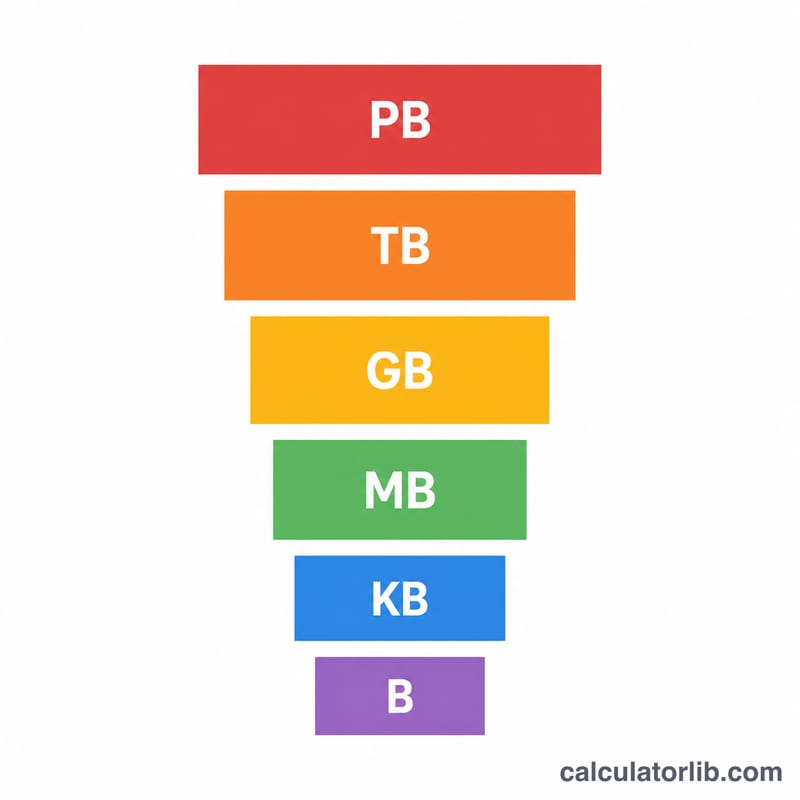
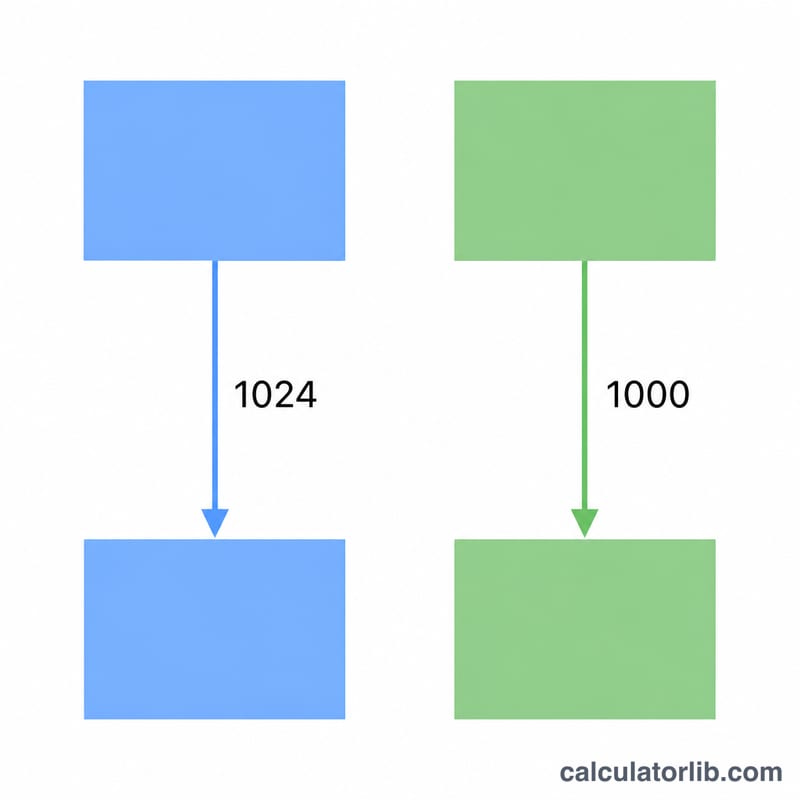
This tool converts a digital storage quantity from one unit to another — bytes (B), kilobytes (KB), megabytes (MB), gigabytes (GB), terabytes (TB) and petabytes (PB). You choose whether to use the binary standard (\(1\,\text{KB} = 1024\,\text{B}\), used by most operating systems and RAM) or the decimal standard (\(1\,\text{KB} = 1000\,\text{B}\), used by storage manufacturers and the SI system).
How to use it
Enter the value you want to convert, pick the unit it is currently in ("From"), pick the unit you want it expressed in ("To"), and choose binary or decimal. The calculator instantly returns the converted value plus the exact conversion factor it applied.
The formula explained
Every unit is a power of the chosen base. With binary, B is base⁰, KB is base¹, MB is base², GB is base³, and so on. To convert you multiply by the base raised to the difference between the input power and the output power:
$$\text{value}_{out} = \text{value}_{in} \times \text{base}^{(p_{in} - p_{out})}$$
where base is 1024 for binary or 1000 for decimal. When converting to a larger unit the exponent is negative, so you divide; converting to a smaller unit gives a positive exponent, so you multiply.
Worked example
Convert 1 GB to MB in binary. GB has power 3, MB has power 2, so the factor is \(1024^{(3-2)} = 1024\). Therefore $$1\,\text{GB} = 1 \times 1024 = 1024\,\text{MB}.$$ In decimal it would be \(1000^{(3-2)} = 1000\), so \(1\,\text{GB} = 1000\,\text{MB}\).
FAQ
Why does my 1 TB drive show as about 931 GB? Manufacturers sell using decimal (\(1\,\text{TB} = 1{,}000{,}000{,}000{,}000\,\text{B}\)), while your operating system displays in binary, dividing by 1024 three times, which yields ~931 GiB.
Should I use binary or decimal? Use binary for RAM, file sizes shown by Windows, and memory addressing. Use decimal for advertised disk and SSD capacities and network speeds.
Are KiB and KB the same? Strictly, KiB is the binary 1024 unit and KB is the decimal 1000 unit, but in everyday use "KB" often means the binary value. This calculator lets you pick the standard explicitly.