
What this converter does
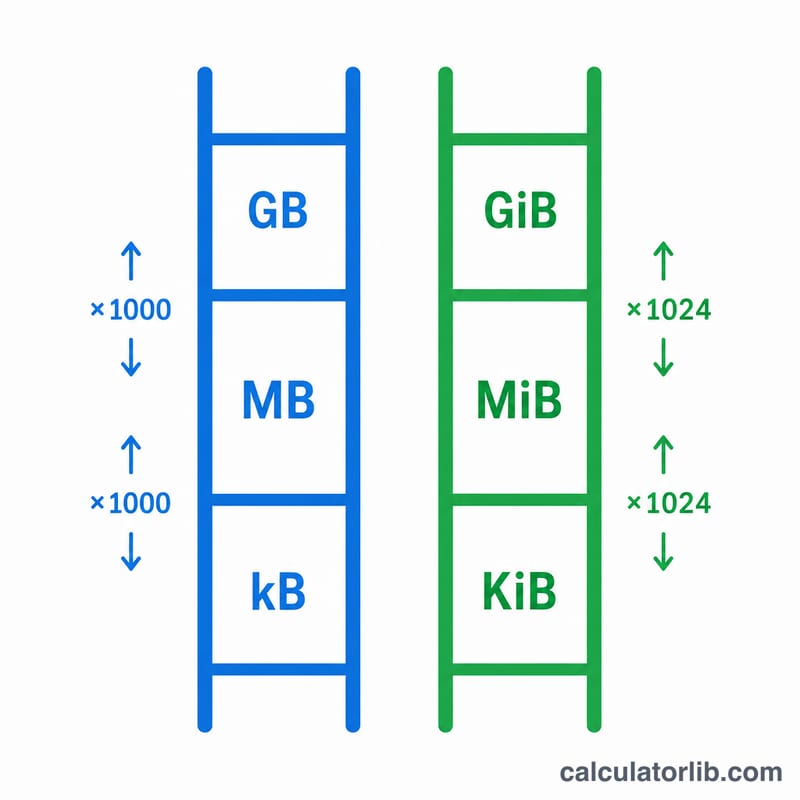
This tool converts a digital storage quantity from one unit to another across the full range of bit and byte units, in both decimal (SI) and binary (IEC) systems. Decimal units use powers of 1000 (kilobyte, megabyte, gigabyte...), while binary units use powers of 1024 (kibibyte, mebibyte, gibibyte...). Because the two systems are often confused, the converter keeps them strictly separate and uses bits as a common base so any unit converts cleanly to any other.
How to use it
Enter the value you want to convert, choose the unit it is currently expressed in under "From", and choose the unit you want under "To". The result updates to show the equivalent quantity, plus the same amount expressed in raw bits. Decimals are allowed, and very large or small results are shown with full precision.
The formula explained
The converter assigns each unit a fixed number of bits. A bit is 1, a byte is 8 bits. A decimal prefix of order \(n\) multiplies by \(1000^n\); a binary prefix of order \(n\) multiplies by \(1024^n\); byte-based units are then multiplied by 8. The conversion is simply:
$$\text{outputValue} = \text{inputValue} \times \dfrac{\text{bitsPerUnit(from)}}{\text{bitsPerUnit(to)}}$$Since every bitsPerUnit is at least 1, division is always safe.
Worked example
Convert 1 kilobyte (kB) to megabytes (MB). bitsPerUnit(kB) = 8,000 and bitsPerUnit(MB) = 8,000,000. So bitsTotal = \(1 \times 8{,}000 = 8{,}000\) bits, and outputValue = \(\dfrac{8{,}000}{8{,}000{,}000} = 0.001\) MB. A second telling example: 1 gigabyte (GB, decimal) equals \(\dfrac{8 \times 10^{9}}{8{,}589{,}934{,}592} \approx 0.9313\) gibibytes (GiB, binary) - roughly 6.9% smaller. This is exactly why a "1 TB" drive is reported as about 931 GB in some operating systems that actually count in binary units.
FAQ
Why is my hard drive smaller than advertised? Manufacturers sell drives in decimal terabytes (1 TB = 1,000,000,000,000 bytes), but many systems display binary tebibytes labeled "TB". The numbers differ by about 9% at the terabyte scale.
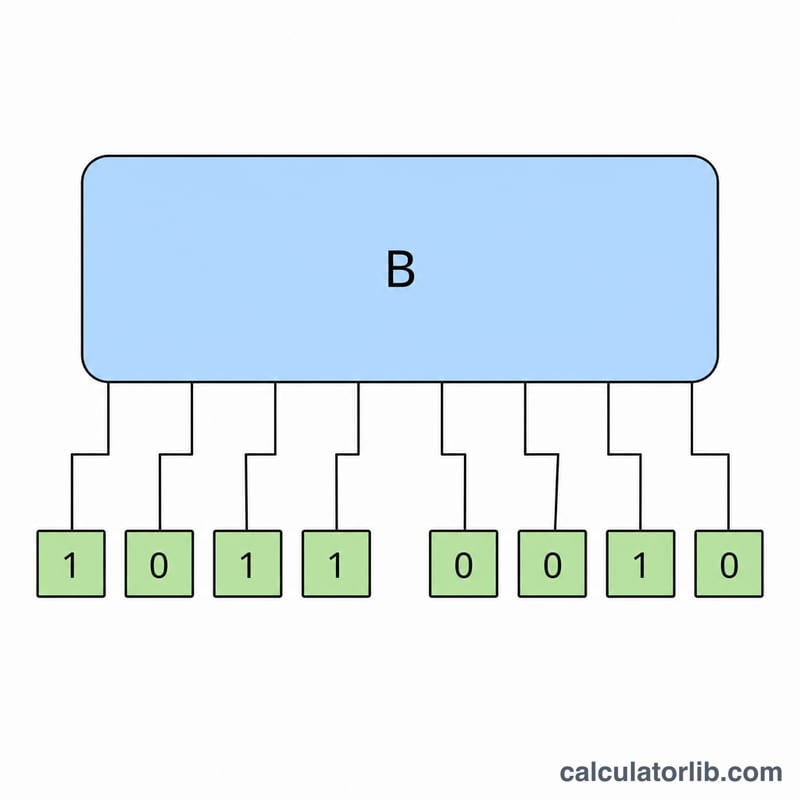
What is the difference between a bit and a byte? A byte is exactly 8 bits. Network speeds are usually quoted in bits (Mbps), while file sizes are usually in bytes (MB), so dividing by 8 is often needed.
What are ronna, quetta, robi and quebi? Ronna (R) and quetta (Q) are recent SI prefixes for \(1000^{9}\) and \(1000^{10}\); robi and quebi are the proposed binary counterparts for \(1024^{9}\) and \(1024^{10}\), included here for completeness.