
What is the KB to MB Converter?
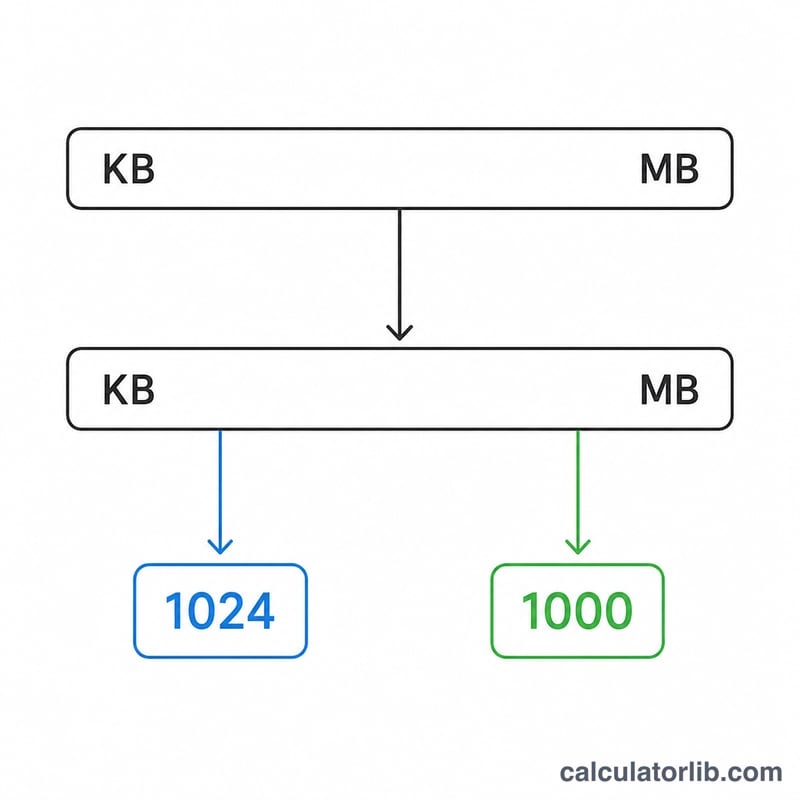
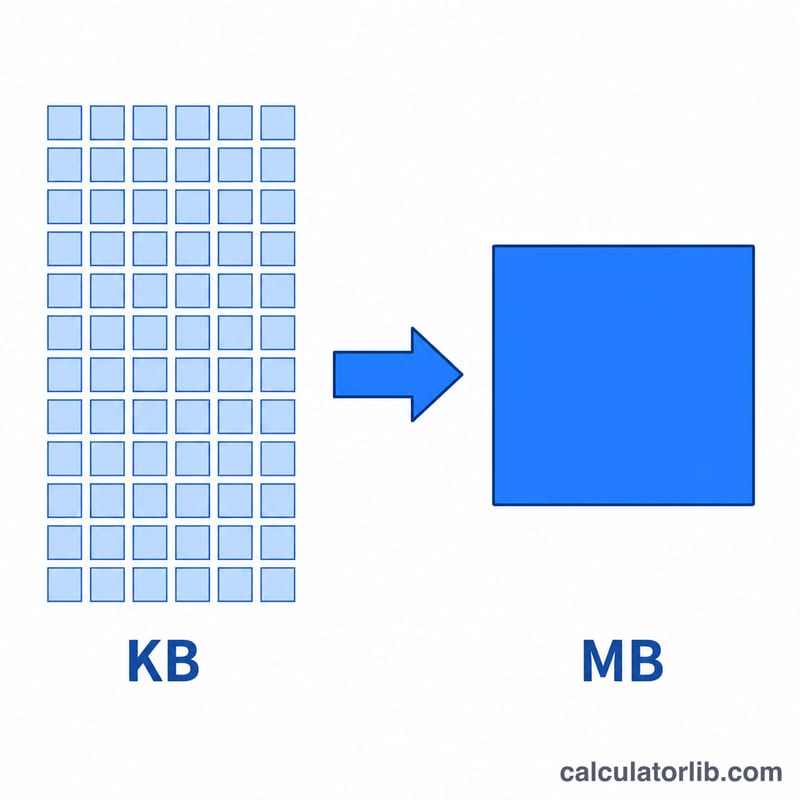
This tool converts a file or data size given in kilobytes (KB) into megabytes (MB). Because the computing world uses two different definitions of a "megabyte," the converter lets you choose between the binary standard (1 MB = 1024 KB), commonly used by operating systems like Windows, and the decimal standard (1 MB = 1000 KB), used by storage manufacturers and the International System of Units (SI).
How to use it
Enter the size in kilobytes, pick the standard you want, and the result updates instantly. If you are checking how large a download will appear in Windows Explorer, use binary. If you are matching the capacity printed on a hard drive or SSD label, use decimal.
The formula explained
The conversion is a simple division. For the binary standard, divide the number of kilobytes by 1024 because each higher unit is \(2^{10} = 1024\) times larger:
$$\text{MB} = \frac{\text{Size (KB)}}{1024}$$For the decimal standard, divide by 1000:
$$\text{MB} = \frac{\text{Size (KB)}}{1000}$$The smaller the divisor, the larger the resulting megabyte value, which is why decimal sizes look slightly bigger than binary sizes for the same byte count.
Worked example
Suppose you have a file of 5120 KB. Using the binary standard:
$$5120 \div 1024 = 5 \text{ MB}$$Using the decimal standard:
$$5120 \div 1000 = 5.12 \text{ MB}$$The two answers differ because of the chosen base.
FAQ
Which standard should I use? Use binary for operating-system file sizes and RAM, and decimal for storage marketing figures and networking speeds.
Why does 1 KB sometimes equal 1024 bytes? Computers address memory in powers of two, so the binary kilobyte is 1024 bytes; this carries up the chain to KB \(\to\) MB.
Is a kibibyte (KiB) the same as a binary KB? Yes. KiB is the strict IEC name for 1024 bytes, while "KB" is often used loosely for the same value.