
What is the Data Storage Unit Converter?
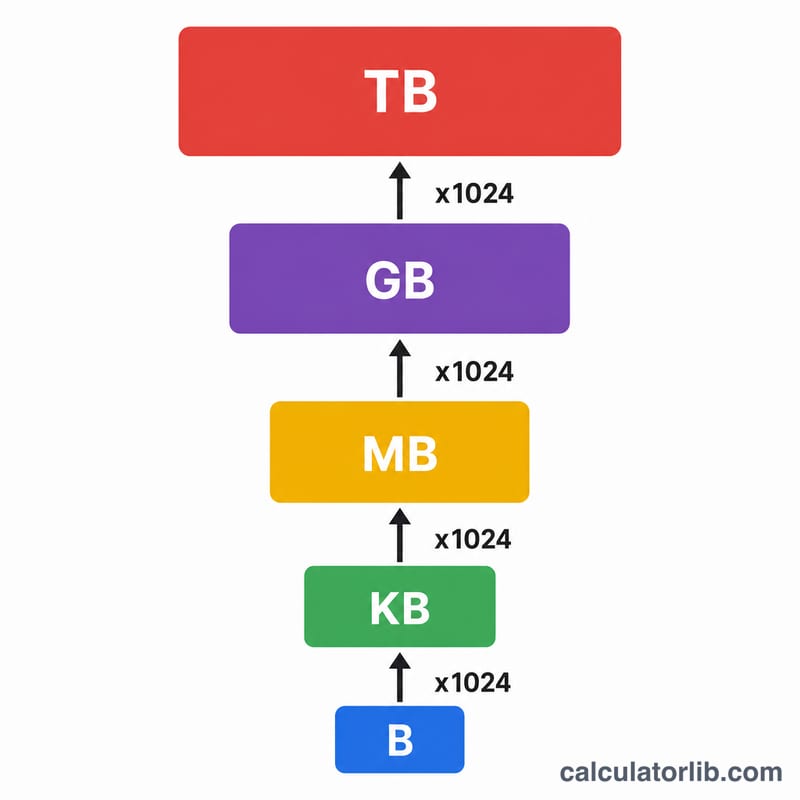
This tool converts a quantity of digital data between Bytes, Kilobytes (KB), Megabytes (MB), Gigabytes (GB) and Terabytes (TB). It uses the binary convention where each successive unit is 1024 times larger than the previous one — the standard used by operating systems and memory hardware.
How to use it
Enter the numeric value you want to convert, pick the unit you are converting from, then pick the unit you want the answer in. The converter instantly returns the equivalent value plus a handy breakdown of the same quantity expressed in raw bytes.
The formula explained
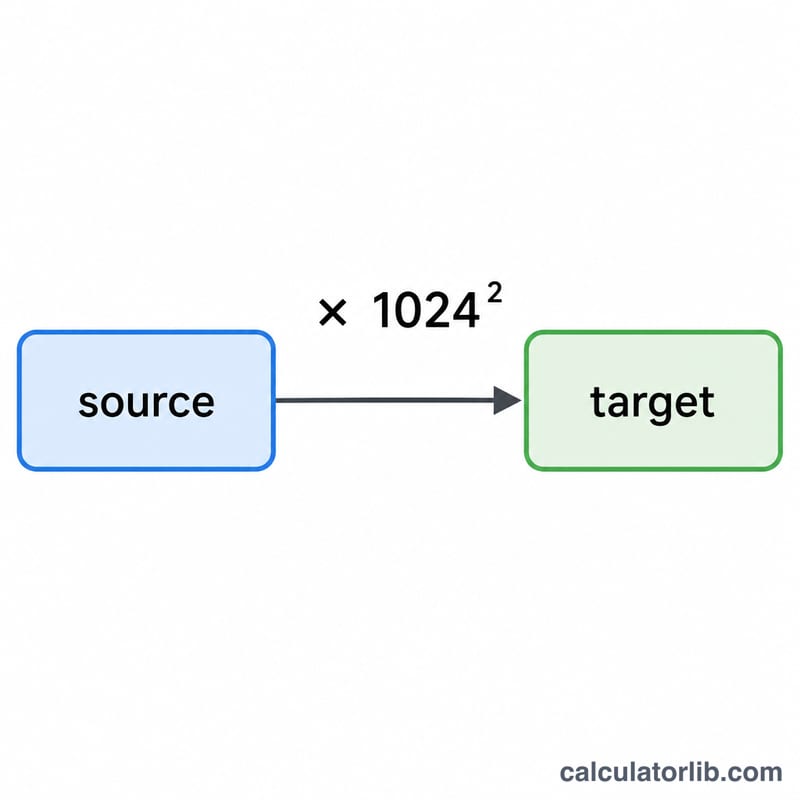
Assign each unit a power: Bytes = 0, KB = 1, MB = 2, GB = 3, TB = 4. The conversion is $$\text{value}_{\text{target}} = \text{value}_{\text{source}} \times 1024^{\left(p_{\text{source}} - p_{\text{target}}\right)}$$ When you move to a larger unit the exponent is negative (you divide), and when you move to a smaller unit it is positive (you multiply). Because \(1024 = 2^{10}\), this matches how computers measure storage internally.
Worked example
Convert 5 GB to MB. GB has power 3, MB has power 2, so the exponent is \(3 - 2 = 1\). The result is $$5 \times 1024^{1} = 5 \times 1024 = \textbf{5120 MB}$$ Expressed in bytes that is \(5 \times 1024^{3} = 5{,}368{,}709{,}120 \text{ B}\).
FAQ
Why 1024 and not 1000? The binary (1024) system reflects powers of two used by computer memory. Drive manufacturers often use the decimal 1000-based system (which is why a "1 TB" drive shows as ~931 GB in an OS). This tool uses 1024.
Can I convert to Bytes directly? Yes — select Bytes as the target unit and the result shows the exact byte count.
Does it handle decimals? Yes, you can enter fractional values like 1.5 GB.