

What this calculator does
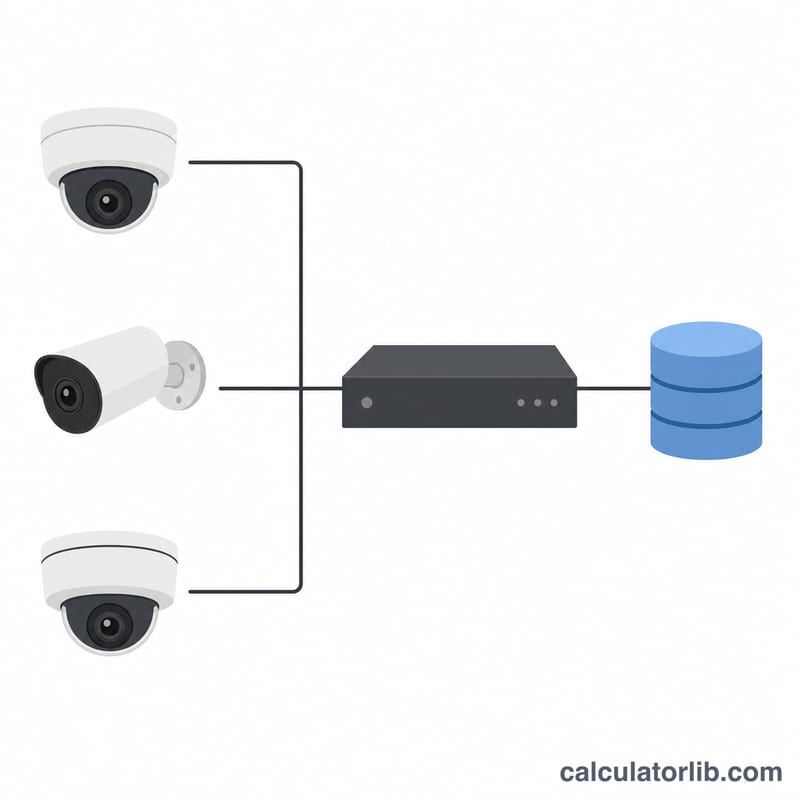
The Video Recording Storage Calculator estimates how much disk space a security camera system (CCTV, IP cameras or an NVR/DVR) needs to keep footage for a chosen retention period. Plan drive purchases by entering your stream bitrate, number of cameras, daily recording hours and how many days of video you want to keep.
How to use it
Enter the bitrate per camera in Mbps (from your camera or NVR settings), the number of cameras, the recording hours per day (24 for continuous recording, less for motion-triggered) and the retention days you must keep footage. The result shows the total required storage in GB and TB, plus the storage one camera produces per day.
The formula explained
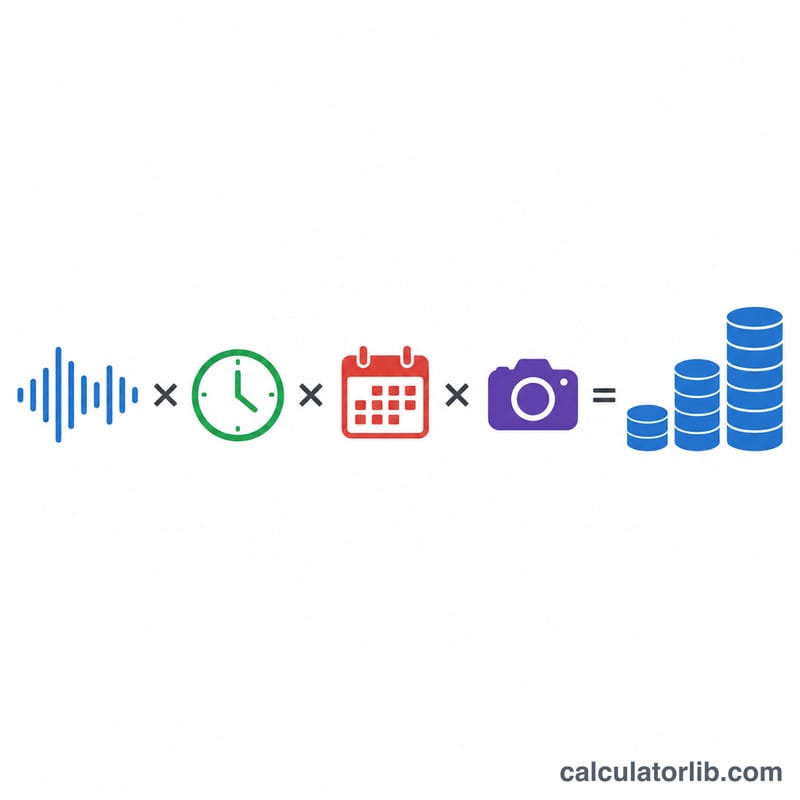
A bitrate in megabits per second is divided by 8 to convert to megabytes per second. Multiplying by 3600 gives megabytes per recording hour. We then scale by hours per day, retention days and the camera count, and divide by 1000 to convert megabytes to gigabytes. We use the decimal (1000-based) convention that drive manufacturers use.
$$\text{Storage (GB)} = \frac{\text{Bitrate (Mbps)}}{8} \times 3600 \times \text{Hours/day} \times \text{Days} \times \text{Cameras} \times \frac{1}{1000}$$
Worked example
Suppose you have 4 cameras, each streaming at 4 Mbps, recording 24 hours a day, kept for 30 days. Per camera per day = $$4/8 \times 3600 \times 24 \div 1000 = 43.2 \text{ GB}.$$ Total = $$43.2 \times 30 \times 4 = 5184 \text{ GB} \approx 5.18 \text{ TB}.$$ A 6 TB drive would comfortably hold this footage.
FAQ
Should I use 1000 or 1024? We use 1000 (decimal GB) because hard drive capacities are advertised that way. If your OS reports binary GiB, add roughly 7% headroom.
What bitrate should I enter? 1080p H.264 is typically 2–6 Mbps; 4K or higher frame rates can be 8–16 Mbps. H.265/HEVC roughly halves these numbers.
Does motion recording reduce storage? Yes — lower the recording hours per day to reflect the average active time and the estimate drops proportionally.