
What Is a Bits to Bytes Converter?
A bits to bytes converter changes a digital storage or data-transfer value expressed in bits into the equivalent number of bytes. In computing, a byte is the standard unit used to measure file sizes and memory, and one byte is made up of exactly 8 bits. Network speeds are often quoted in bits (for example megabits per second), while file sizes are quoted in bytes, so converting between the two is a common everyday task.
How to Use It
Type the value you have in bits into the input field and the calculator instantly returns the equivalent in bytes. For example, 8 bits become 1 byte, and 1,024 bits become 128 bytes. You can enter whole numbers or decimals.
The Formula Explained
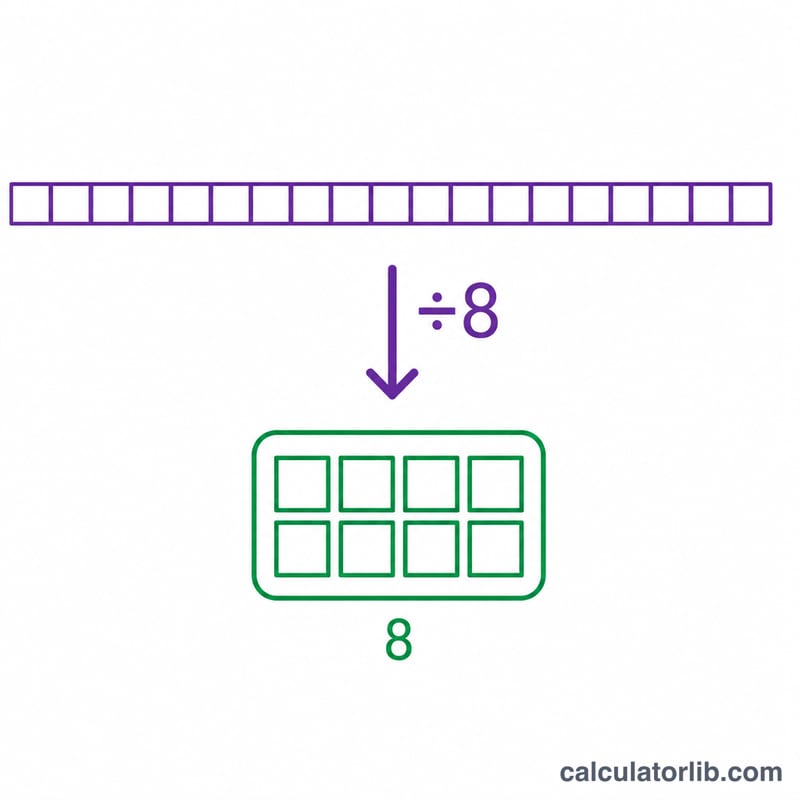
The conversion is simple division:
$$\text{bytes} = \frac{\text{bits}}{8}$$Because there are 8 bits in every byte, you divide the bit count by 8. To go the other way, multiply bytes by 8 to get bits.
Worked Example
Suppose a connection transfers 2,048 bits of data. Divide by 8: \(2{,}048 \div 8 = 256\) bytes. Likewise, a 1,000,000-bit (1 megabit) chunk equals \(1{,}000{,}000 \div 8 = 125{,}000\) bytes (125 kilobytes in decimal terms).
FAQ
Why are there 8 bits in a byte? The 8-bit byte became the industry standard because it can represent 256 distinct values (\(2^8\)), enough for a full character set, and most modern hardware is built around it.
Is a bit smaller than a byte? Yes. A bit is the smallest unit of digital data (a single 0 or 1), and a byte is 8 of them, so a byte is larger.
Why are internet speeds in bits but files in bytes? Networking traditionally measures throughput in bits per second, while storage and files are measured in bytes. Dividing a bit-per-second speed by 8 gives the approximate bytes-per-second download rate.