

What is the CCTV Storage Calculator?
This tool estimates how much hard-drive space an IP camera or NVR/DVR system needs to store recorded video. By entering the video bitrate, daily recording hours, number of cameras and how many days you want to keep footage, you instantly see the total storage in both gigabytes (GB) and terabytes (TB). It works for any brand of camera or recorder anywhere in the world — the math is universal.
How to use it
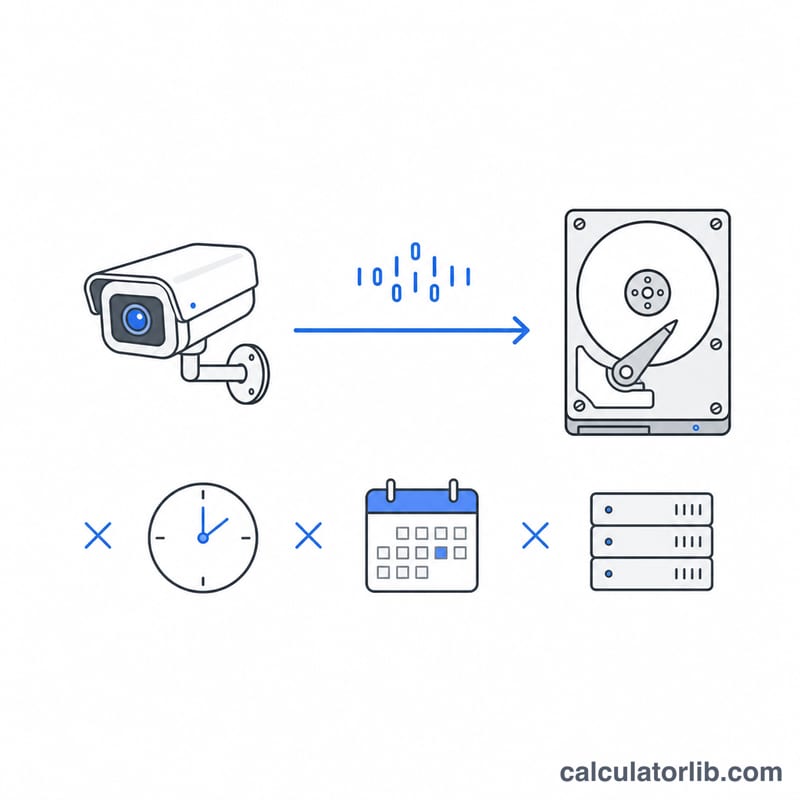
Enter four values: the number of cameras, the average bitrate per camera in megabits per second (Mbps), how many hours per day each camera records (use 24 for continuous recording or fewer for motion-only), and the retention period in days. The calculator multiplies these out and converts the bits to bytes to give you a realistic disk-space figure.
The formula explained
Storage in GB equals bitrate (Mbps) × 3600 seconds per hour × hours per day × number of cameras × days, then divided by 8 to convert megabits to megabytes, and divided by 1024 to convert megabytes to gigabytes. A higher bitrate or resolution means sharper video but a larger file, so balancing image quality and storage cost is the key planning decision.
$$\text{GB} = \dfrac{\text{bitrate}_{Mbps} \times 3600 \times \text{hours} \times \text{cameras} \times \text{days}}{8 \times 1024}$$$$\text{TB} = \dfrac{\text{GB}}{1024}$$
Worked example
Suppose you have 4 cameras, each at 4 Mbps, recording 24 hours a day, kept for 30 days. The calculation is
$$\frac{4 \times 3600 \times 24 \times 4 \times 30}{8 \times 1024} = \frac{41{,}472{,}000}{8 \times 1024} \approx 5{,}062.5 \text{ GB}$$or about \(4.94\) TB. You would size your NVR drives accordingly, leaving some headroom.
FAQ
What bitrate should I use? Typical values: 1080p ≈ 2–4 Mbps, 4MP ≈ 4–6 Mbps, 4K ≈ 8–12 Mbps depending on H.264 vs H.265 and scene motion.
Does motion-only recording save space? Yes — set "Recording hours per day" to your estimated active time (e.g. 6–8 hours) instead of 24 to model event-based recording.
Are these GB binary or decimal? This uses binary GB (÷1024) matching how operating systems report drive capacity. Marketed drive sizes use decimal GB, so a "5 TB" drive shows slightly less usable space.