
What This Calculator Does
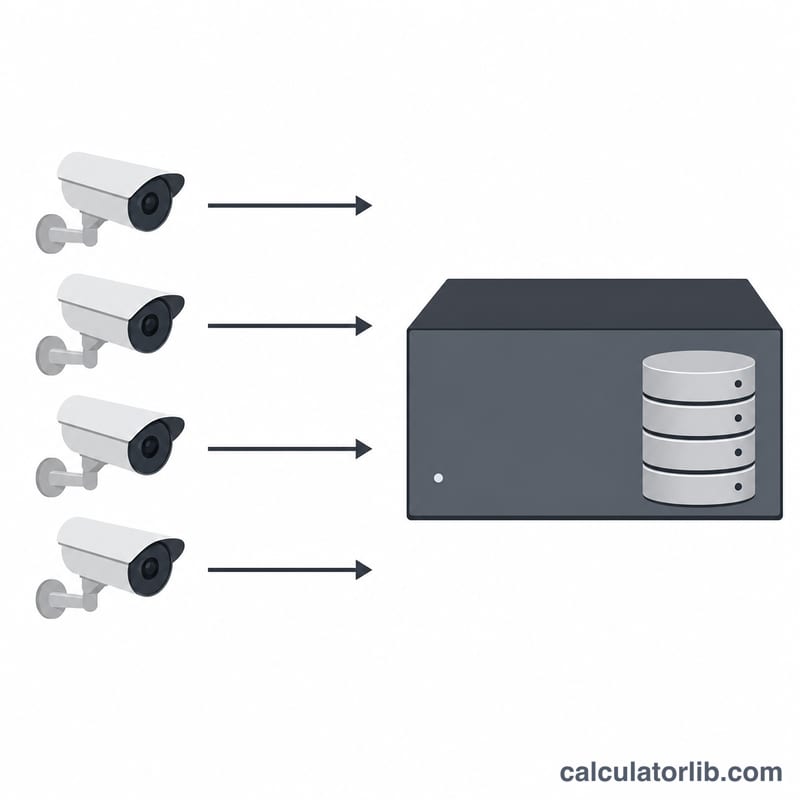
The Security Camera Storage Calculator estimates how much hard drive space your NVR (Network Video Recorder) or DVR needs to retain footage. It works for any CCTV or IP camera system worldwide — the math is universal. By entering each camera's video bitrate, how many hours per day it records, how long you want to keep footage, and how many cameras you have, you get the total storage in gigabytes and terabytes.
How to Use It
Enter the number of cameras, the bitrate per camera in Mbps (check your camera's recording settings — a 4MP H.265 camera is often 2–6 Mbps), the recording hours per day (24 for continuous, fewer for motion-only), and your desired retention in days. The calculator returns total storage, total terabytes, and the per-camera-per-day footprint so you can size drives correctly.
The Formula Explained
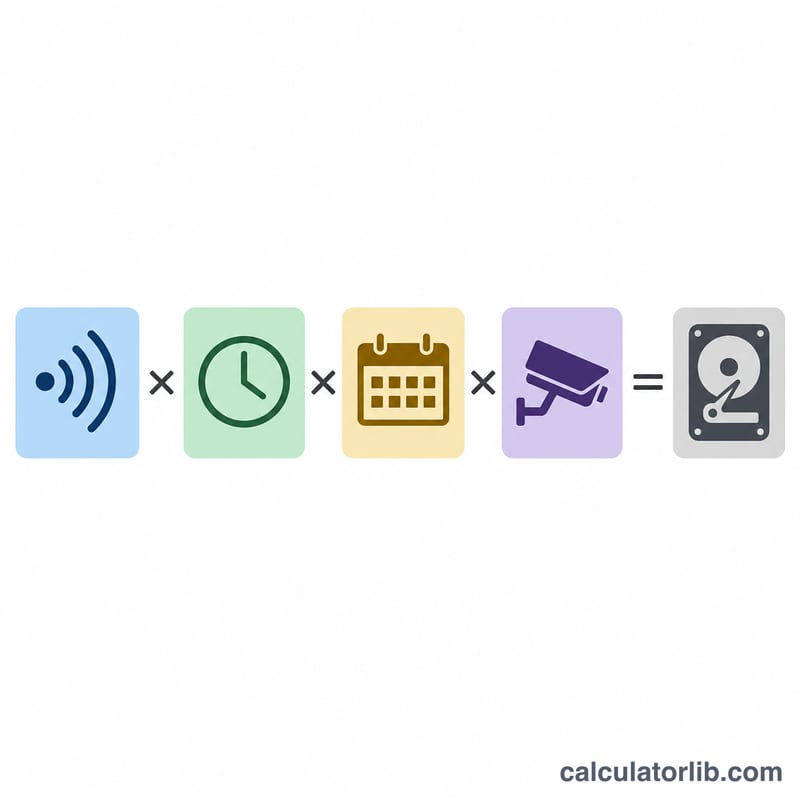
Bitrate is measured in megabits per second (Mbps). Divide by 8 to convert to megabytes per second (MB/s). Multiply by 3600 seconds per hour, then by hours per day, retention days, and the number of cameras. Dividing by 1000 converts megabytes to gigabytes (using the decimal convention drive makers use). The equation is:
$$\text{Storage}_{\text{GB}} = \frac{\dfrac{\text{bitrate}}{8} \times 3600 \times \text{hours} \times \text{days} \times \text{cameras}}{1000}$$
Worked Example
Suppose you have 4 cameras, each at 4 Mbps, recording 24 hours a day with 30 days of retention. One camera per day uses \((4 \div 8) \times 3600 \times 24 \div 1000 = 43.2\ \text{GB}\). Over 30 days that is 1,296 GB per camera, and for 4 cameras the total is 5,184 GB ≈ 5.18 TB. A 6 TB drive would comfortably hold it.
FAQ
What bitrate should I use? Check your camera or NVR recording profile. As a rough guide: 1080p H.264 ≈ 4–8 Mbps, 4MP H.265 ≈ 2–6 Mbps, 4K H.265 ≈ 8–16 Mbps.
Should I record 24 hours or motion-only? Motion-only recording can cut storage by 50–80% but may miss events between triggers. For high-security areas, continuous recording is safer.
Why does the result differ from my drive's labeled size? This tool uses 1 GB = 1000 MB (the decimal convention drive manufacturers use). Operating systems sometimes report binary GiB, so a 6 TB drive shows as ~5.46 TiB in some software.