
What This Calculator Does
The Markup & Selling Price Calculator takes a product's cost and a markup percentage and instantly returns the price you should charge, the profit you earn per unit, and your true profit margin. Markup and margin are often confused, so this tool shows both side by side, helping retailers, freelancers, and resellers price products correctly.
How to Use It
Enter the cost of the item (what you paid to make or buy it) and the markup percentage you want to add. The calculator multiplies the cost by one plus the markup rate to get the selling price, subtracts the cost to find profit, and divides profit by the selling price to find the margin.
The Formula Explained
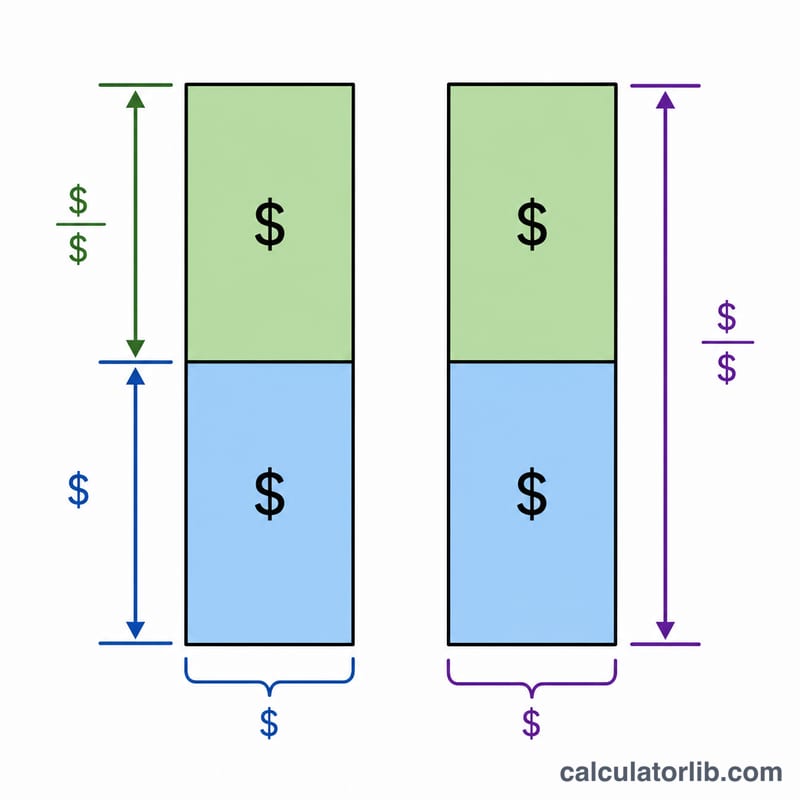
Selling price equals cost times (1 + markup ÷ 100). Markup is measured against your cost, while margin is measured against your selling price. Because the denominators differ, a 40% markup does not equal a 40% margin — it produces a smaller margin. This calculator converts between the two so you never overestimate your earnings.
$$\text{Selling Price} = \text{Cost} \times \left(1 + \frac{\text{Markup (\%)}}{100}\right)$$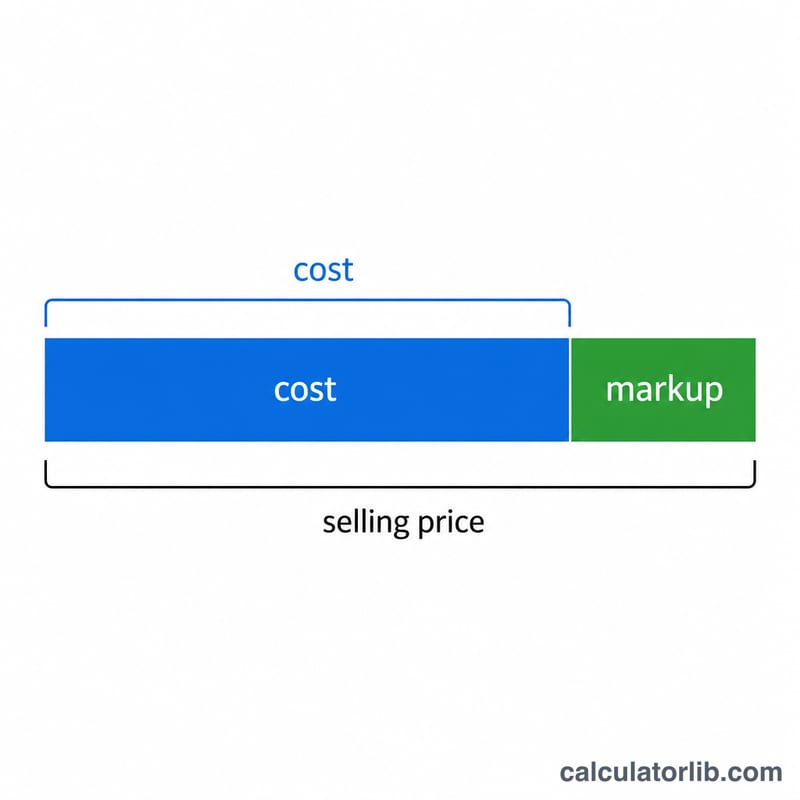
Worked Example
Suppose an item costs $100 and you apply a 40% markup.
$$\text{Selling Price} = 100 \times \left(1 + \frac{40}{100}\right) = \$140$$$$\text{Profit} = 140 - 100 = \$40$$$$\text{Margin} = \frac{40}{140} \times 100 = 28.57\%$$So a 40% markup yields only a 28.57% profit margin.
FAQ
Is markup the same as margin? No. Markup compares profit to cost; margin compares profit to selling price. Margin is always lower than markup for the same item.
How do I convert markup to margin? \(\text{Margin} = \frac{\text{markup}}{100 + \text{markup}} \times 100\). A 50% markup equals a 33.33% margin.
Can I use any currency? Yes. The calculator only does ratios and multiplication, so the result is in whatever currency you enter for cost.