
What Is a Revenue Calculator?
A revenue calculator determines the total gross income a business earns from selling a product or service. Revenue—also called sales or turnover—is the top line of an income statement, before any costs or expenses are subtracted. It is the foundation of profitability analysis, budgeting, and growth forecasting.
How to Use It
Enter two values: the price per unit (how much one item sells for) and the quantity sold (the number of units sold in the period). The calculator multiplies them and shows your total revenue. Use it for a single product line, a sales day, or a full quarter—just keep the price and quantity in matching units.
The Formula Explained
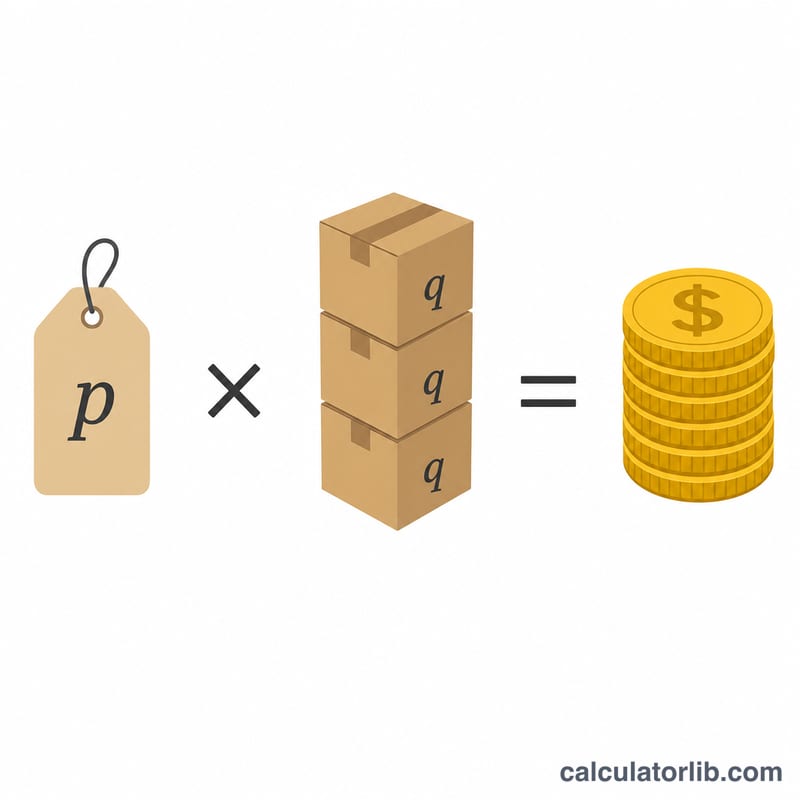
The core equation is simply:
$$\text{Revenue} = \text{Price} \times \text{Quantity Sold}$$
If you sell multiple products, calculate revenue for each line separately and add the results together for total company revenue. Note that revenue is not profit: to find profit you must subtract the cost of goods sold and operating expenses from revenue.
Worked Example
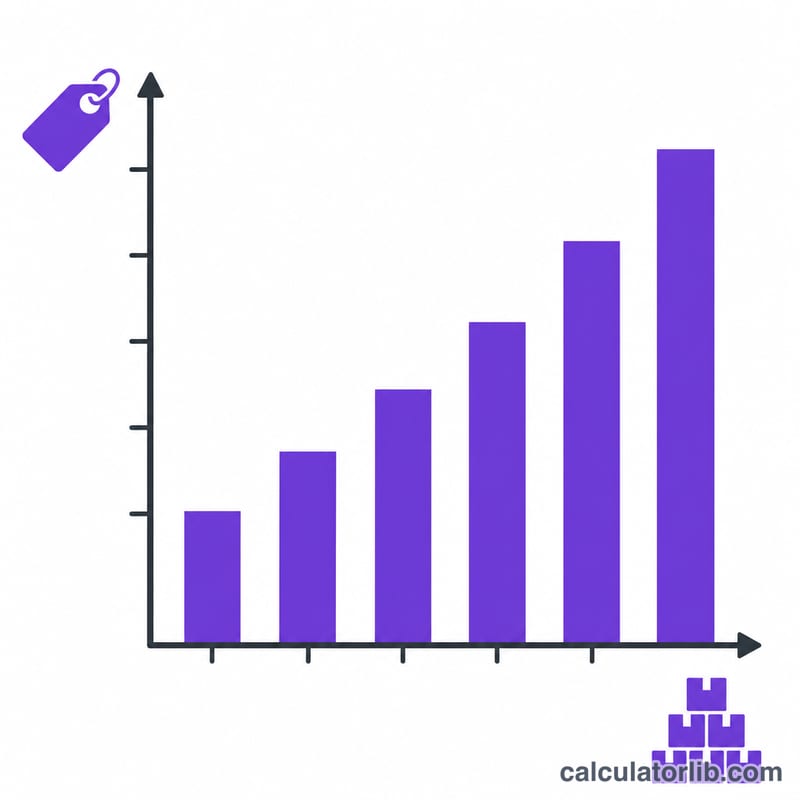
Suppose a coffee shop sells lattes at $4.50 each and sells 320 lattes in a week. $$\text{Revenue} = \$4.50 \times 320 = \$1{,}440$$ If the price rose to $5.00 with the same volume, revenue would climb to $1,600—a $160 increase from a $0.50 price change.
FAQ
Is revenue the same as profit? No. Revenue is total sales income; profit is what remains after subtracting all costs.
Should I use gross or net price? Use the actual selling price your customers pay. If you want net revenue, deduct discounts and returns from the quantity or price first.
Can I use this for services? Yes. Treat the service rate as the "price" and the number of sessions, hours, or contracts as the "quantity."