
What Is the Sales Calculator?
The Sales Calculator is a simple tool that determines your total sales revenue by multiplying the number of units sold by the price charged per unit. Whether you run a retail store, an online shop, or a one-time market stall, knowing your total sales is the foundation of measuring business performance, setting targets, and planning inventory.
How to Use It
Enter two values: the number of units you sold and the price per unit. The calculator instantly multiplies them together and displays your total sales. You can use any currency — just keep the price in the same unit you want the result in.
The Formula Explained
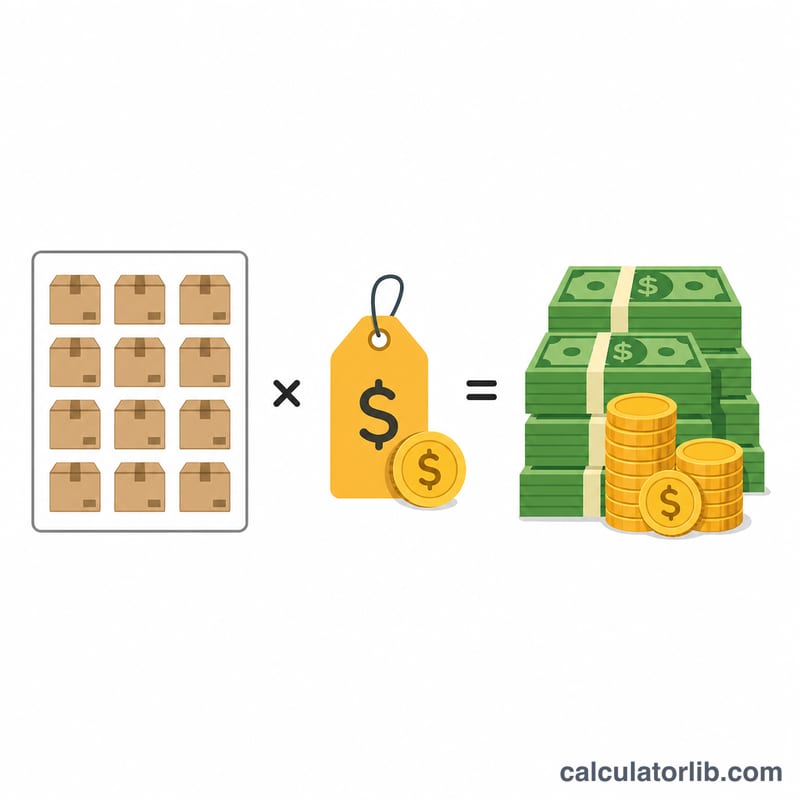
The calculation is straightforward: $$\text{Total Sales} = \text{Units Sold} \times \text{Price per Unit}$$ Each unit contributes its price to the running total, so selling more units or charging a higher price both increase total revenue proportionally.
Worked Example
Suppose you sold 100 units of a product priced at $9.99 each. $$\text{Total Sales} = 100 \times 9.99 = \$999.00$$ If you raised the price to $12.50 and sold the same 100 units, your total sales would become $$100 \times 12.50 = \$1{,}250.00$$
FAQ
Is total sales the same as profit? No. Total sales (revenue) is the gross amount earned before subtracting costs. Profit is what remains after expenses such as cost of goods, taxes, and overhead.
Can I use this for services? Yes. Treat each service rendered as a "unit" and the service fee as the price per unit.
What if my prices vary? For products sold at different prices, calculate each product line separately and add the totals together.