

What is the 30 Minute Calculator?
The 30 Minute Calculator tells you what time it will be after adding 30 minutes (or any number of minutes you choose) to a starting time. It handles times that roll past midnight and shows the answer in both 24-hour and 12-hour AM/PM formats.
How to use it
Enter the start hour (0–23) and the start minute (0–59). The "Minutes to add" field defaults to 30, but you can change it to any value. The calculator instantly returns the resulting time plus the total number of minutes since midnight.
The formula explained
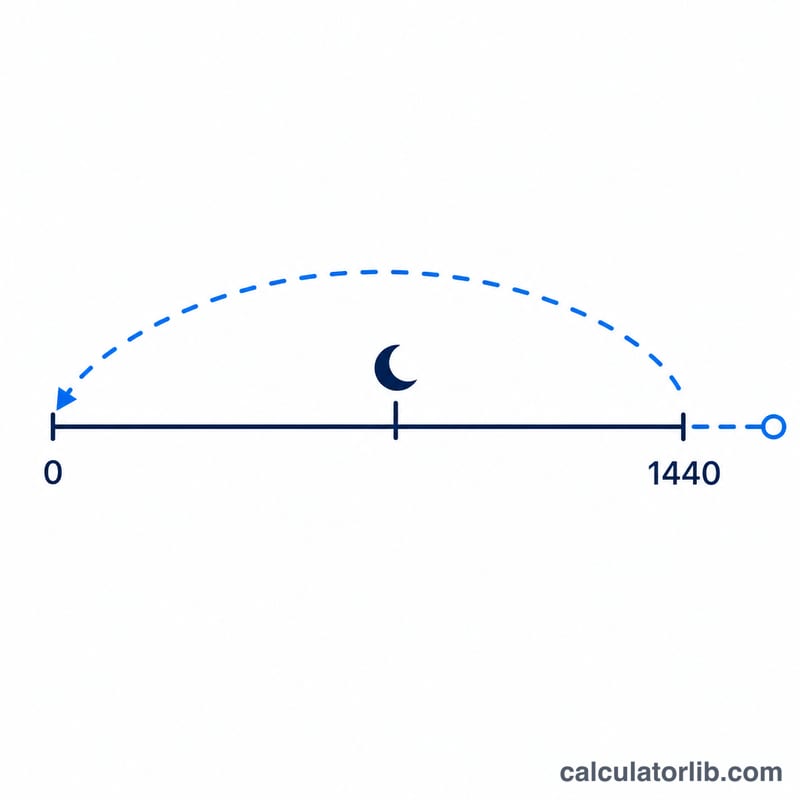
The time is first converted into minutes since midnight: \(\text{hour}\times 60 + \text{minute}\). The minutes to add are then summed, and the result is wrapped into a single day with a modulo by 1440 (the number of minutes in 24 hours). Adding 1440 before the final modulo keeps the answer correct even for negative adjustments. The result is split back into hours and minutes.
$$t_{result} = \big((h\times 60 + m + a)\bmod 1440 + 1440\big)\bmod 1440$$
Worked example
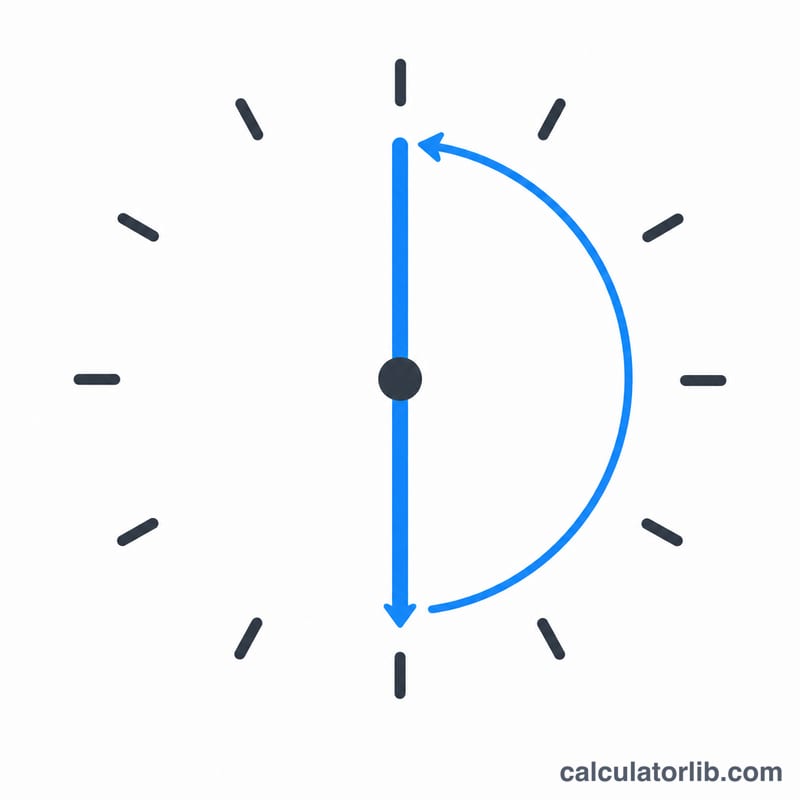
Start at 10:15 and add 30 minutes. In minutes: \(10 \times 60 + 15 = 615\), plus 30 = 645. \(645 \bmod 1440 = 645\). Dividing: \(645 \div 60 = 10\) hours, remainder 45 minutes → 10:45 (10:45 AM).
More Worked Examples
Each example uses the same core formula: convert the start time to minutes since midnight, apply the adjustment, then take the result \(\bmod 1440\) to wrap within a single day.
-
Adding a custom 45 minutes to 14:20. First convert to minutes-since-midnight:
$$14 \times 60 + 20 + 45 = 840 + 20 + 45 = 905 \text{ min}$$Since \(905 < 1440\) no wrap is needed. Converting back: \(905 \div 60 = 15\) remainder \(5\), giving 15:05 (3:05 PM). You can confirm a 30-minute version with the running total: 905 minutes since midnight.
-
Crossing midnight: 23:40 + 30 minutes.
$$(23 \times 60 + 40 + 30) \bmod 1440 = (1380 + 40 + 30) \bmod 1440 = 1450 \bmod 1440 = 10 \text{ min}$$10 minutes since midnight is \(0\) hours and \(10\) minutes, so the result is 00:10 (12:10 AM) the next day. The total of 1450 exceeded 1440, so the \(\bmod\) operation rolled it into the following day.
-
A negative (subtract) adjustment: 00:15 minus 30 minutes. Use \(\text{add} = -30\):
$$(0 \times 60 + 15 - 30) \bmod 1440 = (-15) \bmod 1440 = 1425 \text{ min}$$Because the raw total is negative, the modulo wraps it back to the end of the previous day. Converting \(1425\) min: \(1425 \div 60 = 23\) remainder \(45\), giving 23:45 (11:45 PM). For dedicated backward calculations, the Subtract Time Calculator performs the same wrap when going earlier than midnight.
FAQ
Does it handle crossing midnight? Yes. Starting at 23:50 and adding 30 minutes gives \(1430 + 30 = 1460\), which wraps to 20 minutes → 00:20 the next day.
Can I add more than 30 minutes? Yes — change the "Minutes to add" field to any number, even values greater than 1440.
What does "minutes since midnight" mean? It is the resulting time expressed as a single count of minutes from 00:00, useful for scheduling math.