
What the Book Page Calculator Does
The Book Page Calculator is a simple reading-progress tool that turns two numbers into a clear picture of how far you've come in a book. Tell it how many pages the book has and which page you're currently on, and it instantly works out how many pages you've read, how many you have left, and what percentage of the book is complete — shown with a visual progress bar.
The Two Inputs
- Total Pages: the full page count of the book (for example, 300). This is the figure all percentages are measured against.
- Current Page: the page you've just finished or are on now (for example, 75).
If you leave a field blank, the calculator falls back to sensible defaults of 300 total pages and a current page of 75.
The Formula
The maths behind the tool is straightforward:
$$\text{Pages Left} = \text{Total Pages} - \text{Current Page}$$ $$\text{Percent Read} = \frac{\text{Current Page}}{\text{Total Pages}} \times 100\%$$- Pages read = current page (this is the same as your current page, provided it's valid)
- Pages left = total pages \(-\) pages read (never less than zero)
- Percentage read = (pages read \(\div\) total pages) \(\times\) 100
- Percentage left = 100 \(-\) percentage read
There's also a safety check: if your current page is larger than the total pages, the calculator caps "pages read" at the total page count, so you can never read more than 100% of the book.
Worked Example
Suppose you're reading a 300-page novel and you're on page 75.
- Pages read = 75
- Pages left = \(300 - 75 = 225\)
- Percentage read = \((75 \div 300) \times 100 = 25\%\)
- Percentage left = \(100 - 25 = 75\%\)
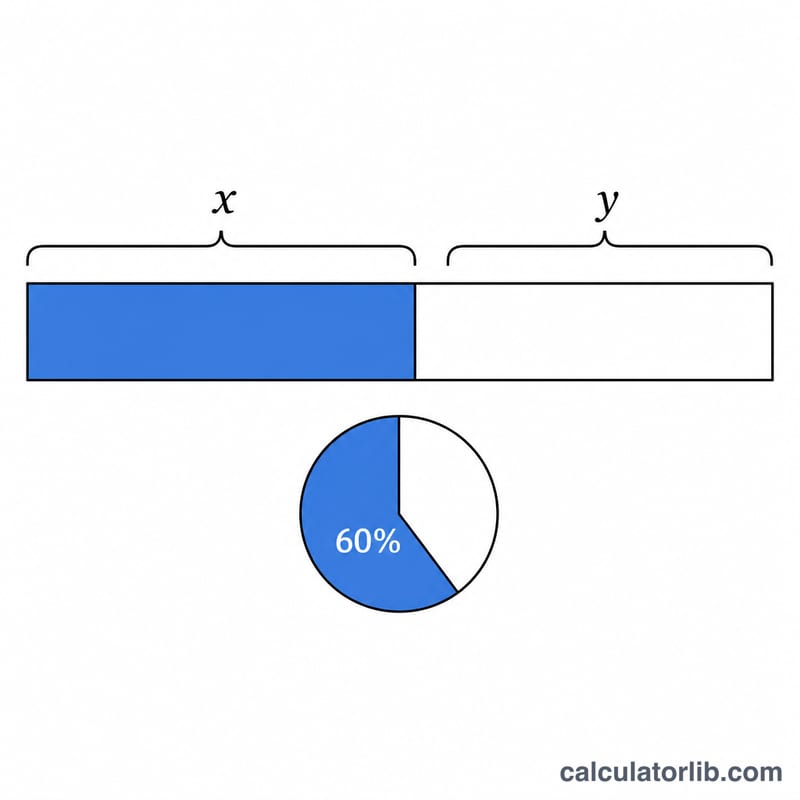
The progress bar fills to a quarter, confirming you're 25% of the way through with 225 pages still to enjoy.
Reading Progress Across Different Books
Suppose you have just finished reading up to page 150 in four different books of varying lengths. Because the percent complete depends on the total number of pages, the same current page produces very different progress in each book. Pages read is simply your current page, pages left is the total minus the current page, and percent read is the current page divided by total pages, times 100.
| Total Pages | Current Page | Pages Read | Pages Left | Percent Complete |
|---|---|---|---|---|
| 200 | 150 | 150 | 50 | 75.0% |
| 350 | 150 | 150 | 200 | 42.9% |
| 500 | 150 | 150 | 350 | 30.0% |
| 800 | 150 | 150 | 650 | 18.75% |
The takeaway: hitting page 150 means you are three-quarters through a 200-page novel but less than a fifth of the way through an 800-page epic. Always interpret your current page relative to the book's total length.
Frequently Asked Questions
What happens if I enter a current page higher than the total? The calculator treats it as if you've finished the book — pages read is set to the total, pages left becomes 0, and you're shown 100% complete.
Does it count from page 0 or page 1? It uses your current page number directly as pages read, so entering page 75 counts as 75 pages read. For a quick progress estimate this is more than accurate enough.
Can I use it to plan a reading schedule? Yes. Once you know your pages left, divide that number by how many pages you read per day to estimate how many days until you finish.
Related calculators
- Reading Time Calculator — words to minutes.
- Words Per Page Calculator — words to pages.