What Is the Words to Pages Calculator?
The Words to Pages Calculator estimates how many pages a piece of writing will fill based on its total word count and the line spacing you select. It is handy for students meeting an essay length requirement, writers planning a manuscript, or anyone who needs a quick page estimate from a word target. The estimate assumes a standard setup: 12-point Times New Roman or Arial font, 1-inch margins, on Letter/A4 paper.
How to Use It
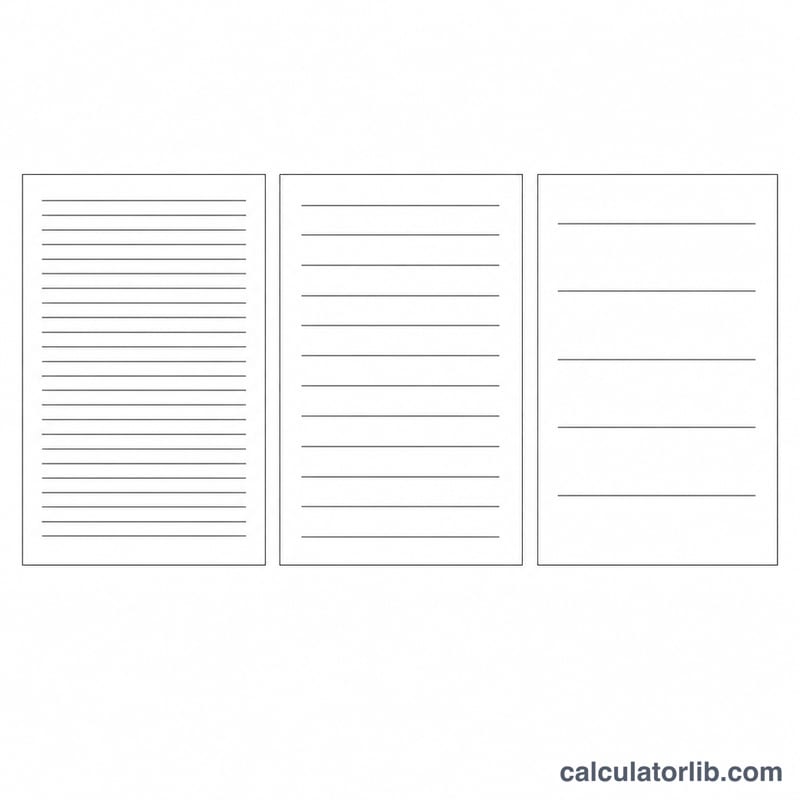
Enter your word count, then pick a spacing option. Single spacing fits roughly 500 words per page, 1.5 spacing about 275, and double spacing about 250. The calculator instantly divides your words by the words-per-page rate to give an estimated page count.
The Formula Explained
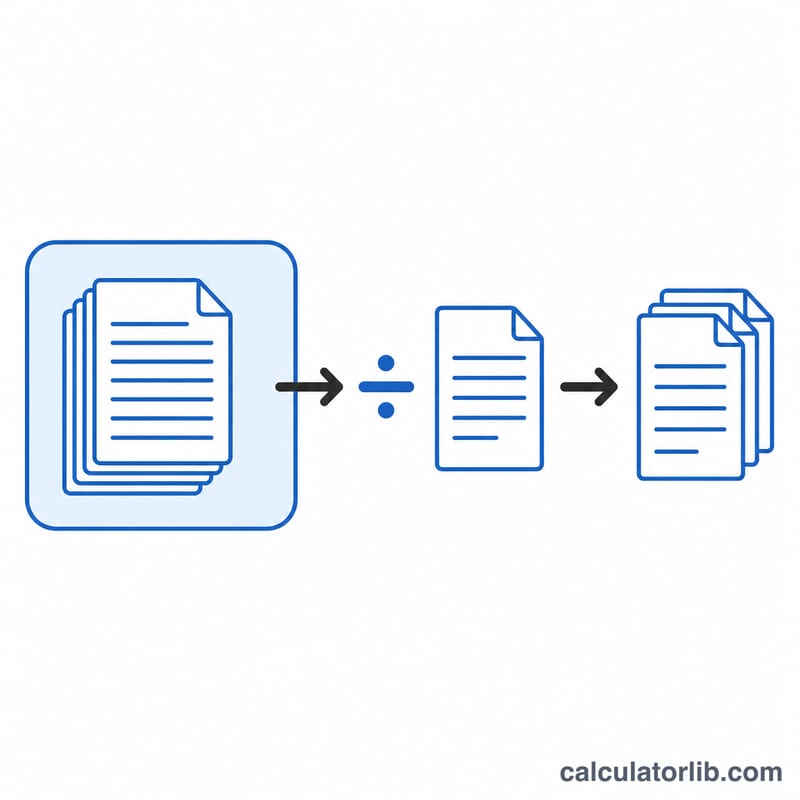
The math is a simple division:
$$\text{Pages} = \frac{\text{Number of Words}}{\text{Words per Page}}$$
The words-per-page rate changes with spacing because more spacing means fewer words fit on each page. Font, margins, paragraph breaks, and headings will shift the real result, so treat the output as a close approximation rather than an exact figure.
Worked Example
Suppose you have written 2,000 words and your professor requires double spacing. Using 250 words per page: $$2{,}000 \div 250 = 8 \text{ pages}$$ If the same 2,000 words were single spaced (500 words/page), it would be just 4 pages.
Common Word Counts and Their Page Counts
The table below converts typical assignment and article targets into pages using this calculator's rates: single spacing at 500 words per page, 1.5 spacing at 275, and double spacing at 250. Page counts are rounded to one decimal place.
| Word count | Single spaced (÷500) | 1.5 spaced (÷275) | Double spaced (÷250) |
|---|---|---|---|
| 250 words | 0.5 | 0.9 | 1.0 |
| 500 words | 1.0 | 1.8 | 2.0 |
| 750 words | 1.5 | 2.7 | 3.0 |
| 1,000 words | 2.0 | 3.6 | 4.0 |
| 1,500 words | 3.0 | 5.5 | 6.0 |
| 2,000 words | 4.0 | 7.3 | 8.0 |
| 3,000 words | 6.0 | 10.9 | 12.0 |
| 5,000 words | 10.0 | 18.2 | 20.0 |
| 10,000 words | 20.0 | 36.4 | 40.0 |
Each cell is simply the word count divided by the words-per-page rate. For example, a 1,500-word essay at 1.5 spacing:
$$\text{Pages} = \frac{1{,}500\ \text{words}}{275\ \text{words per page}} \approx 5.5\ \text{pages}$$Two useful rules of thumb follow from the table. First, double-spaced text produces almost exactly twice as many pages as single-spaced text, so a page limit stated for double spacing is roughly a word limit of 250 per page. Second, 1.5 spacing sits close to 55% of the single-spaced density, giving about 1.8 pages for every 1 single-spaced page.
Interpreting Your Page Estimate
The number this calculator returns is an estimate of running-text length, not a measurement of your file. In practice, expect the real page count in your word processor to land within roughly ±10–20% of the estimate for ordinary prose, and further off than that for documents with a lot of structure or formatting.
Formatting choices that push the actual page count up:
- Headings and subheadings, especially with space before and after each one
- Block quotes and indented extracts, which are often set on their own lines
- Tables, figures, charts and captions, which occupy vertical space regardless of word count
- Many short paragraphs — every paragraph break leaves a partly empty final line, and blank-line paragraph separation costs a full line each time
- Bulleted and numbered lists, which rarely fill their lines completely
- Larger fonts, wider line spacing, wider margins, and page or section breaks
- Footnotes, headers and footers that eat into the text block
Formatting choices that push the actual page count down:
- Long, unbroken paragraphs that fill every line to the margin
- Narrower margins and smaller font sizes
- Compact fonts such as Calibri or Garamond compared with Courier New or Verdana
- Justified text with hyphenation, which packs slightly more words per line
- Multi-column layouts, common in journal and conference formats
Also be careful about what counts as a page. In academic and publishing conventions, the body page count usually excludes the title page, abstract, table of contents, reference list or bibliography, and appendices — but the rules vary by institution, journal and style guide, and some count the reference list while others do not. Check the specific requirements you have been given rather than assuming; word-count limits are often defined the same way (body text only, notes and references excluded).
Use the estimate for planning: deciding how much to draft, budgeting sections across a target length, or converting a page limit into a word target before you start writing. When a hard limit applies — a strict page maximum on a submission, a grant form, a scholarship essay or a court filing — always open the finished document in your word processor with the exact required font, size, spacing and margins and read the real page count from the status bar or print preview. No formula can substitute for that, because the limit is checked against the document, not against the word count.
One more practical note: if you are writing to a page limit, aim slightly under it. Late edits, a longer title, an added figure or a switch in citation style can easily add half a page, and a document that is exactly at the limit has no room to absorb that.
FAQ
How many words is one page? About 500 single-spaced or 250 double-spaced with a standard 12-point font and 1-inch margins.
Is the page count exact? No. It is an estimate. Headings, images, tables, font choice, and spacing all affect the true page count.
Which spacing should I choose? Most academic papers use double spacing. Check your assignment guidelines, then select the matching option here.