
What this converter does
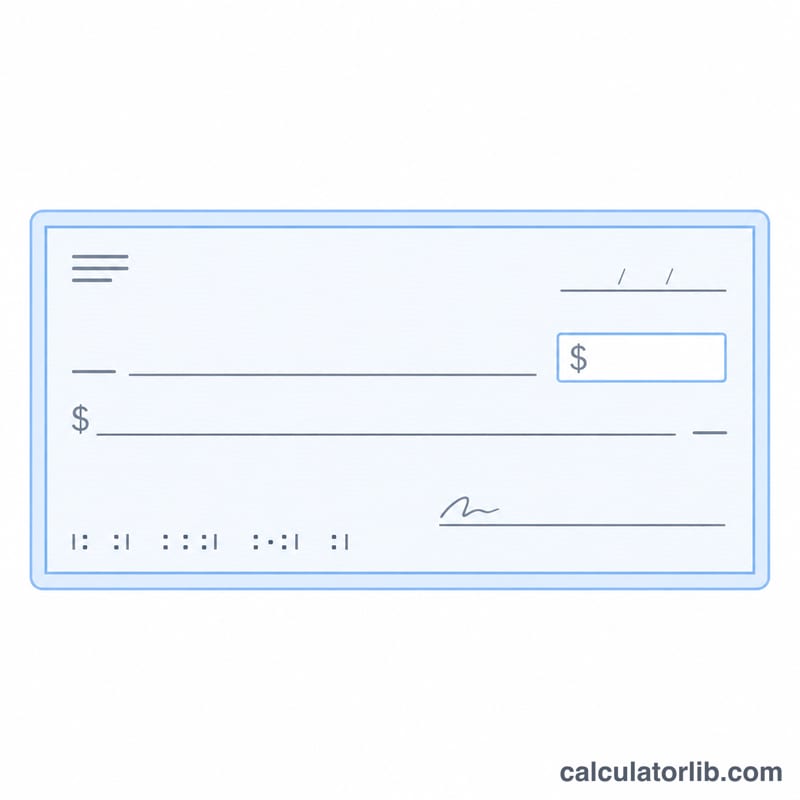
This tool turns a numeric value into its written-out English form. Choose one of three output styles: Words (spell the number itself), Currency (a money phrase with major and minor units such as dollars and cents), or Check (the standard bank-check line with the amount in words plus the cents as a numeric fraction over 100). The spelling uses the short scale, where a billion is \(10^9\) and a trillion is \(10^{12}\), the convention used across the English-speaking world. The currency names are jurisdiction-flavored, but the underlying spelling rules are identical everywhere.
How to use it
Type the number in the first box. You may include a decimal point, a minus sign, and thousand separators. Pick the target format. For Currency mode choose a currency; for Check mode choose the currency name printed on the check and an optional completion word (exactly or only). Finally pick the letter case: lowercase, UPPERCASE, Title Case, or Sentence case. The answer updates with your chosen formatting applied last to the whole string.
The formula explained
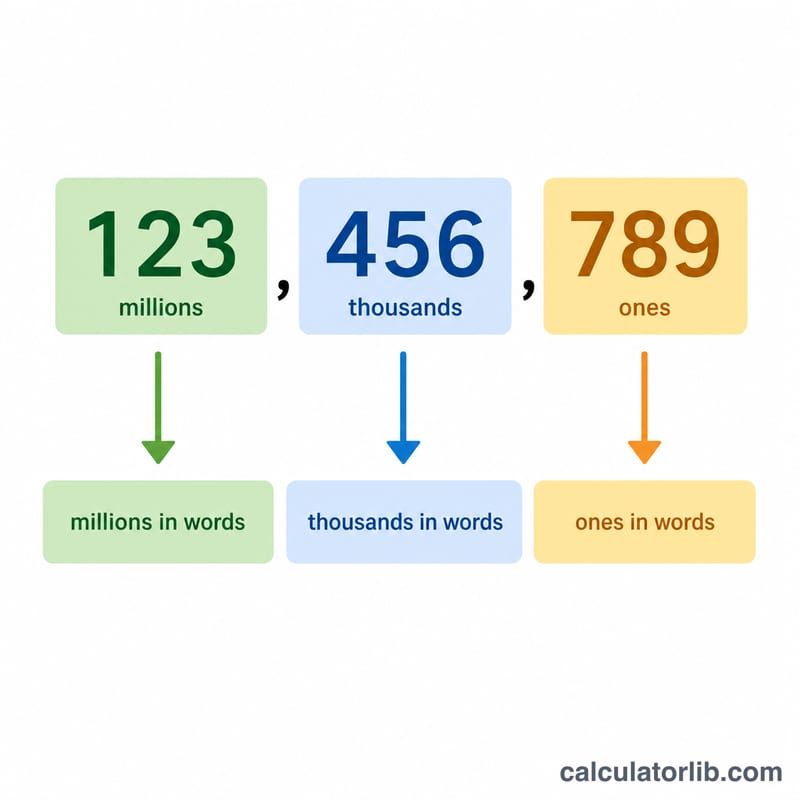
The integer is broken into three-digit groups from the right. Each group is spelled as hundreds, then tens (hyphenated with ones, like twenty-one), then a scale word (thousand, million, billion, and so on).
$$N=\sum_{i=0}^{k} g_i\cdot 1000^{i}\;\Rightarrow\;\text{join}(\text{group}_i + \text{scale}_i)$$
No "and" is inserted inside a pure number, following US style. In Words mode any digits after the decimal point are read individually after the word "point", preserving leading zeros, so .05 becomes "point zero five".
$$\text{words} = \text{intToWords}(\text{integer}) \; [+\; \text{"point"} + \text{digits}]$$
In Currency and Check modes the value is rounded to integer cents to avoid floating-point drift.
$$\text{cents}=\operatorname{round}(x\times 100),\;\text{whole}=\lfloor \text{cents}/100\rfloor,\;\text{minor}=\text{cents}\bmod 100$$
Worked example
Input 1234.05 in Currency mode with dollars and Title Case. The whole part 1234 spells to "one thousand two hundred thirty-four", the cents value 5 spells to "five", giving "one thousand two hundred thirty-four dollars and five cents". Applying Title Case yields "One Thousand Two Hundred Thirty-Four Dollars And Five Cents".
$$\text{cents}=\operatorname{round}(1234.05\times 100)=123405,\;\text{whole}=\lfloor 123405/100\rfloor=1234,\;\text{minor}=123405\bmod 100=5$$
FAQ
Why is there no "and" in the number? US English omits "and" within whole numbers; it only separates the major and minor money parts.
How are currencies without cents handled? Yen, yuan, won, and dong have no minor unit, so only the whole amount is spelled after rounding.
What happens with an empty input? A blank box is treated as zero and returns "zero".