
What the IPv4 Subnet Calculator Does
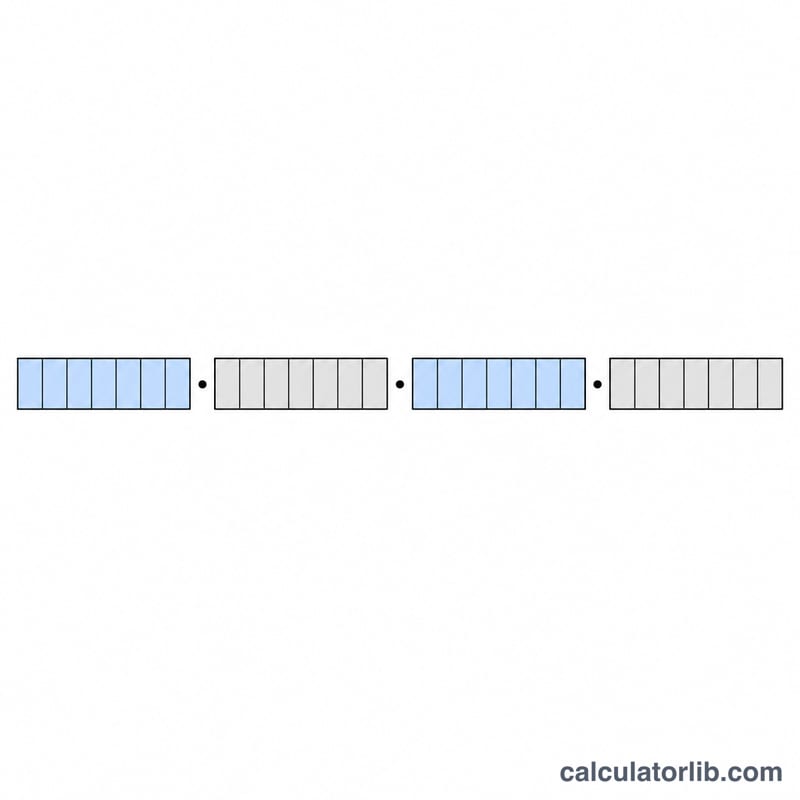
This IPv4 Subnet Calculator takes two values you enter — an IP Address and a Subnet Mask — and instantly works out the key facts of the network that address belongs to. Instead of doing binary AND/OR maths by hand, you get the network address, broadcast address, usable host range, total available hosts, the network class and the wildcard mask in one step. It applies to standard 32-bit IPv4 addressing used worldwide.
The Inputs Explained
- IP Address — any dotted-decimal IPv4 address, e.g.
192.168.1.10. - Subnet Mask — the mask in dotted-decimal form, e.g.
255.255.255.0, which defines how many bits identify the network versus the host.
How the Calculations Work
The calculator processes each octet independently:
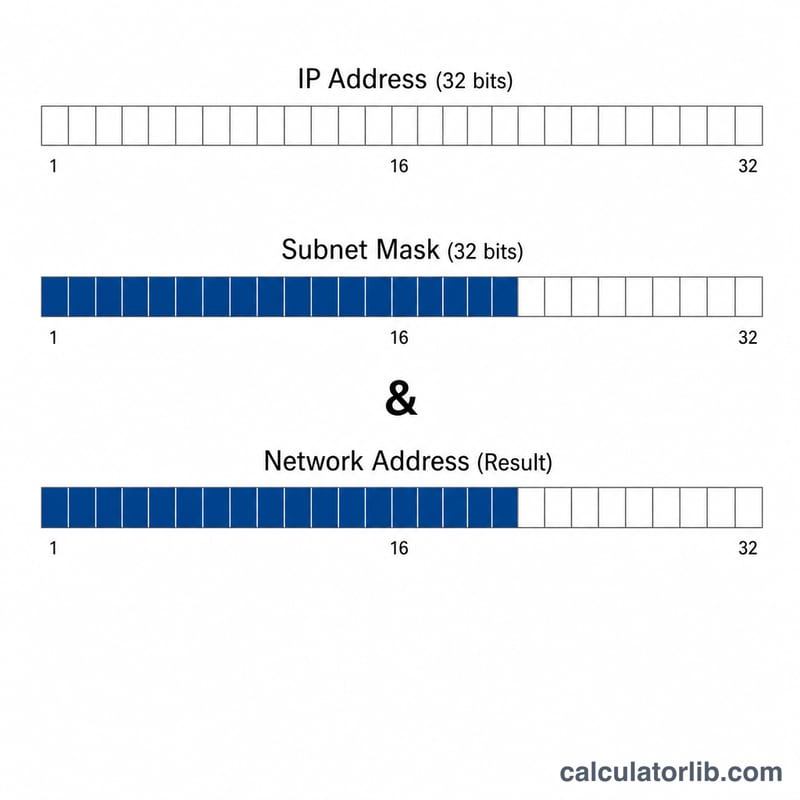
$$\text{Network} = \text{IP} \mathbin{\&} \text{Mask}$$- Network address = IP AND mask (bitwise). Each IP octet is masked:
ipOctet & maskOctet. - Broadcast address = IP OR the inverted mask:
ipOctet | (maskOctet ^ 255). - Total usable hosts = \(2^{32 - \text{CIDR}} - 2\), where CIDR is the count of 1-bits in the mask. The −2 removes the network and broadcast addresses.
- First host = network address + 1; Last host = broadcast address − 1.
- Network class is read from the first octet: 1–126 = A, 128–191 = B, 192–223 = C, 224–239 = D (Multicast), 240–255 = E (Reserved).
- Wildcard mask = the inverse of the subnet mask.
Worked Example
Enter IP 192.168.1.10 and mask 255.255.255.0:
- Network address: 192.168.1.10 AND 255.255.255.0 = 192.168.1.0
- Broadcast address: 192.168.1.10 OR 0.0.0.255 = 192.168.1.255
- CIDR = 24 bits, so total hosts = \(2^{32-24} - 2 = 254\)
- First host: 192.168.1.1; Last host: 192.168.1.254
- Class: C; Wildcard mask: 0.0.0.255
Frequently Asked Questions
Why subtract 2 from the host count? The first address in a subnet is reserved as the network identifier and the last as the broadcast address, so neither can be assigned to a device.
What is the wildcard mask used for? It is the bitwise inverse of the subnet mask (e.g. 255.255.255.0 → 0.0.0.255) and is commonly used in router access control lists and OSPF configuration.
Does it support CIDR notation directly? You enter the mask in dotted-decimal form, but the tool internally derives the CIDR prefix by counting the 1-bits in your mask to calculate host totals.