
What Is the IP Subnet & Host Count Calculator?
This tool works out the key properties of an IPv4 subnet from a single CIDR prefix length (the number after the slash, like /24). Enter a prefix between /0 and /32 and instantly see how many usable host addresses the network supports, the dotted-decimal subnet mask, the wildcard mask, and the total address count. It is a universal networking utility used by sysadmins, network engineers, and students studying for certifications such as CCNA.
How to Use It
Type the CIDR prefix length into the box. For a typical home or small-office LAN this is often 24. The calculator divides the 32-bit IPv4 address into network bits (the prefix) and host bits (32 minus the prefix), then derives every related value automatically.
The Formula Explained
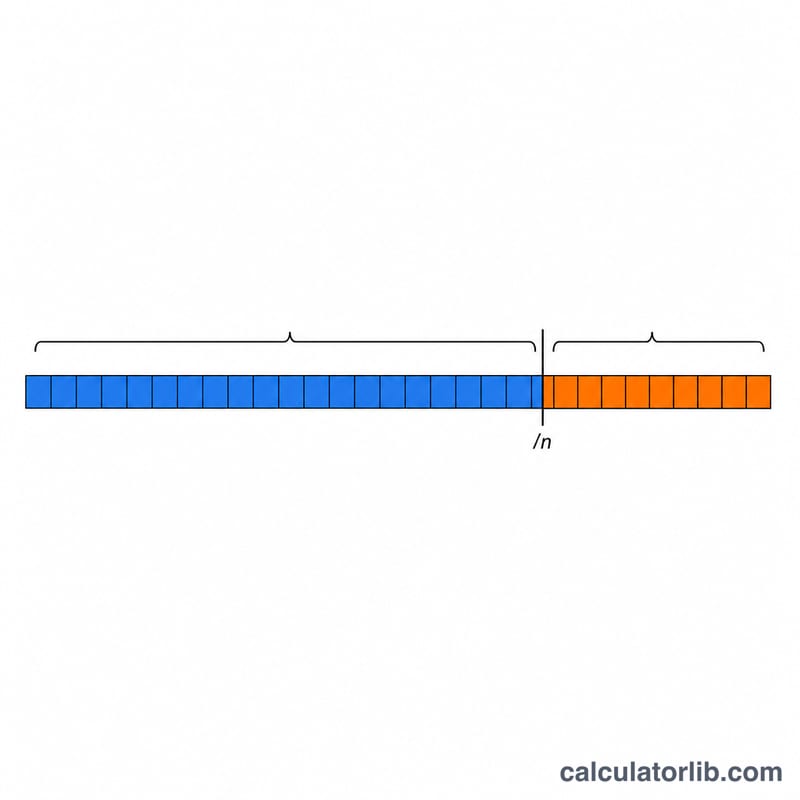
An IPv4 address is 32 bits. The prefix tells you how many leading bits identify the network, leaving 32 − prefix host bits. The total number of addresses is 2 raised to the host bits. From that we subtract 2 — one for the network address and one for the broadcast address — to get the usable hosts:
$$\text{Hosts} = 2^{(32 - \text{prefix})} - 2$$
The subnet mask is simply the prefix written as a 32-bit binary number of 1s followed by 0s, converted to dotted decimal.
Worked Example
For a /24 network: host bits = \(32 - 24 = 8\), total addresses = \(2^8 = 256\), usable hosts:
$$256 - 2 = 254$$
and the subnet mask is 255.255.255.0 with a wildcard of 0.0.0.255.
FAQ
Why subtract 2 from the host count? The first address in a subnet is the network identifier and the last is the broadcast address; neither can be assigned to a device.
What about /31 and /32? A /31 has only 2 addresses (used for point-to-point links per RFC 3021) and a /32 is a single host, so this tool reports 0 conventional usable hosts for both.
Is this for IPv4 or IPv6? This calculator covers IPv4, which uses 32-bit addresses and prefixes up to /32.