
What is the Deadline Calculator?
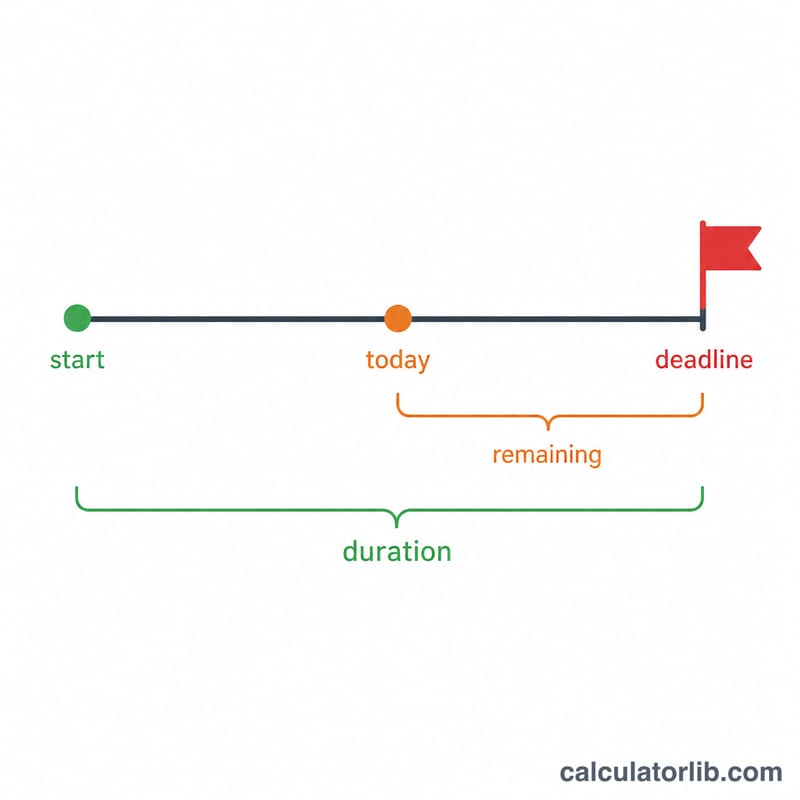
The Deadline Calculator works out the exact date a task or project is due by adding a chosen number of days to a start date. It supports two counting modes: plain calendar days (every day counts) or business days (weekends are skipped). It also tells you how many days remain between today and the resulting deadline, so you instantly know whether you are ahead of or behind schedule.
How to use it
Pick your start date, enter the duration in days, and choose whether weekends should be included or skipped. Press calculate to see the deadline date, the duration that was applied, and the number of days remaining from today. A negative "days remaining" means the deadline has already passed.
The formula explained
The core calculation is simply $$\text{Deadline} = \text{Start date} + \text{Duration (days)}$$ In calendar mode the duration is added directly:
$$\text{Deadline} = \text{Start date} + \text{Duration (days)}\ \text{calendar days}$$
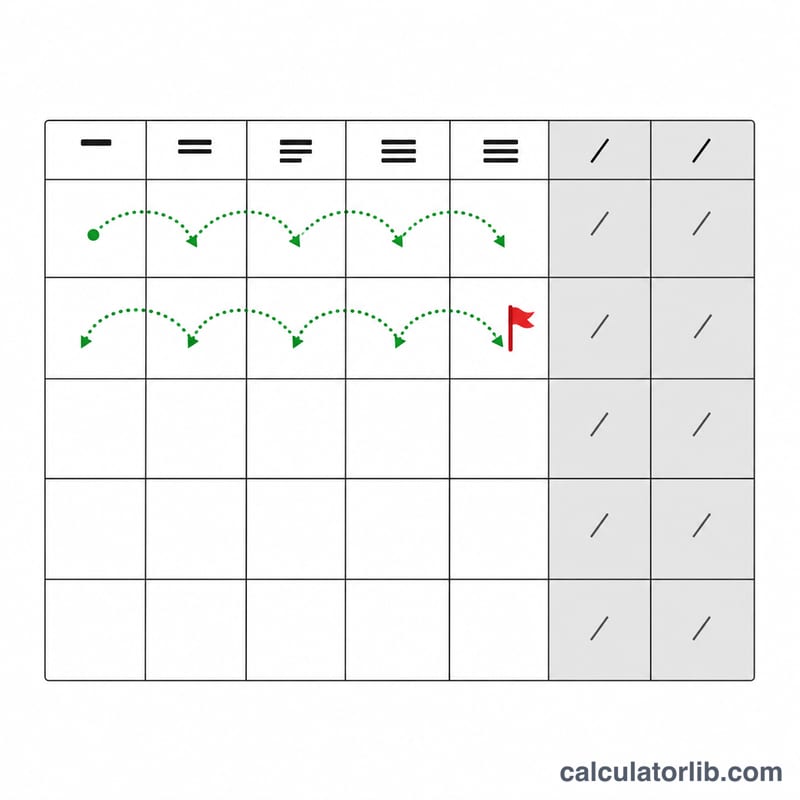
In business-day mode the calculator steps forward one day at a time, counting only Monday through Friday, until the requested number of working days has been added:
$$\text{Deadline} = \text{Start date} + \text{Duration (days)}\ \text{business days}\quad(\text{skip Sat \& Sun})$$
Finally, days remaining is the whole-day difference between the deadline and today.
Worked example
Suppose a project starts on 2024-01-01 with a duration of 30 calendar days. Adding 30 days gives a deadline of 2024-01-31:
$$\text{2024-01-01} + 30\ \text{calendar days} = \text{2024-01-31}$$
If instead you choose business days, the calculator skips the Saturdays and Sundays, pushing the deadline later in February.
FAQ
Does the start date count as day one? No. The duration is added on top of the start date, so a 1-day duration lands on the day after the start date.
What does business-day mode skip? It skips Saturdays and Sundays. It does not account for public holidays, which vary by country and region.
Why is days remaining negative? A negative value means the calculated deadline is in the past relative to today's date.