
What this calculator does
The Countdown to Deadline Calculator tells you exactly how much time is left until a target date and time — or how far past it you already are. Enter the deadline and the current moment, and it returns the gap as days, hours, and minutes, plus the total days, hours, and minutes for planning.
How to use it
Pick the deadline date and time, then confirm or adjust the current date and time (these default to now). Submit to see the breakdown. If the deadline is in the future you'll see "time remaining"; if it has already passed you'll see "time past deadline".
The formula explained
The tool converts both timestamps to milliseconds and subtracts: $$\Delta t = \text{deadline} - \text{now}$$ It takes the absolute value, converts to whole seconds, then peels off full days (\(\div 86400\)), remaining full hours (\(\div 3600\)), and remaining full minutes (\(\div 60\)). The sign of \(\Delta t\) determines whether you're counting down or overdue.
$$\begin{gathered} \Delta = \left(\text{Deadline} + \text{Deadline Time}\right) - \left(\text{Now} + \text{Now Time}\right) \\[1.5em] \text{where}\quad \left\{ \begin{aligned} \text{Days} &= \left\lfloor \frac{|\Delta|}{86400} \right\rfloor \\ \text{Hours} &= \left\lfloor \frac{|\Delta|}{3600} \right\rfloor \bmod 24 \\ \text{Minutes} &= \left\lfloor \frac{|\Delta|}{60} \right\rfloor \bmod 60 \end{aligned} \right. \end{gathered}$$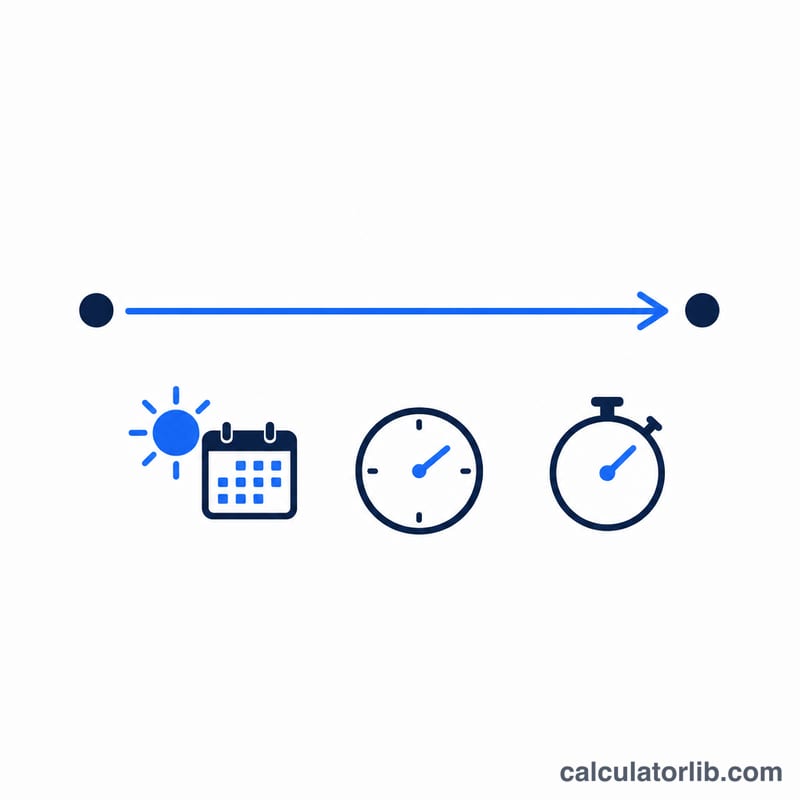
Worked example
Deadline: 2024-01-01 12:00. Now: 2024-01-01 13:30 — that is 90 minutes after the deadline. The difference is \(-5{,}400{,}000\text{ ms}\), so the calculator reports "past deadline": 0 days, 1 hour, 30 minutes, with a total of 1.5 hours and 90 minutes.
FAQ
Does it count whole or partial units? The main display shows whole days/hours/minutes; the table also gives fractional totals.
What if the deadline already passed? The label switches to "time past deadline" and the values represent how overdue you are.
Does it handle time zones? No — it treats both inputs in the same local frame, so enter both in the same zone.