
What Is a Test Score Fraction Calculator?
This calculator converts a raw test score expressed as a fraction — the number of questions you got correct out of the total number of questions — into a percentage grade and an approximate letter grade. It is a quick way for students, teachers, and tutors to mark quizzes, exams, and assignments without doing the division by hand.
How to Use It
Enter the number of correct answers and the total questions on the test. The calculator divides correct by total, multiplies by 100, and shows your percentage along with the number of incorrect answers and a letter grade based on a standard 10-point scale (90+ = A, 80+ = B, 70+ = C, 60+ = D, below 60 = F).
The Formula Explained
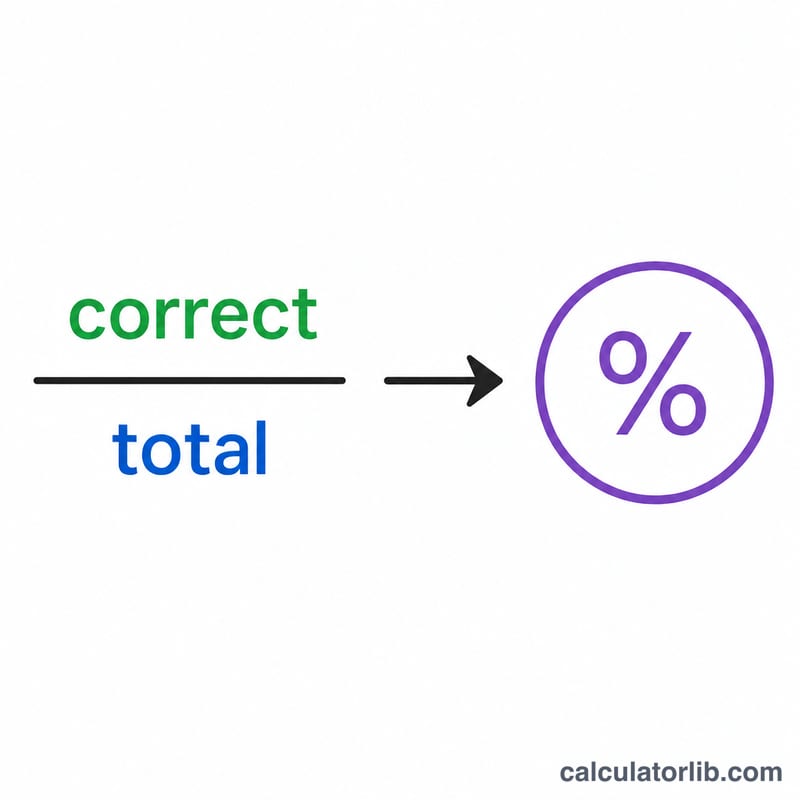
The math is a simple fraction-to-percentage conversion:
$$\text{Grade \%} = \frac{\text{Correct Answers}}{\text{Total Questions}} \times 100$$
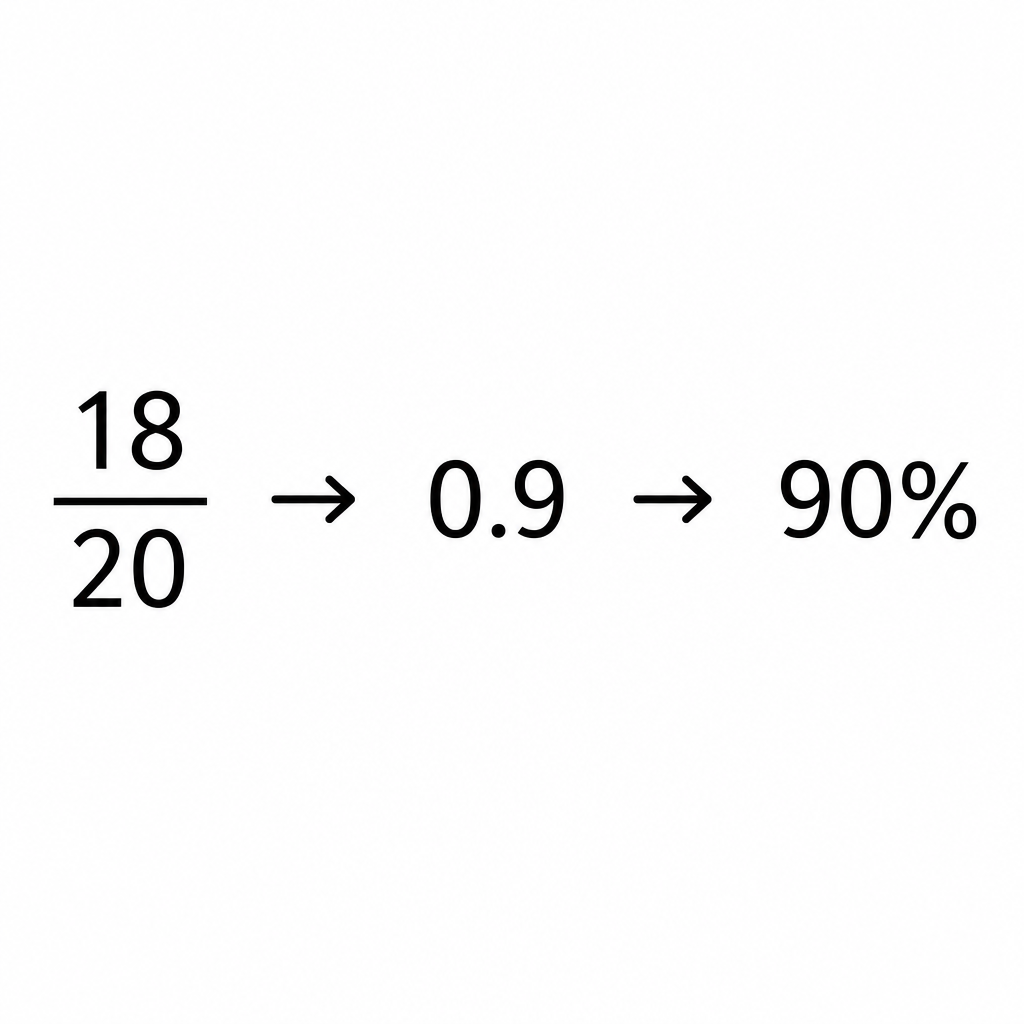
A fraction such as \(\frac{18}{20}\) represents a part-to-whole relationship. Dividing gives a decimal (\(0.9\)), and multiplying by 100 expresses it as a percentage (\(90\%\)).
Worked Example
Suppose you answered 18 questions correctly out of 20. Divide 18 by 20 to get \(0.9\), then multiply by 100 to get 90%. With 2 incorrect answers, that earns a letter grade of A on a standard scale.
$$\text{Grade \%} = \frac{18}{20} \times 100 = 90\%$$
FAQ
Does the letter grade match my school? It uses a common 10-point scale. Your school may use plus/minus grades or different cutoffs, so check your syllabus.
Can I use weighted points instead of question counts? Yes — enter points earned as "correct" and points possible as "total"; the percentage math is identical.
What if total is zero? The grade is shown as 0% because dividing by zero is undefined; enter a total of at least 1.