
What the SAT Score Calculator Does
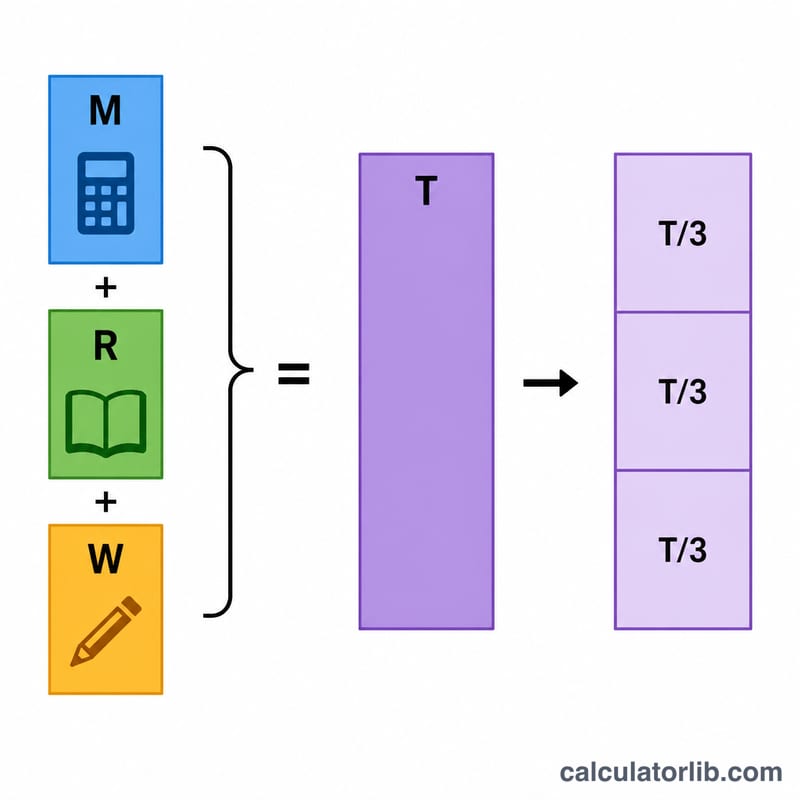
This calculator is built for the United States SAT, using the older three-section format that reports separate Math, Reading, and Writing scores. You enter the three section scores and it instantly returns your total score and the average score per section. It is a quick way to add up your results without doing the arithmetic by hand and to see how balanced your performance is across the three areas.
The Inputs You Enter
- Math Score – your SAT Math result, on the standard 200–800 scale.
- Reading Score – your SAT Reading result, also 200–800.
- Writing Score – your SAT Writing result, again 200–800.
Each section uses the same 200–800 range. If a field is left blank or contains text that isn't a number, the calculator defaults that section to 600. Any value you enter is then clamped: anything below 200 is treated as 200, and anything above 800 is treated as 800. This keeps results inside the valid SAT range even if you mistype.
The Formula
The math behind it is straightforward:
- Total Score = Math + Reading + Writing
- Average Score = Total ÷ 3
Because each section maxes out at 800, the highest possible total across these three sections is 2400, and the lowest possible is 600.
Worked Example
Suppose you scored 700 in Math, 650 in Reading, and 680 in Writing.
- Total = 700 + 650 + 680 = 2030
- Average = 2030 ÷ 3 ≈ 676.7 per section
The average of about 677 tells you your sections are fairly close together, with Reading being your weakest of the three — a useful pointer for where to focus your study time.
Frequently Asked Questions
Why does my score get changed when I enter a number below 200? The SAT scale only goes from 200 to 800 per section, so the calculator clamps out-of-range values to the nearest valid limit to keep your total realistic.
Why does the calculator show 600 if I leave a box empty? 600 is used as a sensible default placeholder so you still get a complete result. For an accurate total, fill in all three of your actual scores.
Does this match the current SAT total of 1600? No. The current SAT combines Reading and Writing into one score for a 1600 total. This tool uses the older three-section model (Math, Reading, Writing) that produces a 2400 maximum, which is handy for older score reports.