
What Is a Test Grade Calculator?
A test grade calculator converts the number of questions you answered correctly into a percentage score and a corresponding letter grade. It is the fastest way for students and teachers to mark a quiz, exam, or assignment without doing the arithmetic by hand. The letter grade mapping used here follows a common US grading scale, but the percentage itself is universal.
How to Use It
Enter the number of correct answers and the total number of questions. If it is easier, you can instead enter the number of wrong answers in the optional field — the calculator will work out the correct count for you (correct = total − wrong). Click calculate to see your percentage and letter grade.
The Formula Explained
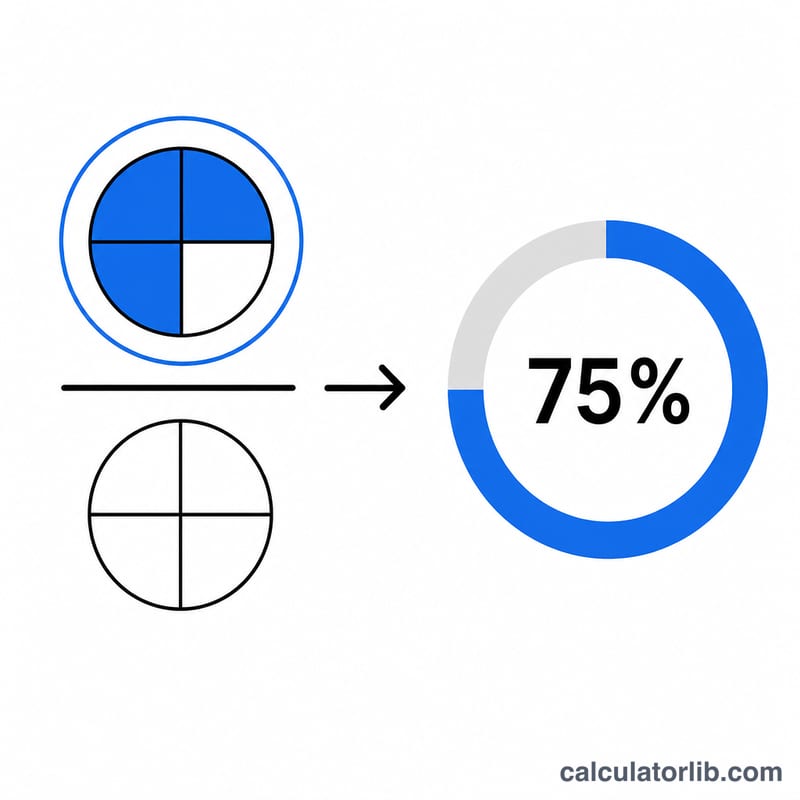
The score is simply percentage = (correct ÷ total) × 100.
$$\text{percentage} = \frac{\text{correct}}{\text{total}} \times 100$$For example, if you got 18 questions right out of 20, the calculation is
$$\left(\frac{18}{20}\right) \times 100 = 90\%$$That percentage is then compared against grade thresholds to assign a letter such as A, B, or C.
Worked Example
Suppose a test has 50 questions and you answered 43 correctly. Your score is
$$\left(\frac{43}{50}\right) \times 100 = 86\%$$which falls in the 83–86 range and earns a B. If you had answered 47 correctly, you would score \(94\%\) — an A.
FAQ
What grading scale does this use? A standard US scale: A+ (97+), A (93–96), A- (90–92), B+ (87–89), B (83–86), B- (80–82), and so on down to F below 60. Your school's scale may differ slightly.
Can I enter wrong answers instead of correct ones? Yes. Fill in the optional "Wrong Answers" field and leave correct as-is; the calculator subtracts wrong from total to find the correct count.
How is the percentage rounded? The percentage is shown to two decimal places, but the letter grade is based on the exact value.