
What Is the Test Score Percentage Calculator?
This calculator converts the number of questions you answered correctly into a percentage score. Whether you're grading a quiz, a homework assignment, or a full exam, just enter how many you got right and how many questions there were in total — the tool instantly returns your percentage. It works for any test, in any subject, anywhere in the world, because it relies on simple universal arithmetic.
How to Use It
Enter the number of correct answers and the total number of questions, then read your score. The calculator also shows how many answers were incorrect so you can see exactly where you stand. If you accidentally enter more correct answers than total questions, the tool caps the value so the score never exceeds 100%.
The Formula Explained
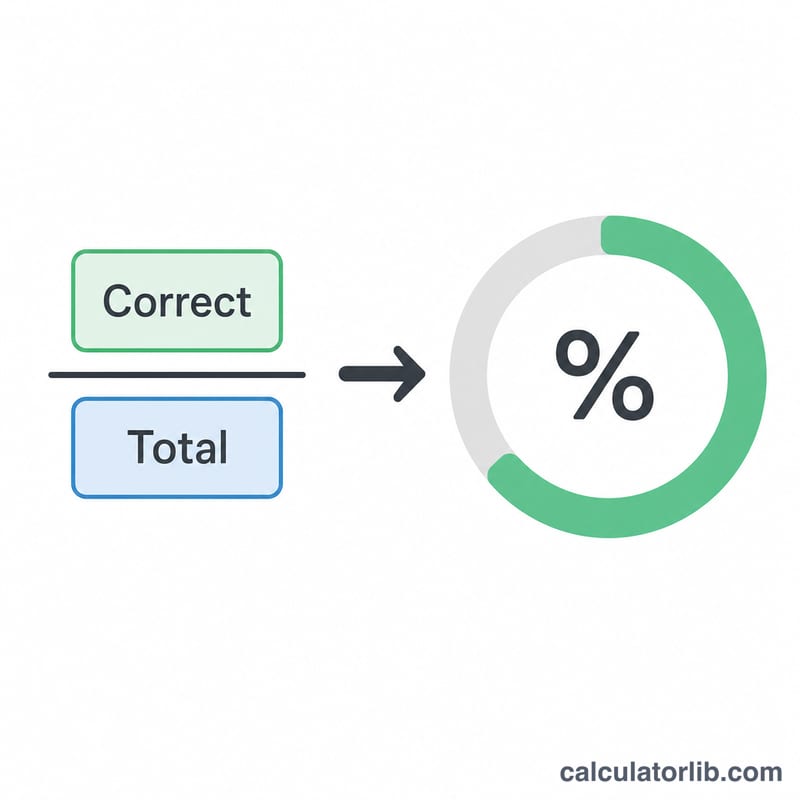
The score is calculated with one straightforward equation:
$$\text{Score} = \frac{\text{Correct Answers}}{\text{Total Questions}} \times 100\%$$
You divide the number you got right by the total number possible, then multiply by 100 to express it as a percentage. Dividing gives the fraction correct (for example \(0.9\)), and multiplying by 100 turns that fraction into a familiar percentage (\(90\%\)).
Worked Example
Suppose a student answered 18 questions correctly out of 20. The calculation is: $$18 \div 20 = 0.9, \quad 0.9 \times 100 = 90\%$$ That student scored 90%, with 2 incorrect answers.
FAQ
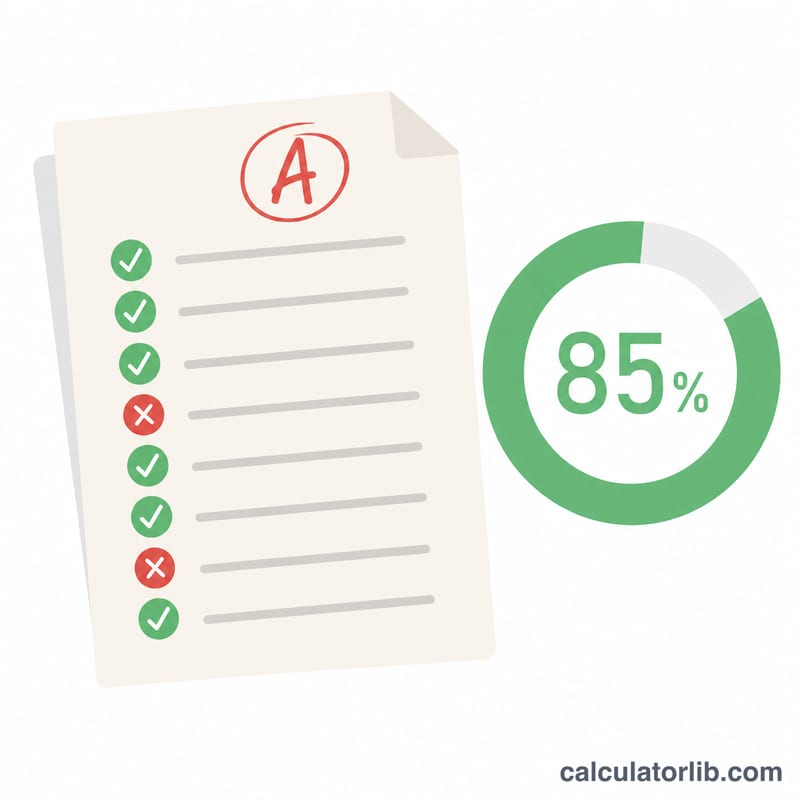
Does this give me a letter grade? No — it returns a percentage. You can map that percentage to a letter grade using your school's grading scale (for instance, 90–100% = A in many systems).
Can the total be zero? No. You must have at least one question for a meaningful score, so the total is treated as a minimum of 1.
What if some questions are worth more points? This tool assumes every question is worth the same amount. For weighted scoring, use total points earned as "correct" and total points possible as "total."