
What Is a Raw Score to Percentage Calculator?
A raw score is simply the number of questions you answered correctly on a test or quiz. While that number tells you how many you got right, a percentage makes it easy to compare results across assignments of different lengths and to interpret your grade. This calculator converts your raw score into a percentage in one step, so a 17 out of 20 becomes a clear 85%.
How to Use It
Enter the number of correct answers and the total number of questions on the test. The calculator divides your correct answers by the total, multiplies by 100, and shows your percentage along with a breakdown of correct and incorrect responses.
The Formula Explained
The conversion uses a basic proportion:
$$\text{Percent} = \left( \frac{\text{correct}}{\text{total}} \right) \times 100$$
Dividing your correct answers by the total gives the fraction of the test you got right (a value between 0 and 1). Multiplying by 100 expresses that fraction as a percentage out of 100.

Worked Example
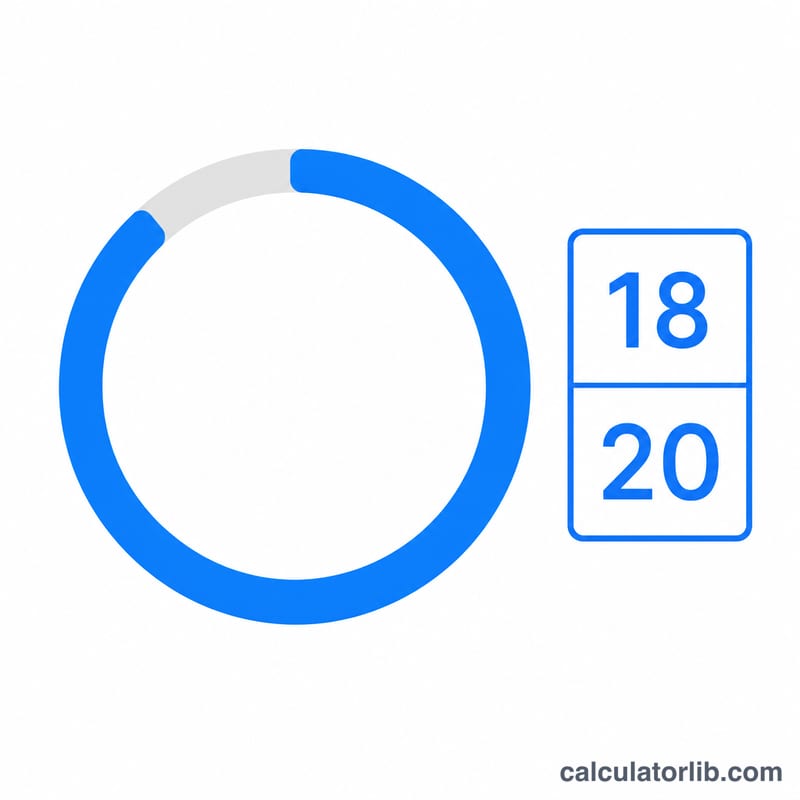
Suppose you got 18 questions correct out of 20. Divide 18 by 20 to get 0.9, then multiply by 100 to get 90%. You answered 18 correctly and missed 2 of the 20 questions.
$$\frac{18}{20} = 0.9 \qquad 0.9 \times 100 = 90\%$$
FAQ
How do I round my percentage? This tool displays up to two decimal places. For a letter grade, your school may round to the nearest whole percent.
Can the total include unanswered questions? Yes. The "total" should be every question on the test, whether you answered it or not, unless your instructor scores it differently.
What if I have partial credit? Enter your earned points as "correct" and the maximum possible points as "total" — the formula works the same way for points as it does for question counts.