
What is the MB to KB Converter?
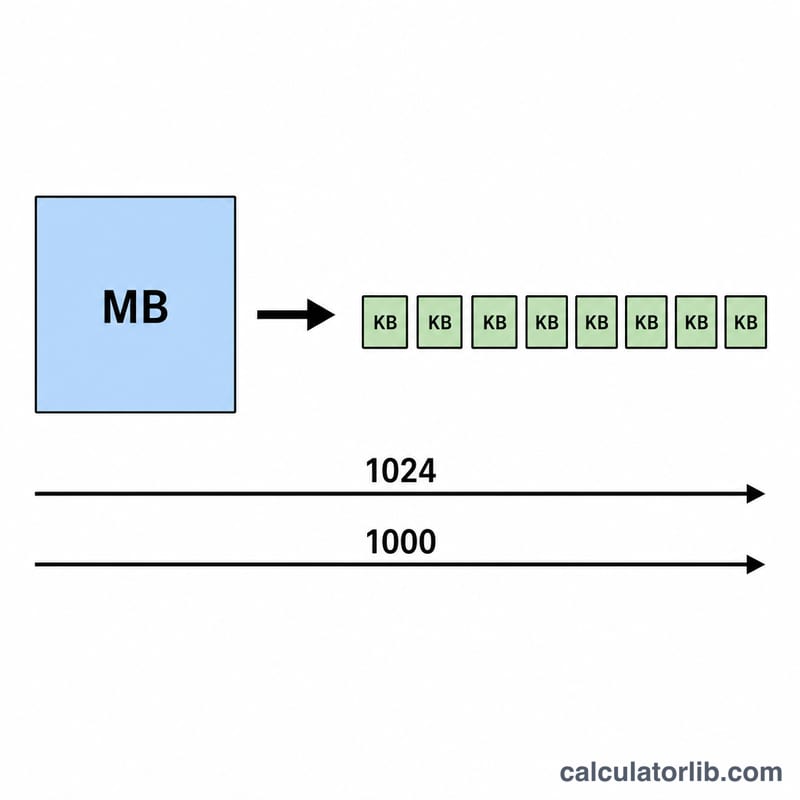
The MB to KB Converter Calculator turns a value in megabytes (MB) into kilobytes (KB). Because digital storage can be measured two different ways, the tool lets you pick between the binary standard (1 MB = 1024 KB) used by most operating systems and the decimal standard (1 MB = 1000 KB) often used by drive manufacturers and networking specs.
How to use it
Enter the number of megabytes you want to convert, choose your conversion standard, and read the result instantly. The calculator also shows the conversion factor it applied so you can verify the math. It accepts whole numbers and decimals (for example 0.5 MB or 12.75 MB).
The formula explained
Conversion is a simple multiplication. In the binary system used internally by Windows, macOS and Linux, one megabyte contains 1024 kilobytes, so $$\text{KB} = \text{MB} \times 1024$$ In the decimal system, one megabyte is exactly 1000 kilobytes, so $$\text{KB} = \text{MB} \times 1000$$ Picking the right standard matters when comparing file sizes against quoted capacities.
Worked example
Suppose you have a 5 MB image and want its size in kilobytes. Using the binary standard: $$5 \times 1024 = 5120 \text{ KB}$$ Using the decimal standard: $$5 \times 1000 = 5000 \text{ KB}$$ Both are valid; just be consistent with whichever system your source uses.
FAQ
Which standard should I use? Use binary (1024) for file sizes shown by your computer's file manager. Use decimal (1000) when matching advertised storage or data-transfer figures.
Is a kibibyte (KiB) the same as a kilobyte? Strictly, \(1 \text{ KiB} = 1024 \text{ bytes}\) and \(1 \text{ KB} = 1000 \text{ bytes}\) in SI terms, but in everyday use "KB" often means the binary value — hence the two options here.
Can I convert decimals? Yes, fractional MB values like 2.5 MB are fully supported.